How much does iMac screen replacement cost in Middletown, NJ?+
iMac screen replacement is priced by the panel your model uses, a cracked outer glass on an older 21.5-inch is far cheaper than a full 27-inch Retina 5K display-and-glass assembly that is laminated as one piece. Every job starts with a flat diagnostic so you know the exact part and price before you commit, and you get a firm written quote you approve first. We almost always come in well under the cost of replacing the whole iMac, and the diagnostic is credited toward the repair.
Is it worth repairing an iMac or should I just replace it?+
It usually comes down to the fault and the age. A simple rule: if the repair costs less than about half the price of a comparable new iMac and the rest of the machine is sound, repairing is the smart move, and an SSD upgrade in particular can give an older iMac several more good years. We give you a straight recommendation either way. If a repair truly is not worth it, we will say so and still help you move your files to a new machine so nothing is lost.
How long does an iMac repair take?+
Most iMac repairs are finished within 24 to 72 hours once the part is in hand. A drive or SSD upgrade and a data migration are often same-day or next-day. A full Retina display assembly is built to order for some models, so we tell you the timeline up front, and rush service is available when you need the machine back quickly. You always get a clear estimate before any work starts.
My iMac Fusion Drive failed and I cannot boot. Is my data safe?+
A Fusion Drive failure does not mean your files are gone. Fusion pairs an SSD with a hard drive, and when one half fails the volume will not mount, but the data is usually still recoverable. As the data-recovery lab trusted by millions online, we can safely pull your photos, documents and work off a failed iMac drive, then either move them onto a new SSD inside the same iMac or hand them back to you. Stop using the machine, power it off, and bring it in so we can preserve the best possible recovery. If the files matter more than the machine, start with our Mac and MacBook data recovery service, handled in-house at the same bench.
My iMac will not turn on. Can you fix it?+
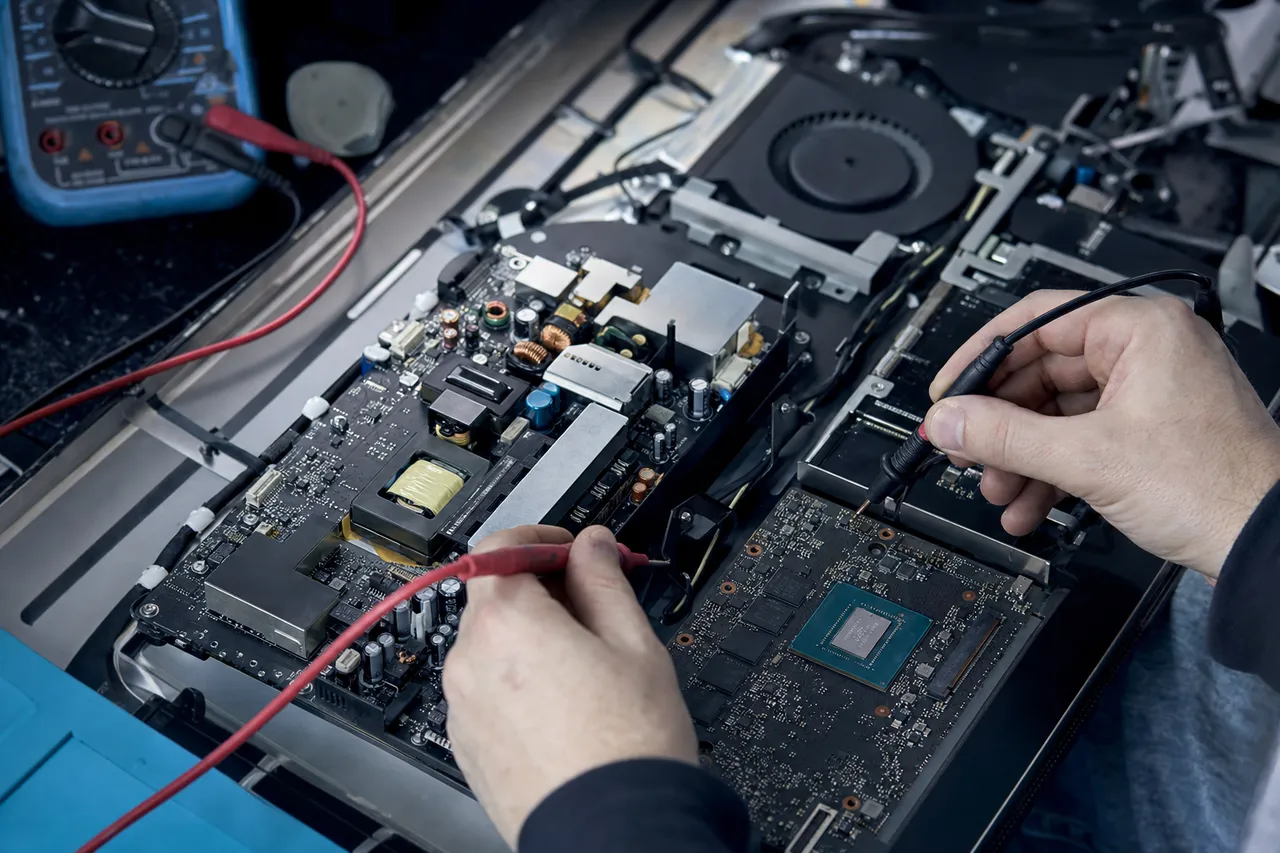
In most cases, yes. An iMac that shows no signs of life usually traces back to its internal power supply, the power button or its cabling, a logic-board power fault, or a failed boot drive that stalls startup. Because the power supply, board and drive all live sealed behind the glued display, an all-in-one takes specialized opening to diagnose safely, which is exactly the kind of work we do in-house. We isolate the real cause and tell you the fix and whether it is worth it before any work begins.
Do you open the glued glass and Retina display on an iMac?+
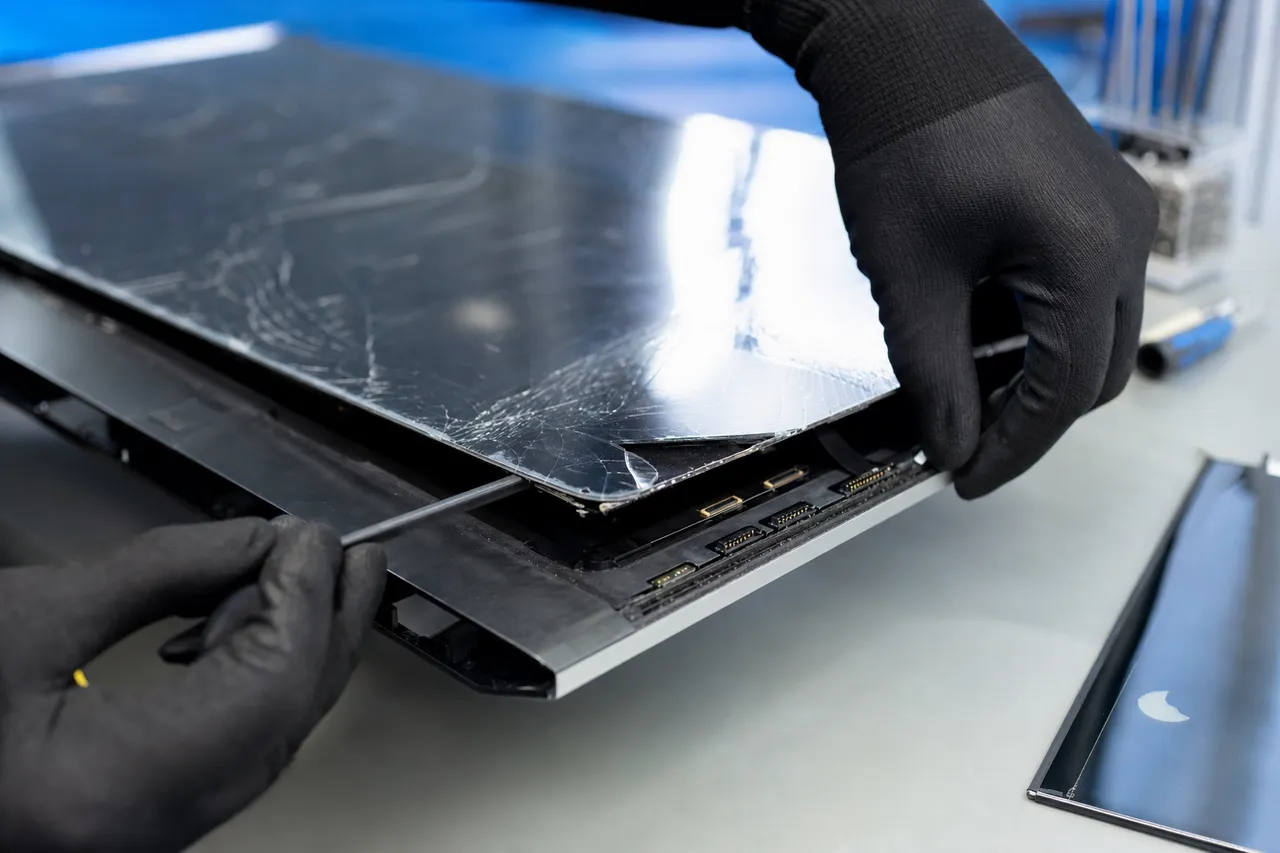
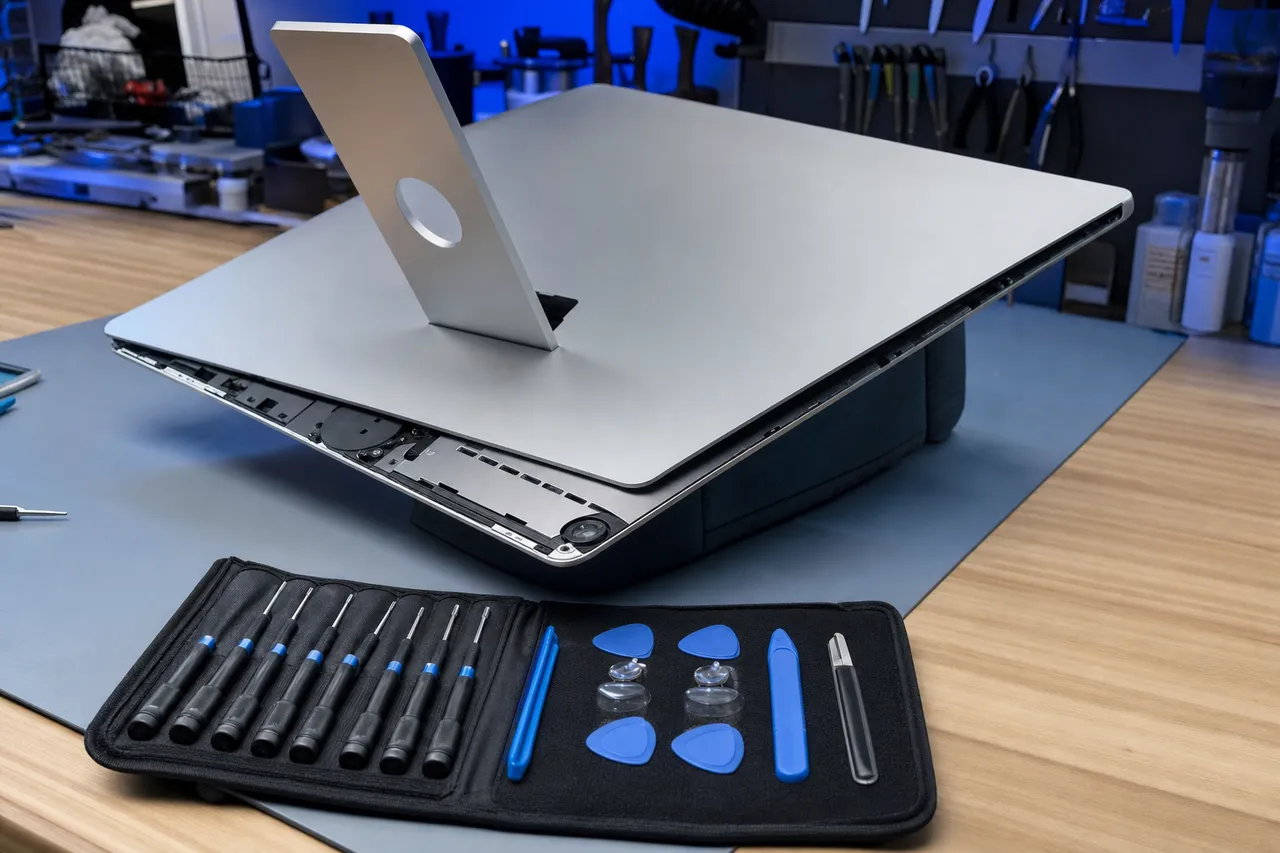
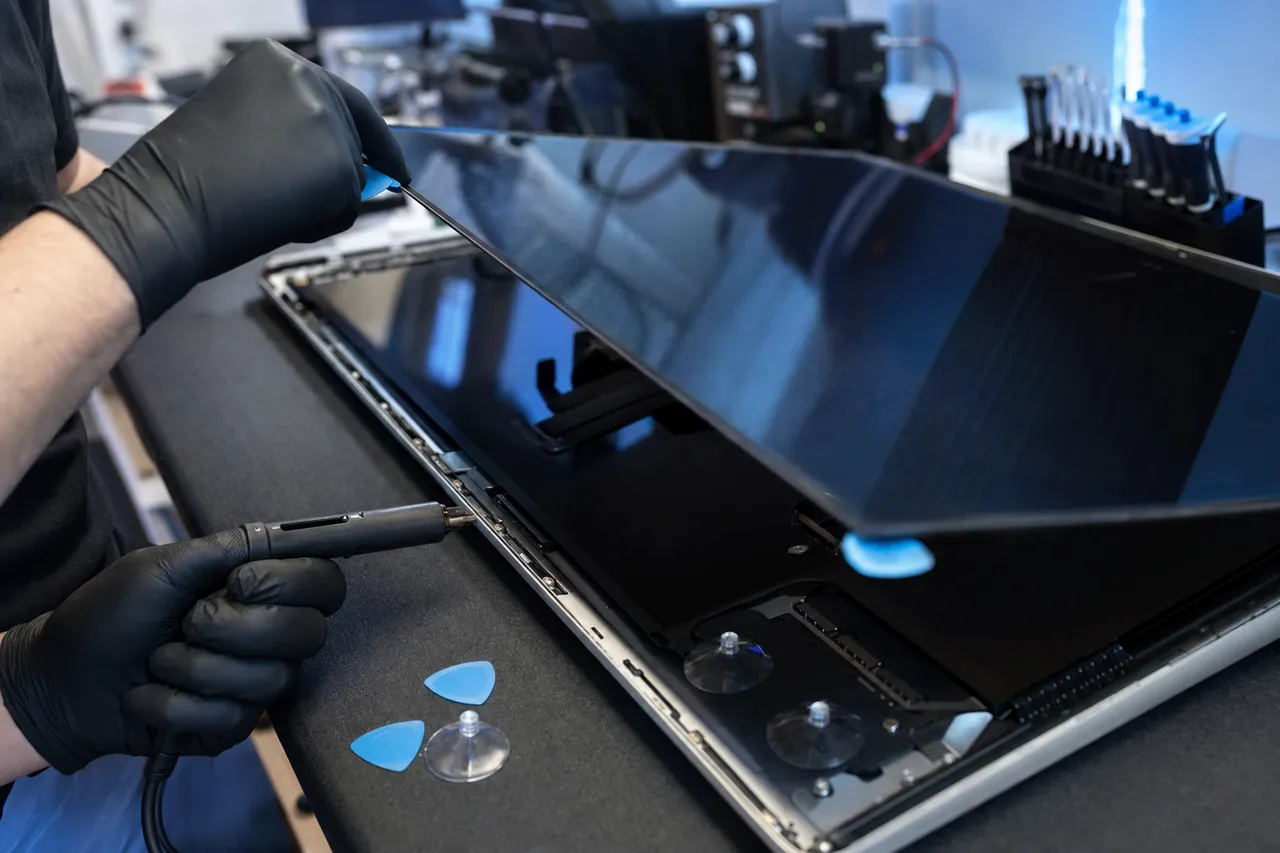
Yes, and it is one of the things that sets us apart. Modern iMacs have no screws on the front, the display is held on by a perimeter adhesive strip and on Retina models the glass and LCD are bonded as a single assembly. Opening one cleanly takes a heated adhesive cutter, thin opening tools, and a steady hand so the panel and ribbon cables are not damaged. We open, service, and re-seal the display with fresh adhesive so it looks and seals like factory, work most general shops will not attempt.
Can you upgrade my iMac Fusion Drive or hard drive to an SSD?+
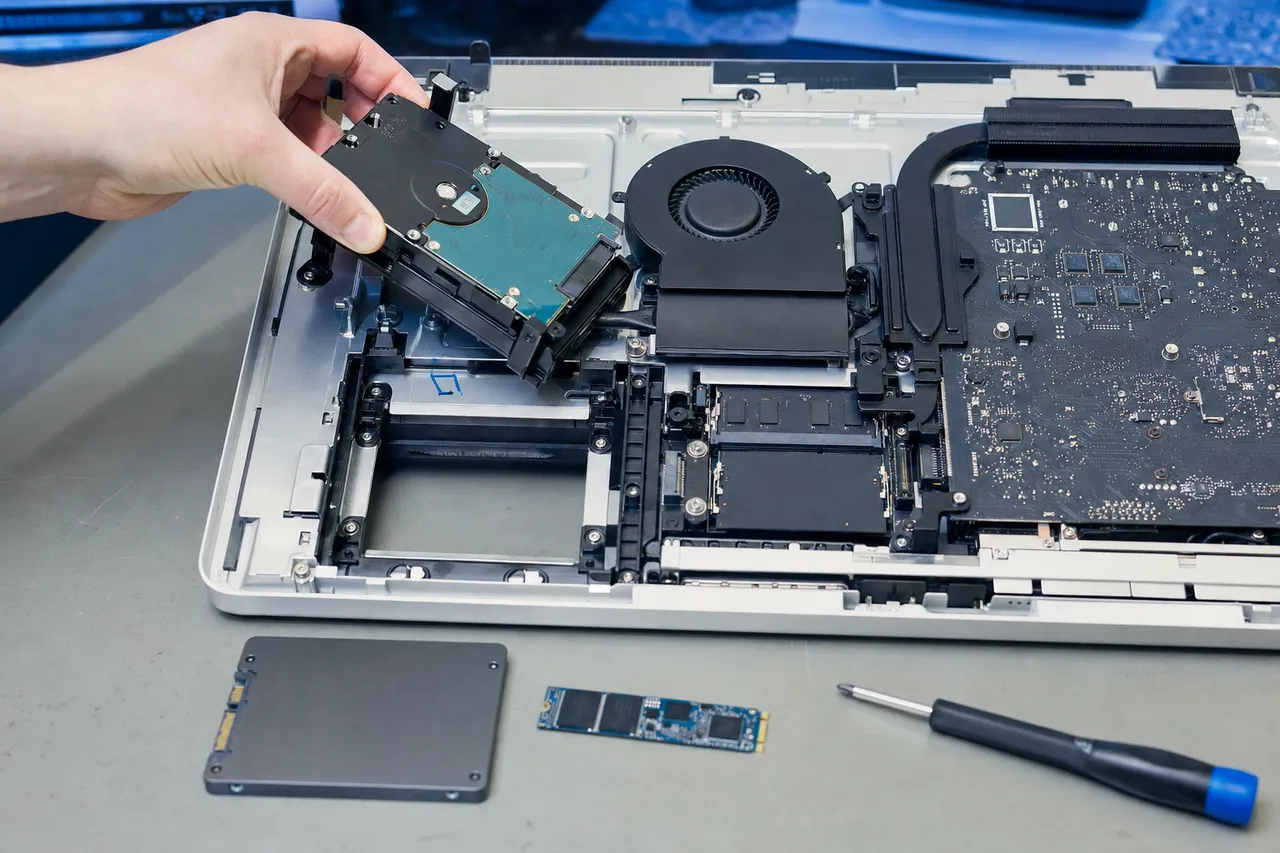
Absolutely, and it is the single best upgrade for an older iMac. Many iMacs shipped with a slow mechanical hard drive or a Fusion Drive that pairs a small SSD with a spinning disk, and that drive is usually what makes the machine feel sluggish or causes long beachballs. We open the iMac, replace the drive with a fast SSD, migrate your data so nothing is lost, and the same computer suddenly boots in seconds and feels years newer, for a fraction of the price of a new iMac.
My iMac fans are loud and it runs hot. Can you fix that?+
Yes. Loud fans and overheating on an iMac usually come from dust-clogged cooling, dried-out thermal paste on the processor or GPU, or a failing fan or temperature sensor. Because the cooling system sits behind the display, we open the iMac, clean the heatsinks and vents, renew the thermal paste, and replace any failed fan or sensor so the machine runs cool and quiet again instead of throttling itself down to a crawl.
Do you repair the logic board on an iMac?+
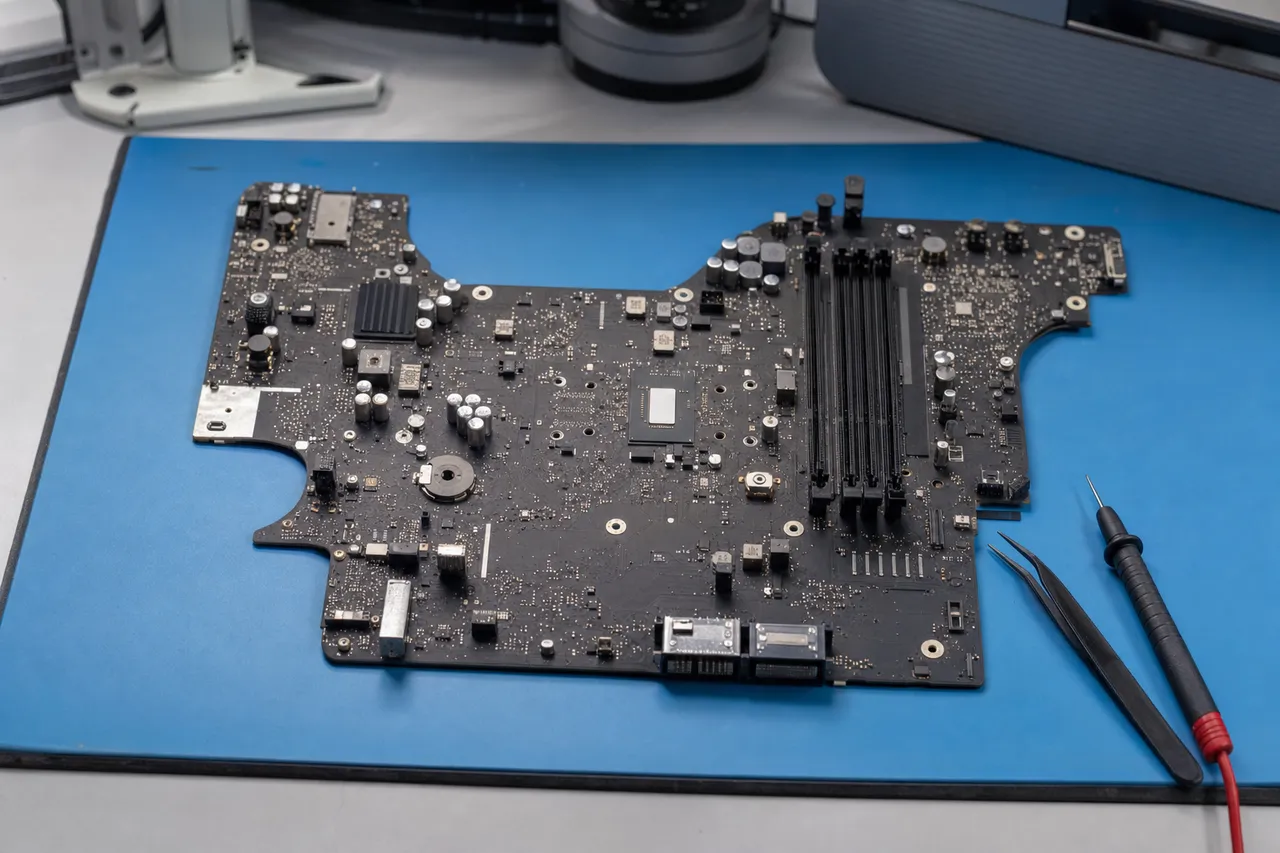
We do. The same component-level skill from our data-recovery bench goes into iMac logic-board work, repairing power circuitry, replacing failed components, and fixing faults that cause no-power, no-display, or random shutdowns, rather than condemning the whole machine. Board-level repair on an all-in-one is specialized work that big-box counters send away; we handle it in our Lincroft lab.
Which iMac models do you service?+
We service the full range, the 21.5-inch and 27-inch iMac, the 24-inch Apple Silicon iMac, the 4K and Retina 5K models, and the iMac Pro, across both Intel and Apple Silicon. Whether yours is a recent slim model or an older aluminum iMac, bring it in and our diagnostic will confirm exactly what it needs and whether the repair is worth doing.
Is my data kept private and safe during an iMac repair?+
Yes. Your data stays confidential and is accessed only by our technicians when a repair requires it, and before any work that could put it at risk we offer to back it up first. Protecting what is on your drive is the core of everything we do as a data-recovery lab, so your photos, documents and work are in expert hands from intake to pickup.
Do I need an appointment, or can I just bring my iMac in?+
Walk-ins are welcome at our Lincroft lab during business hours, and you are also free to call ahead so we can have the bench ready for your iMac. An iMac is large, so many people call first to plan the drop-off, either way you get a free estimate and a price you approve before any repair begins. We serve Middletown and all of Monmouth County with in-person, local service.