
2M+ followers watch us recover data on YouTube, TikTok & Instagram - watch real cases ↗

Professional Data Recovery Services

MDRepairs provides expert data recovery services from our lab in Lincroft, New Jersey - serving clients nationwide through our secure mail-in program. We recover lost data from hard drives, SSDs, cell phones, flash drives, SD cards, laptops, and tablets using advanced board-level diagnostics and precision micro-soldering techniques. Every data recovery service we offer starts with a $100 diagnostic that's credited toward your recovery, and follows our no data, no charge policy.

With over 1 million YouTube subscribers, 2 million+ followers across all platforms, and thousands of successful recoveries, MDRepairs is one of the most trusted names in data recovery in New Jersey and across the country. Whether you're in Texas, Florida, California, or anywhere in between - our team is ready to recover your most important data.

  • 4.6 Google Reviews
  • 2M+ Social Media Followers
  • $100 Flat Diagnostics
  • 50 States Nationwide Service
  • In-House Never Outsourced
  • No Data No Charge
Pricing

How Much Do Data Recovery Services Cost?

Most data recovery services run between $150 and $3,500 depending on the device and how it failed. Flash drives and SD cards start at $150, hard drives at $650, SSDs at $799, phones at $800 - and every case starts with a flat $100 diagnostic that is credited toward your recovery.

Data recovery pricing depends on the device type and severity of the failure. Simple logical issues like deleted files or corrupted partitions cost less, while mechanical failures requiring cleanroom work and donor parts are more involved.

Every case starts here

A $100 diagnostic evaluation - a thorough, hands-on assessment using professional tools, not a quick visual check. If you choose to proceed, the diagnostic fee is applied toward your recovery cost. If we can't recover your data, you don't pay for the recovery.

Fill out the Get a Quote form for a more accurate estimate based on your specific situation.

See full pricing
Flash Drive / SD Card
$150 - $1,750
Hard Drive - Firmware / Logical
$650 - $900+
Hard Drive - Head Swap
$1,000 - $2,000
Helium Drive Recovery
$2,000 - $3,500+
SSD / NVMe Recovery
$799 - $999+
iPhone (3GS - 13)
$1,500
iPhone (14 - 17 Series)
$1,500
Samsung Galaxy
$800 - $1,000
MacBook / Laptop
$999 - $2,000+
CPU Swap (broken board / severe liquid)
$2,000 - $2,500
RAID / Multi-Drive Arrays
Contact for quote

Final price confirmed after diagnostic - no surprises.

What We Recover

Data Recovery Services for Every Device

From clicking hard drives to water-damaged phones, our lab handles the toughest data loss cases nationwide. Click any device below for full details.

Follow Our Work

Professional Data Recovery Lab Backed By 2M+ Followers

MDrepairs is a professional data recovery lab - and we prove it on camera. Our lead technician Joseph Montanti documents real recovery cases from diagnosis to data delivery. Over 2 million followers across YouTube and social media watch us recover data from hard drives, phones, SSDs, and more that other labs couldn't.

  • 1M+ YouTube Subscribers
  • 400K+ TikTok Followers
  • 290K+ Instagram Followers
  • 470K+ Facebook Followers
Watch More Videos 9 real recoveries · documented start to finish
Reviews

What Our Customers Say

  • Professional data recovery service. They recovered all my data from a clicking Seagate drive in under two weeks. Transparent pricing and great communication throughout.
    Chris Hillerich Google Review
  • Recovered over 81,000 photos from my failed external hard drive that two other shops said was unrecoverable. Worth every penny.
    Ronald Estes Google Review
  • Recovered all photos from my failed hard drive. The team was professional and kept me updated at every step. Highly recommend.
    Anar V Google Review
  • Sent in a dead WD My Passport. They diagnosed it within 48 hours and recovered everything - 3TB of work files I thought were gone forever. Fast turnaround and fair price.
    Marcus T Google Review
  • My Seagate Barracuda started clicking and I panicked. MDRepairs did a head swap and got every single file back. They even showed the process on their YouTube channel. Incredible work.
    Jessica L Google Review
  • Two other data recovery companies turned me down. MDRepairs took my scratched platter case and recovered almost everything. Can't recommend them enough.
    David K Google Review
How It Works

Our Data Recovery Process

From first contact to secure data return, we keep you informed at every step. Most standard recoveries are completed within 4-5 weeks.

  1. Step 1

    Contact & Ship

    Call 732-933-7717 or get a free quote online. We provide a prepaid insured shipping label so you can mail in your device safely from anywhere. Local NJ customers can drop off at our Lincroft lab.

  2. Step 2

    $100 Diagnostic

    Every device receives a thorough hands-on evaluation: disassembly when needed, board-level inspection, and full assessment of recovery potential. The $100 fee is applied toward your final cost if you proceed.

  3. Step 3

    Quote & Approval

    We provide a detailed quote with recovery likelihood, expected data yield, and timeline. No work begins without your explicit approval. You decide whether to proceed.

  4. Step 4

    Professional Recovery

    Our technicians use precision micro-soldering, controlled-environment platter work, firmware recovery tools, and chip-level extraction to recover your data safely.

  5. Step 5

    Secure Return

    Recovered data is transferred to a new external drive or flash drive and shipped via insured carrier. We securely wipe all data from our systems after you confirm receipt.

Turnaround Times

How Long Does Data Recovery Take?

Standard cases take 5 to 14 business days of lab work once your device reaches the bench, plus free 2nd-Day-Air UPS shipping each way. Need it faster? Priority Rush completes in 5-7 days (+$250), Urgent Rush in 1-2 days (+$500), and Emergency Same-Day (+$1,000).

Every case is different. The options below are how soon we begin diagnosing your device - the wait before it reaches our bench, set by the priority you choose. They're the time to get started, not the full recovery time, which depends on your specific case (see the factors below).

  • 4-5 weeks

    Standard

    No surcharge

    The typical wait before we begin diagnostics in our standard queue, measured from device receipt. The most common option for non-urgent cases.

  • 5-7 days

    Priority Rush

    +$250

    Your device is moved to the front of the queue. Ideal for business-critical data where a few days matter.

  • 1-2 days

    Urgent Rush

    +$500

    Expedited handling with dedicated technician assignment. For time-sensitive business and legal recovery needs.

  • Fastest

    Same Day

    Emergency

    +$1,000

    Immediate, same-day recovery start with highest priority. For mission-critical situations that can't wait.

The times above are how soon we begin diagnosing your device - not the full turnaround. Once work starts, most standard recoveries run 5-14 business days in the lab; mail-in adds free 2nd-Day-Air UPS each way (USA, excluding islands). Actual time depends on the case.

Timeline

What Affects Turnaround Time?

Recovery speed depends on device type and failure complexity

  • Logical Failures

    Fastest

    Accidental deletion, formatting, or file system corruption on hard drives, flash drives, and SD cards. No physical intervention needed - typically the quickest turnaround.

  • SSD & NVMe Recovery

    Moderate

    Firmware-based failures resolve faster. NAND chip-off extraction takes longer - individual chips must be desoldered, read, and reconstructed. Laptop and MacBook times depend on whether storage is accessible or requires logic board work.

  • Mobile Device Recovery

    Varies

    iPhones, Samsung Galaxy devices, and other cell phones vary widely. Simple power circuit failures are quick; severe liquid damage requiring multiple component replacements and board cleaning takes longer.

  • Mechanical Failures

    Longest

    Clicking hard drives, motor failures, and scratched platter cases require donor part sourcing, controlled-environment work, and careful imaging. Brand-specific parts for Seagate, WD, Toshiba, and Hitachi are typically in stock. See our guide on hard drive failure recovery.

  • Shipping Time

    Free · 2nd-day air

    Mail-in ships free 2nd-Day-Air UPS both ways (USA, excluding islands) - you print the prepaid label right on the mail-in form. Local New Jersey customers who drop off at our Lincroft lab skip transit entirely.

Call 732-933-7717
Our Diagnostic Process

A Real Diagnostic. Not a Sales Pitch.

"Free diagnostics" from most shops mean a quick visual check and a quote pulled from a price list. Our $100 diagnostic is hours of hands-on work - and you get a detailed report whether you proceed or not.

"Free" Diagnostics

What You Actually Get for Free

$0 - but at what cost?

  • Visual inspection only - no tools, no testing
  • Generic quote based on device type, not actual damage
  • No report - just a price and pressure to commit
  • Often outsourced to third-party labs you never see
  • Surprise fees added after you've already committed
MDrepairs Diagnostic

What $100 of Real Work Looks Like

$100 - applied to your recovery if you proceed

  • Full disassembly and board-level inspection under magnification
  • Power rail testing, firmware analysis, and NAND assessment
  • Detailed written report with findings and recovery options
  • 100% in-house at our Lincroft, NJ lab - never outsourced
  • Fee applied toward recovery - you never pay twice
What's Included

Industry-Grade Tools. Real Answers.

  • Board-Level Inspection

    Component-level examination under high magnification to identify burned, corroded, or damaged chips on the PCB.

  • Power Rail Testing

    Voltage and current testing across power circuits to identify shorts, failed regulators, and power delivery issues.

  • PC-3000 Analysis

    Industry-standard ACE Laboratory hardware for deep HDD/SSD diagnostics - firmware modules, SMART data, and sector mapping.

  • BGA Rework Station

    Professional micro-soldering equipment for mobile device chip-level inspection, NAND removal, and reballing.

  • Firmware Diagnostics

    Specialized firmware tools to identify corruption in service area modules, translator tables, and controller logic.

  • Detailed Report

    You receive a written assessment of the failure, recovery options with pricing, and estimated success rate - no guesswork.

Visit our lab

  • 644 Newman Springs Road, Suite A, Lincroft, NJ 07738
  • 732-933-7717
  • 10 AM - 6 PM EST, Mon - Fri
Why MDRepairs

Why Thousands of Customers Trust Us With Their Data

We've earned our reputation one recovery at a time - with full transparency, honest pricing, and results that speak for themselves.

4.6★ Google rating
2M+ Social followers
$100 Flat diagnostics
50 States served
  • 2M+ Social Media Followers

    Our YouTube channel documents real data recovery cases from start to finish - including failures. You can watch us work before you send your device. That transparency is why millions of people trust MDRepairs.

  • Board-Level Expertise

    Our technicians perform precision micro-soldering, chip-level NAND extraction, and controlled-environment platter work. We recover data from devices that other shops return as "unrecoverable" - including complex scratched platter cases.

  • No Data, No Charge

    If we cannot recover your data, you only pay the $100 diagnostic fee. Period. No hidden costs, no surprise invoices. Your approval is required before any recovery work begins.

  • Secure Chain of Custody

    Every device is tracked, cataloged, and stored securely from arrival to return. Insured shipping both ways. All recovered data is securely wiped from our systems after you confirm receipt of your files.

  • Fast Turnaround Options

    Standard recoveries complete in 4-5 weeks. Need it faster? Priority Rush, Urgent Rush, and Emergency Same-Day options are available for time-critical business and personal data.

  • Nationwide From Our NJ Lab

    Based at 644 Newman Springs Road in Lincroft, NJ, we serve clients in all 50 states through our secure mail-in program. Free prepaid insured shipping. Get a quote or call 732-933-7717.

Every device ships free and insured to one NJ lab - $100 diagnostic credited - no data, no charge.

Understanding Data Loss

Why Data Loss Happens & What You Can Do About It

Data loss strikes without warning - and understanding the root cause is the first step toward successful recovery. Here's what our technicians see most often across the thousands of devices that arrive at our lab every year.

  1. Liquid & Water Damage

    Spills, submersion, humidity, and condensation corrode circuits and short out components. Phones dropped in pools, laptops hit with coffee, and hard drives exposed to floods all suffer liquid intrusion. The key is to power off immediately and avoid drying with heat - rice doesn't help, and every hour of corrosion reduces recovery chances.

  2. Physical Impact & Drops

    A dropped laptop or phone can knock read/write heads into the platter surface of a hard drive, crack internal circuit traces, or dislodge BGA solder connections on a phone motherboard. Even drops from desk height can be catastrophic for spinning hard drives. SSDs are more drop-resistant but still vulnerable to connector damage and cracked PCBs.

  3. Power Surges & Electrical Failure

    Lightning strikes, unstable power supplies, and faulty chargers send voltage spikes through circuits that burn out controller chips, TVS diodes, and power management ICs. We see this regularly in external Western Digital and Seagate drives plugged into unprotected power strips, as well as NVMe SSDs damaged by motherboard power delivery failures.

  4. Mechanical Wear & Age

    Hard drives have moving parts that wear out over time. After 3-5 years of regular use, head assemblies degrade, bearings develop play, and lubricant breaks down. This leads to the clicking, grinding, and eventual failure that makes hard drive data recovery our most common service. SSDs also degrade as NAND flash cells wear from write cycles, though they typically last longer under normal consumer use.

  5. Accidental Deletion & Formatting

    Accidentally deleting files, formatting the wrong drive, or running a clean install over important data is more common than most people think. In many cases, the data still exists on the storage media until it's overwritten - making quick action critical. We recover deleted files from flash drives, SD cards, hard drives, and SSDs, with success rates highest when the device hasn't been used after the deletion.

  6. Firmware & Software Corruption

    Drives rely on internal firmware to manage where data is stored. When firmware corrupts - from interrupted writes, manufacturing defects, or failed updates - the drive may spin up but refuse to be detected, show the wrong capacity, or hang during initialization. Firmware recovery requires specialized tools like the PC-3000 to access and repair the drive's internal service area without touching your data.

First Response

The Critical First 24 Hours After Data Loss

What you do immediately after discovering data loss has a major impact on whether your files can be recovered. The single most important rule is this: stop using the device. Every operation - every boot attempt, every file save, every app running in the background - risks overwriting the data you're trying to save. For a hard drive that's clicking, each power cycle can cause the failed heads to scrape additional data off the platter surface, turning a recoverable case into a scratched platter recovery that's far more difficult and expensive.

The single most important rule is this: stop using the device.

  • Phones & water-damaged devices

    For phones, remove the device from water immediately if applicable, power it off (don't charge it), and resist the urge to try the "rice trick" or blow-dry the device. These methods do nothing to stop active corrosion on the circuit board and can introduce additional contaminants. Our cell phone data recovery technicians see worse outcomes from delayed action than from the initial damage in many cases.

  • Flash drives & memory cards

    For flash drives and SD cards that show corruption or formatting errors, do not accept any prompts to format the drive. Remove the device and store it safely. The data is likely still intact on the NAND chips - formatting would overwrite the file allocation table and make recovery significantly harder.

When you're ready to start the recovery process, request a free quote or call us at 732-933-7717. We'll evaluate your situation over the phone, send you a free prepaid insured shipping label through our mail-in program, and begin diagnostics as soon as your device arrives.

By The Numbers

Data Loss Statistics: How Common Is It?

Data loss affects millions of people and businesses every year. Industry studies consistently show that hardware failure accounts for approximately 40-45% of all data loss incidents, making mechanical and electronic device failures the leading cause by a wide margin. Human error - accidental deletion, formatting, and mishandling - accounts for another 30%, while software corruption, malware, and natural disasters make up the remainder.

  • 40-45% Hardware failure Mechanical & electronic device failure - the leading cause
  • 30% Human error Accidental deletion, formatting, and mishandling
  • The rest Software, malware & disasters Software corruption, malware, and natural disasters

For businesses, the costs go beyond the data itself. Downtime, lost productivity, compliance penalties, and customer trust damage can multiply the true cost of data loss many times over. That's why an increasing number of IT departments and managed service providers rely on our partnership program for rapid-response data recovery with priority scheduling and volume pricing.

For individuals, the data is often irreplaceable: family photos, videos of children growing up, decades of personal documents, and creative work that exists nowhere else. When that data lives on a single device with no backup, losing it feels catastrophic. Our no data, no charge policy means you never pay for an unsuccessful recovery - we only succeed when you get your files back.

Chain of Custody

Full Chain of Custody

Every device is documented, tracked, and handled under structured internal controls from intake through return. MDRepairs maintains a complete chain of custody throughout the entire data recovery process - the same standard used by forensic labs and law enforcement agencies.

  1. Documented Intake

    Device photographed, serial numbers recorded, condition logged

  2. Real-Time Tracking

    Unique case number with status updates at every stage

  3. Controlled Access

    Authorized technician only, locked storage, full access log

  4. Professional Tools

    PC-3000, laminar flow bench, write-blocked imaging

  5. Verification & Secure Return

    Data delivered on new drive or secure download, originals purged

Our Lab

Data Recovery Technology & Equipment

Professional data recovery requires professional tools. Our Lincroft, NJ lab is equipped with the same hardware and software platforms used by the world's leading data recovery operations and forensic labs.

PC-3000 Recovery Platform

The PC-3000 from ACE Laboratory is the industry standard for hard drive diagnostics, firmware repair, and data extraction. It communicates directly with drive firmware at the manufacturer level, allowing our technicians to bypass damaged service areas, edit head maps, repair translator tables, and access data that's invisible to standard operating systems and consumer recovery tools. We use the PC-3000 for Seagate, Western Digital, Toshiba, and Hitachi/HGST hard drive recovery, as well as SSD firmware diagnostics.

  • Hardware Imager

    DeepSpar Disk Imager

    The DeepSpar hardware imager creates sector-by-sector clones of damaged drives while managing unstable heads, bad sectors, and read timeouts far more effectively than software tools. Every hard drive recovery we perform begins with creating a DeepSpar image - this ensures we have a stable copy of all accessible data before performing any invasive work on the original drive. The imaging process can take hours or days depending on the damage level and drive capacity.

  • ISO Class 5

    Laminar Flow Bench (HEPA Filtered)

    All internal hard drive work - head swaps, platter transplants, motor replacements - is performed under our laminar flow bench with HEPA-filtered air. This provides ISO Class 5 particle control, preventing contamination from dust, hair, and skin cells that would cause additional platter damage if they landed on the drive surface. This is the same standard used by manufacturers when assembling drives in the factory. Our scratched platter recovery work is especially dependent on this controlled environment.

  • Micro-Soldering

    BGA Rework & Micro-Soldering Station

    Our precision soldering stations handle component-level work on circuit boards with features as small as 0.3mm. This equipment is essential for cell phone data recovery (replacing PMICs, reballing CPUs, transplanting NAND chips), MacBook recovery (logic board repair and T2/M-series work), and SSD chip-off extraction where individual NAND chips must be desoldered and read independently. Our hot-air rework systems provide precise temperature profiling to prevent thermal damage during desoldering.

  • Digital Microscopes

    Digital Microscopy

    High-magnification digital microscopes allow our technicians to visually inspect platter surfaces for scratches, examine circuit board traces for corrosion or breaks, identify blown components, and verify solder connections during iPhone and Samsung Galaxy board-level recovery work. Microscope-assisted diagnosis is the foundation of accurate quoting - it helps us identify the root cause of failure and estimate recovery probability before any work begins.

  • Donor Inventory

    Donor Drive & Parts Library

    We maintain a large inventory of donor drives from every major manufacturer, organized by model, firmware revision, head family, and platter count. When a hard drive needs a head swap or motor transplant, having the right donor in stock eliminates sourcing delays that can add weeks to recovery time. Our library includes current and legacy models from Seagate (see our Seagate recovery guide), Western Digital, Toshiba, Hitachi, Samsung, and Maxtor, as well as spare boards and controller chips for SSD and flash recovery.

Recovery Types

Logical vs. Physical Data Recovery: What's the Difference?

Every data recovery case falls into one of two broad categories - and understanding the difference helps you know what to expect in terms of cost, timeline, and recovery approach. Many devices involve elements of both, and our diagnostic process identifies exactly what type of failure you're dealing with.

Type 01

Logical Data Recovery

The damage
Hardware is intact - the data is just unreachable.
Typical cause
Deletion, formatting, corruption, firmware errors.
Our approach
Sector imaging, file carving, firmware repair.
Cost & time
Generally faster and less expensive.

Logical failures occur when the storage hardware is physically intact but the data has become inaccessible due to software-level problems. This includes accidentally deleted files, formatted partitions, corrupted file systems, virus damage, operating system crashes, and firmware errors that prevent the drive from being detected properly. In these cases, the data is still magnetically or electrically present on the storage media - it just can't be reached through normal means.

Logical recovery is generally the faster and less expensive type of recovery. For hard drives, it involves creating a sector-level image of the drive and using specialized file carving and reconstruction tools to locate and extract the data - our blog on recovering a deleted folder explains how this process works for common accidental deletion cases. For flash drives and SD cards, logical recovery can often retrieve files from formatted or corrupted media if the underlying NAND chips are healthy. For SSDs, logical recovery may involve firmware repair to make the drive accessible again before imaging.

Common logical failure scenarios include accidentally formatting a USB drive with important files, a camera SD card showing as empty after a corrupted write, a laptop that won't boot after a Windows update failure, or an external hard drive showing "drive needs to be formatted" when plugged in. For step-by-step guidance on SD card issues, see our guide on recovering data from a formatted SD card.

Type 02

Physical Data Recovery

The damage
Actual hardware damage to the storage device.
Typical cause
Failed heads, water, surges, dead controllers.
Our approach
Component swaps, clean-room surgery, micro-soldering.
Cost & time
More time-consuming and expensive.

Physical failures involve actual hardware damage to the storage device. For hard drives, this means clicking or beeping from damaged heads and seized motors, platters with scratches from head crashes, burned PCB components from power surges, and drives that won't spin at all. For phones and tablets, physical failures include water-damaged motherboards, cracked circuit traces from drops, and failed power management chips. For SSDs and flash storage, physical issues include dead controller chips, cracked NAND dies, and damaged connectors.

Physical recovery requires hands-on intervention: replacing damaged components, performing surgery under controlled clean room conditions, and using precision tools to access the raw storage media. For hard drives, this means head swaps and platter work under our laminar flow bench. For phones, it means board-level micro-soldering to restore power and data paths. For SSDs, it may mean desoldering individual NAND chips and reading them independently.

Physical recovery is generally more time-consuming and expensive because of the manual labor, specialized equipment, and donor parts involved. Our scratched platter recovery service represents the extreme end of physical recovery - cases where the drive's read/write heads have physically contacted and scored the platter surface, destroying data in the damaged areas.

Type 01 + 02

Combination Failures

Many real-world recovery cases involve both logical and physical issues. A hard drive might develop bad sectors (physical degradation of the platter surface) that cause file system corruption (logical failure). A phone dropped in water might have corroded power circuits (physical) that caused an incomplete firmware update (logical). Our diagnostic process examines both dimensions of the problem so the recovery plan addresses everything - not just the most obvious symptom. For a deeper look at how we approach these complex scenarios, see our guide on data recovery from a failed hard drive.

Our Services in Detail

How We Recover Data From Every Device

Every recovery starts with our $100 diagnostic evaluation and is backed by our no data, no charge guarantee. Here's a deeper look at how we approach each device type.

Get a Free Quote
Hard Drive

Hard Drive Data Recovery Services

MDRepairs provides professional hard drive data recovery for clicking, non-detecting, corrupted, or completely failed drives. Our lab handles every type of HDD failure - from simple logical corruption and accidental formatting to catastrophic mechanical breakdowns requiring head swaps and motor replacements in a controlled environment.

For the most severe cases involving scratched or scored platters, our technicians perform advanced platter-level extraction using specialized equipment and donor drives. This is the most complex and delicate recovery work available, and MDRepairs is one of the few labs nationwide that handles these cases in-house.

We work with every major hard drive manufacturer. Each brand uses unique firmware, head parking systems, and translator module architectures that require specialized knowledge and proprietary tools:

  • Clicking, grinding, or beeping hard drive recovery
  • Corrupted, formatted, or deleted partition recovery
  • Firmware recovery and translator module reconstruction
  • Head swap and motor replacement in controlled conditions
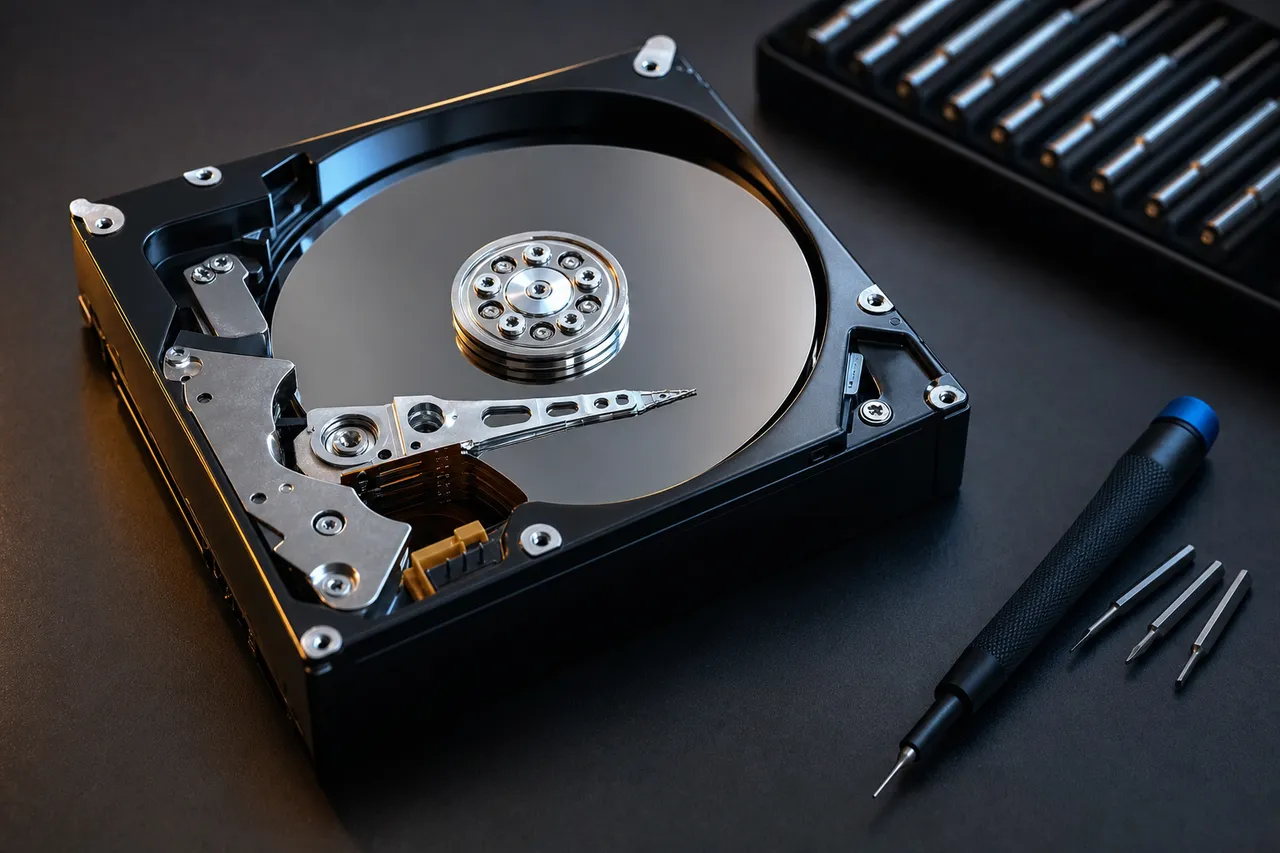
Hard drive data recovery - opened HDD showing the platters and head actuator arm under controlled-lab conditions
SSD

SSD & NVMe Data Recovery Services

Our SSD recovery services handle controller failures, firmware corruption, power surge damage, and drives no longer detected by BIOS. For NVMe M.2 drives, we use chip-level extraction to recover data from failed controllers and damaged NAND flash. Our guide on how to recover data from an SSD explains the full process.

When an SSD controller fails, our technicians desolder individual NAND chips, read the raw data, and reconstruct the file system by reversing the controller's internal mapping. This works across all form factors - 2.5" SATA, M.2 NVMe, mSATA, U.2, and PCIe. For drives that have stopped responding entirely, see our guide on recovering data from a dead SSD.

  • Controller failure and firmware corruption recovery
  • Power surge and electrical damage recovery
  • NAND chip desolder and direct data extraction
  • Failed SSD firmware recovery and chip-off NAND extraction
  • Recovery from drives not detected by BIOS or Disk Management
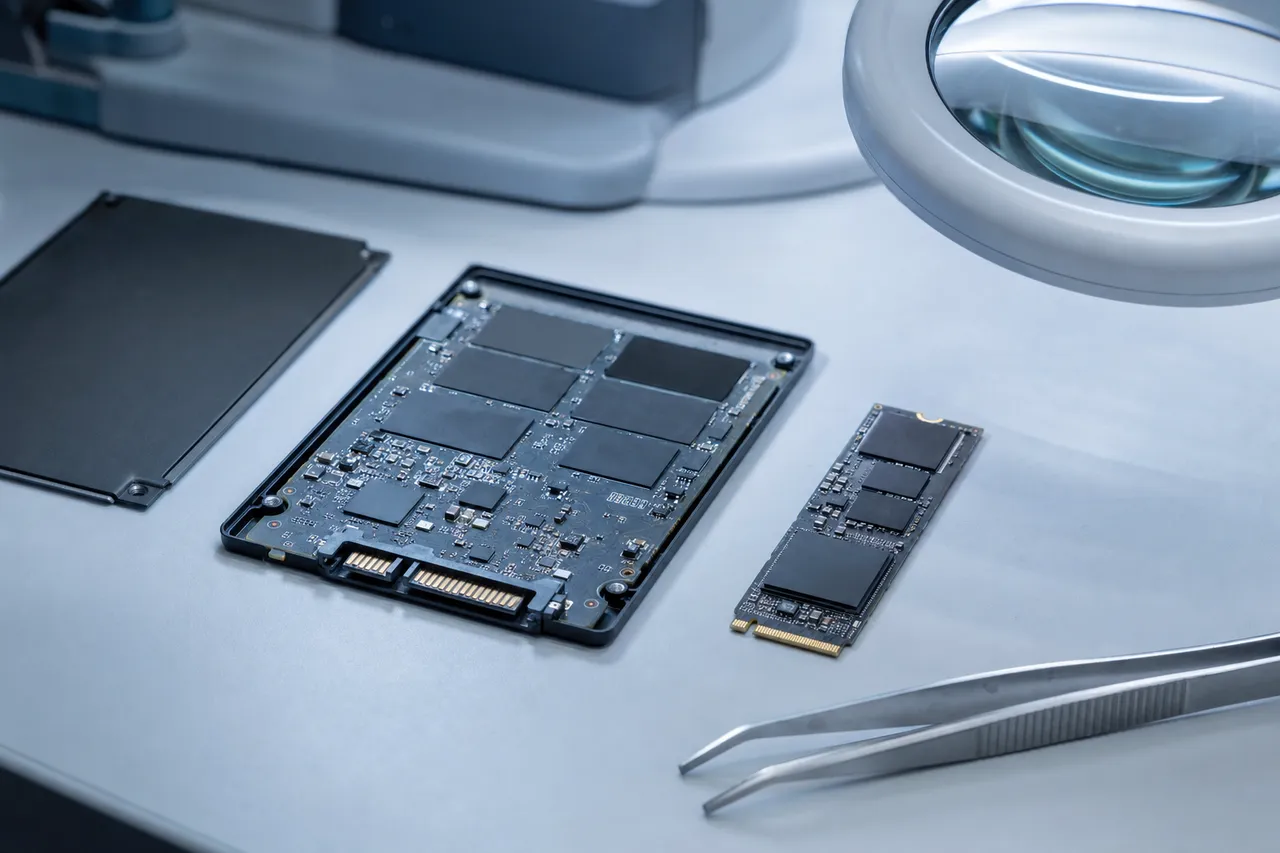
SSD and NVMe data recovery service showing a failed solid state drive being repaired in a professional lab
Cell Phone

Cell Phone Data Recovery Services
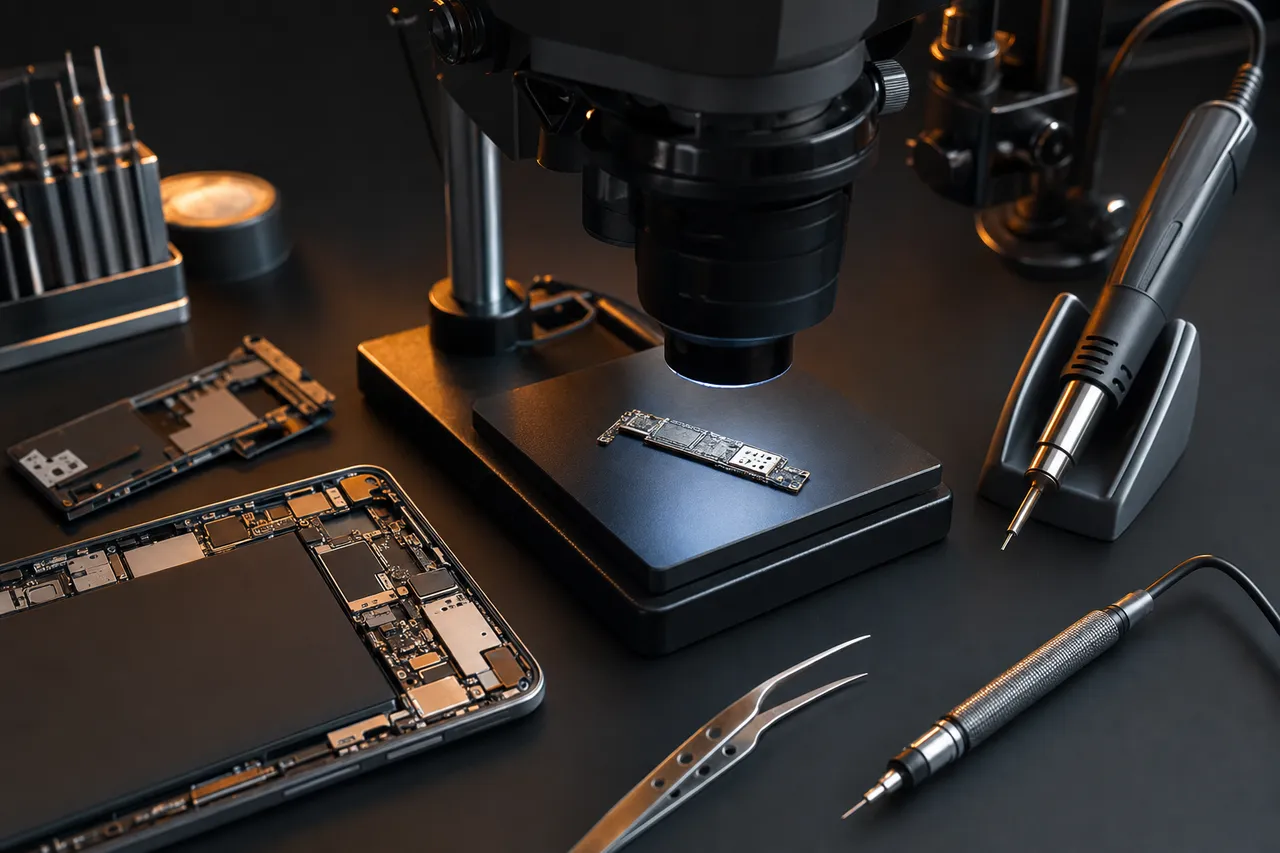
Cell phone data recovery - smartphone logic board under a microscope during board-level micro-soldering

We specialize in cell phone data recovery for all brands and models - recovering photos, videos, contacts, messages, and documents from completely dead devices, water-damaged phones, and devices stuck in boot loops. We handle iPhones (all models), Samsung Galaxy, Google Pixel, LG, Motorola, OnePlus, and all other manufacturers.

Modern smartphones store data in encrypted flash chips soldered to the logic board. When a phone dies, the storage chip is usually intact - the problem is the surrounding circuitry. Our micro-soldering work restores damaged power management circuits and CPU connections to revive the phone for data extraction. Learn more in our guide to recovering data from a broken phone.

  • Water and liquid damage recovery (all fluids including salt water)
  • Dead device and no-power board-level recovery
  • Boot loop, Apple logo stuck, and system crash extraction
  • Motherboard-level micro-soldering and BGA rework
  • Board-level repair to revive the device and access encrypted data
  • Cracked screen and touch IC recovery
Samsung Dedicated

Samsung Galaxy Data Recovery Services

We recover data from all Samsung Galaxy smartphones and tablets - Galaxy S series (S10 through S25), Note, Z Flip, Z Fold, A series, and all tablet models. Common scenarios include liquid damage, devices that won't power on after a drop, and overheating or battery swelling.

Samsung's Knox security ties encrypted storage to the original processor, so recovery requires reviving the original board. Our technicians replace damaged power management circuits, reball CPU connections, and restore corroded components to bring the device to a functional state where Knox can decrypt the data.

  • Water and liquid damage recovery for all Samsung Galaxy models
  • Dead device board-level recovery and data extraction
  • Boot loop and stuck Samsung Galaxy logo recovery
  • Knox-encrypted storage access through original hardware
  • Cracked screen data recovery when no cloud backup exists
  • Samsung Galaxy tablet data recovery (Galaxy Tab S, Tab A, all models)

For other phone brands, see our cell phone data recovery services.
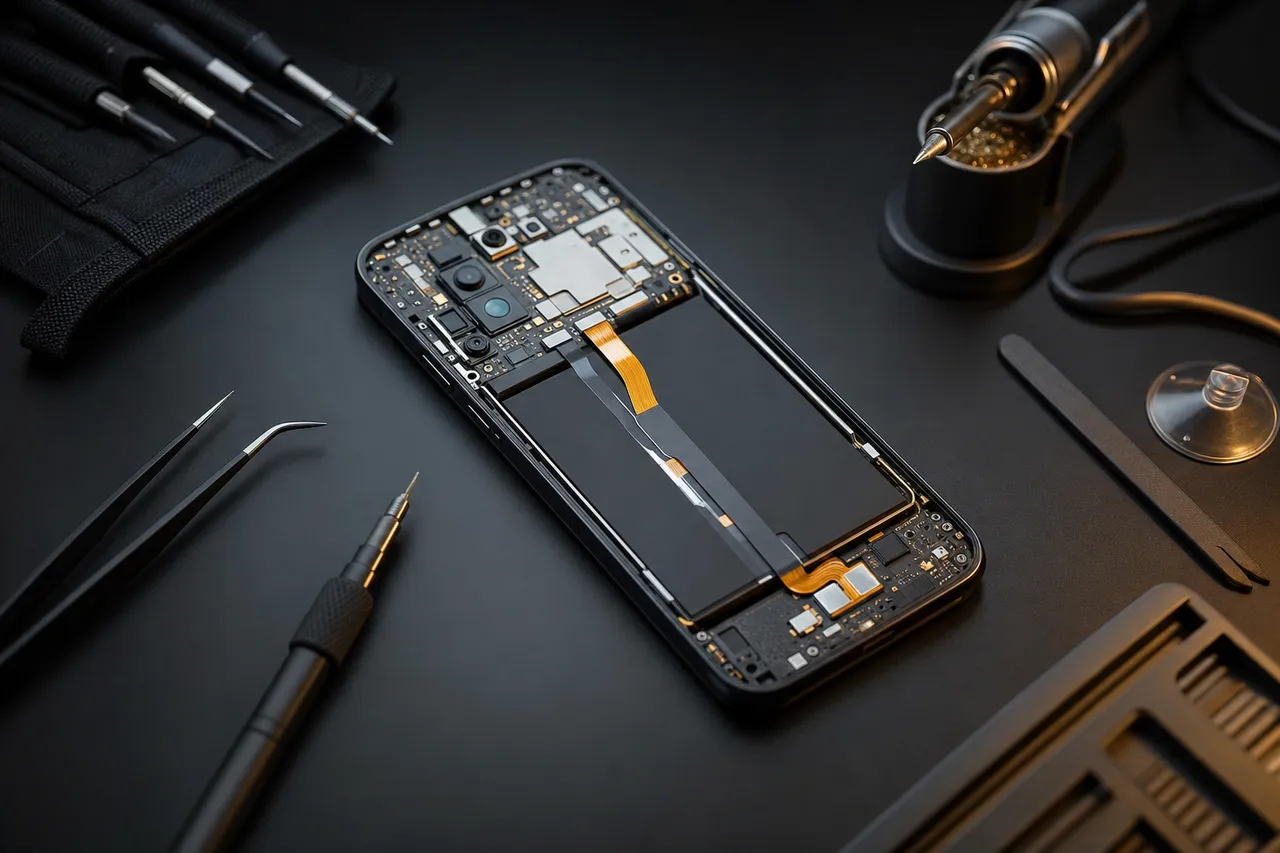
Samsung Galaxy data recovery - Galaxy phone board being reballed to restore Knox-encrypted storage access
iPhone Dedicated

iPhone Data Recovery Services
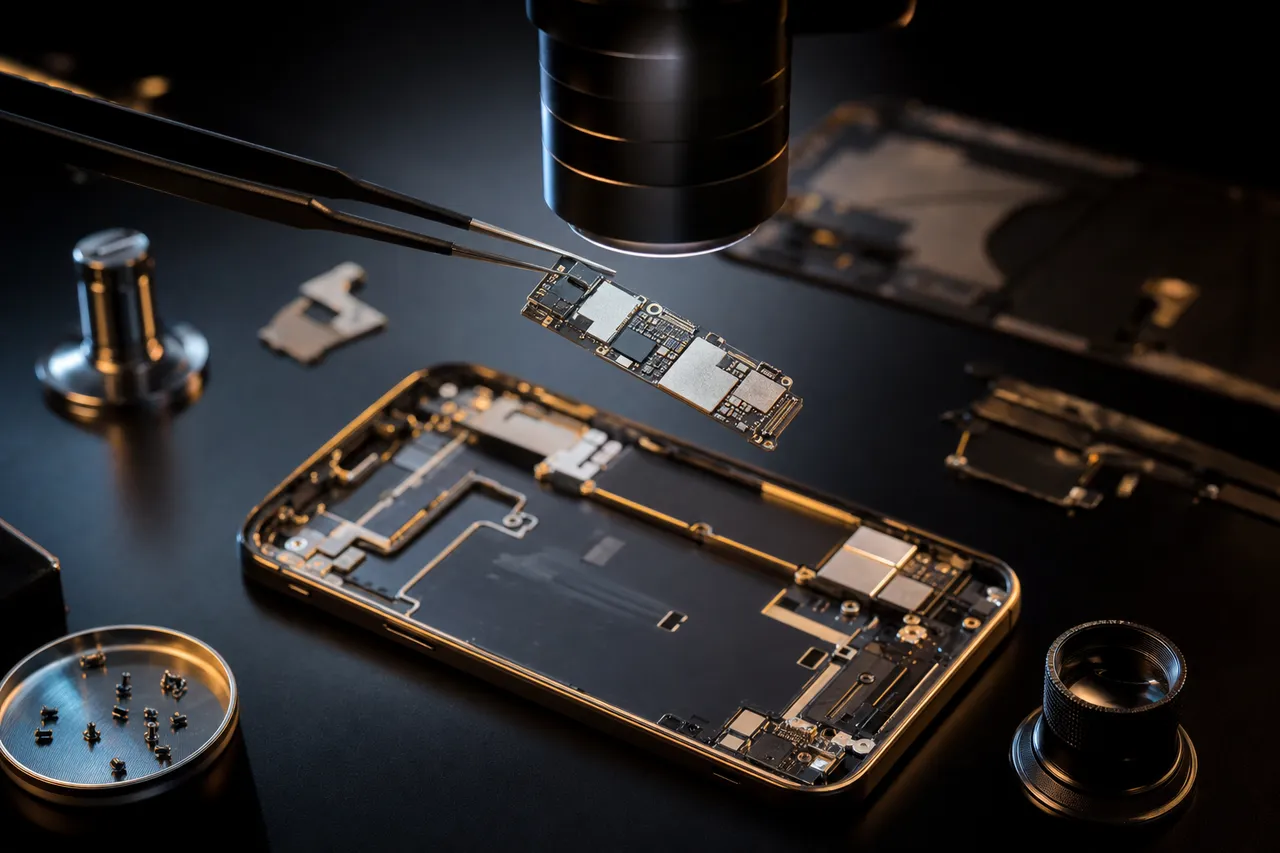
iPhone data recovery - iPhone logic board on a rework station for component-level micro-soldering and NAND extraction

We recover data from every iPhone model - iPhone 6 through iPhone 16 Pro Max. Apple's Secure Enclave encryption and tightly integrated hardware make iPhone recovery one of the most technically demanding specialties in the industry. Our technicians diagnose the exact point of failure and perform targeted component-level micro-soldering to restore power paths and data access.

Every iPhone encrypts its storage with a key fused to the original processor and Secure Enclave, so reading the NAND directly is a dead end - the flash only decrypts on its own device. That makes board-level repair essential on every model: we revive the original logic board so the processor itself can decrypt and release your data. Our iPhone data recovery guide covers all failure scenarios and what to expect.

  • Water and liquid damage recovery (pool, ocean, coffee, all fluids)
  • Dead iPhone no-power board-level micro-soldering
  • Boot loop, Apple logo stuck, iTunes error 4013/4005/9/40/56
  • Cracked screen data extraction when no iCloud backup exists
  • Board-level logic repair to revive the CPU and decrypt the data
  • PMIC, baseband, CPU, and charge IC component replacement
  • Face ID and Touch ID sensor failure data recovery
  • Lost data recovery from iPhones after failed screen replacements

We also recover data from Samsung Galaxy devices, iPads, iPods, and all other cell phones. After recovery, learn how to transfer data to your new phone.

Flash / SD

Flash Drive & SD Card Data Recovery Services

MDRepairs provides professional flash drive data recovery and SD card data recovery for damaged, corrupted, or accidentally formatted portable storage devices. These are often our most affordable recoveries, starting at $150 for basic logical cases and ranging up to $1,750 for complex breakout board reconstructions - but even severely damaged drives with broken connectors or dead controllers can be recovered through chip-level extraction.

Flash drives fail most commonly from broken USB connectors (especially when bent while plugged in), controller chip failures, and NAND degradation from excessive write cycles. SD cards and micro SD cards typically fail from water damage, improper ejection, file system corruption, or physical cracks. In both cases, our chip-off recovery process involves desoldering the NAND flash chip and reading the raw data directly - bypassing the failed controller entirely.

We recover photos, videos, and documents from USB drives, SD cards, micro SD cards, CF cards, and memory sticks used in cameras, drones, dashcams, GoPro cameras, Nintendo Switch consoles, and mobile phones.

  • Broken, bent, or snapped USB connector data recovery
  • Corrupted or formatted card and drive recovery
  • Water-damaged and physically cracked memory card recovery
  • Controller failure chip-off NAND extraction
  • Photo and video recovery from cameras, drones, and dashcams
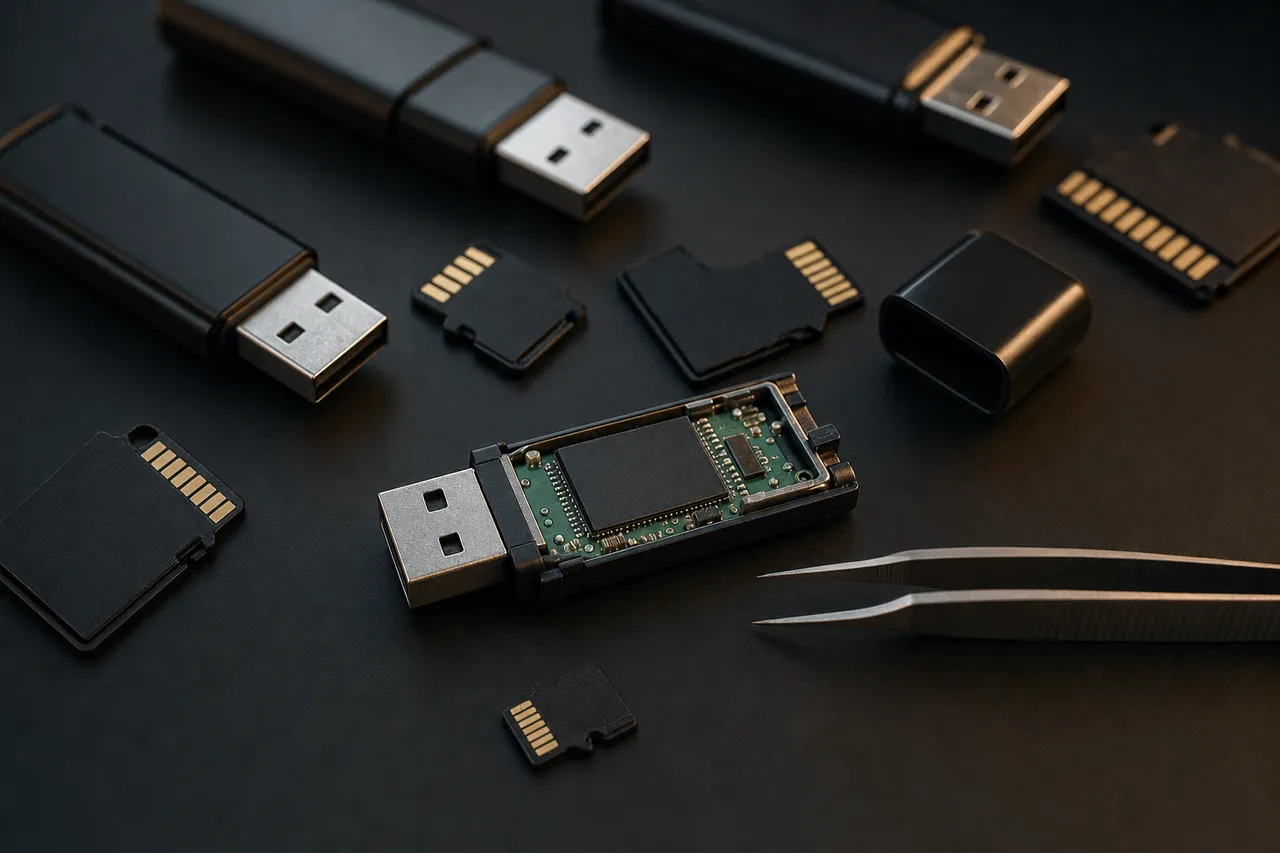
Flash drive and SD card data recovery - NAND chip being desoldered from a USB drive for chip-off extraction
Laptop / MacBook

Laptop & MacBook Data Recovery Services
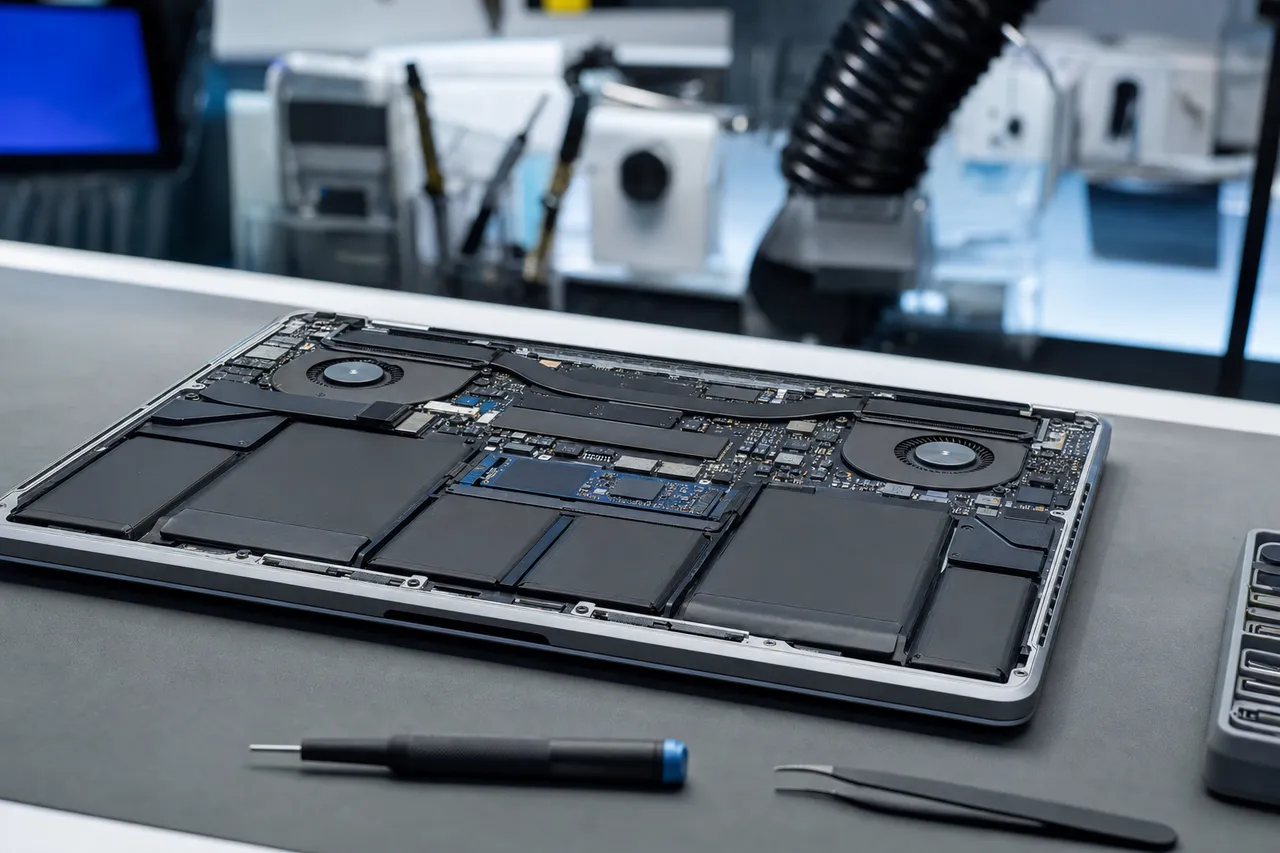
Laptop and MacBook data recovery service for failed internal drives, liquid spills, and T2 M-series chip recovery

Our laptop data recovery services handle failed internal drives, liquid spills, power surge damage, and data extraction from systems that won't boot. We recover data from all laptop brands including Dell, HP, Lenovo, ThinkPad, ASUS, Acer, MSI, Razer, and more - regardless of whether the internal drive is HDD, SATA SSD, or NVMe M.2.

For Apple computers, our MacBook data recovery requires specialized techniques because modern MacBooks (2018+) use Apple's T2 security chip or M-series chips with storage soldered directly to the logic board. This means the SSD cannot be removed and read in a standard dock - recovery requires either reviving the logic board to access the drive through the T2/M-series encryption layer, or performing advanced chip-level extraction and decryption. MDRepairs is one of the few labs that handles this in-house.

For older MacBooks with removable SSDs, we also offer direct drive recovery using Apple-specific adapters and tools.

  • Failed internal HDD, SATA SSD, and NVMe data extraction
  • Liquid spill and corrosion damage data recovery
  • MacBook T2 chip and M-series soldered SSD recovery
  • Logic board and power circuit recovery for data access
  • Non-booting laptop data extraction (all OS: Windows, macOS, Linux)
  • RAID recovery from laptop-based multi-drive configurations
iPad / iPod

iPad & iPod Data Recovery Services
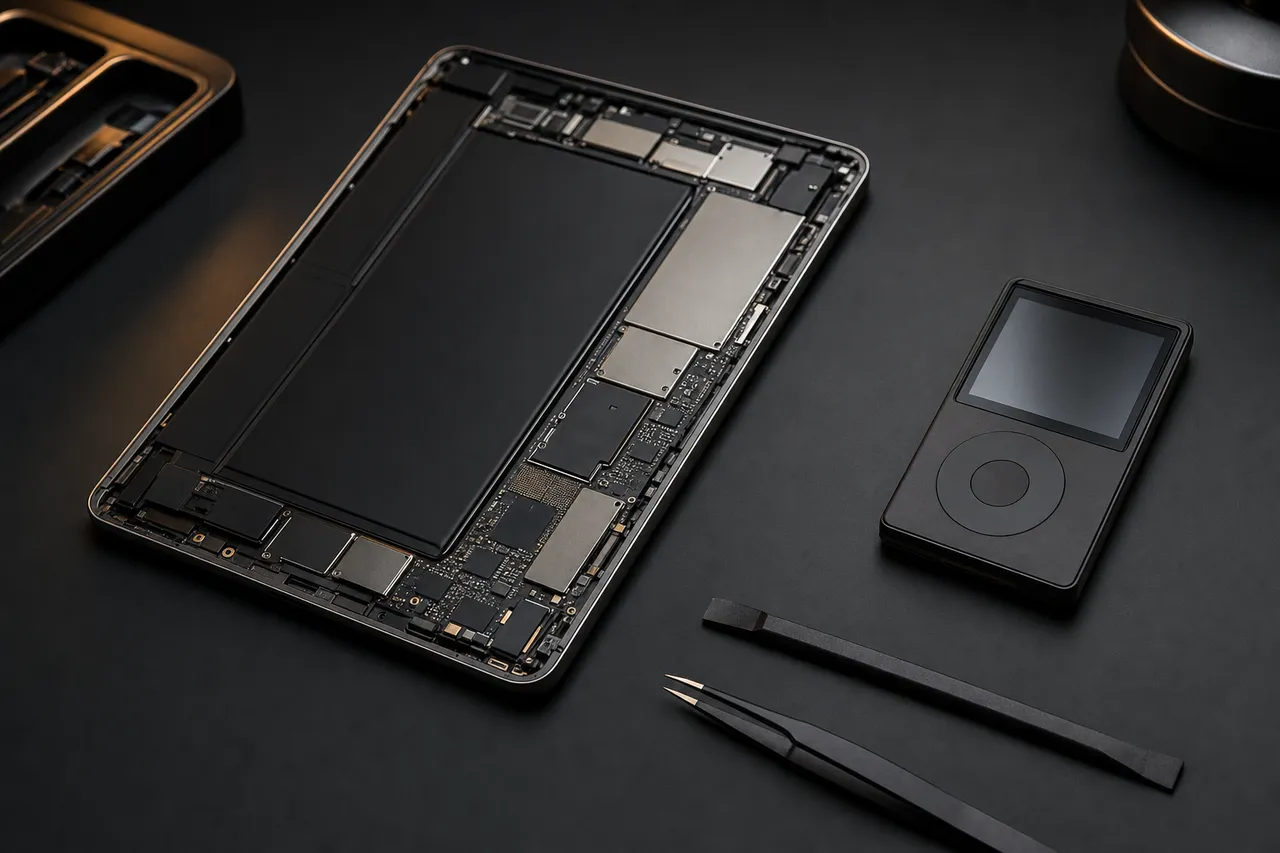
iPad and iPod data recovery - Apple tablet logic board with hot-air rework to access encrypted NAND storage

We provide professional iPad data recovery and iPod data recovery for devices with water damage, storage corruption, motherboard failure, accidental drops, or age-related battery expansion. Our board-level diagnostics recover photos, videos, music libraries, notes, and documents from Apple devices that appear completely dead.

iPads and iPods share many of the same recovery challenges as iPhones - encrypted NAND storage, BGA soldering, layered logic board architecture, and Apple's security chain. Our technicians have the specialized rework stations, hot air equipment, and microscopy tools needed for these delicate recoveries. We handle all iPad models (iPad Mini, iPad Air, iPad Pro) and all iPod models (Classic, Touch, Nano, Shuffle).

  • Water-damaged iPad and iPod recovery
  • Boot loop, Apple logo stuck, and iTunes error recovery
  • Storage corruption and NAND data extraction
  • Battery expansion damage and age-related failure recovery
  • Board-level diagnostics, micro-soldering, and component replacement
Water Damage Across Devices

Water & Liquid Damage Data Recovery

Water damage is one of the most time-sensitive emergencies we handle. Water itself doesn't destroy data - the corrosion that follows does, and salt water, pool water, and sugary liquids accelerate damage dramatically. For phones and iPhones, we perform ultrasonic cleaning and board-level component replacement to restore the device. For Samsung Galaxy devices, Knox encryption means the original board must be revived - making rapid treatment critical.

For hard drives exposed to floods, we disassemble under controlled conditions, clean the platters, and perform head replacements before imaging. For laptops and MacBooks, we assess whether storage can be extracted directly or the motherboard needs repair to access encrypted data.

  • Smartphone submersion recovery (pool, ocean, toilet, rain)
  • Laptop and MacBook coffee, water, and beverage spill recovery
  • Flood-damaged hard drive platter cleaning and imaging
  • Ultrasonic board cleaning and component-level corrosion repair
  • Salt water and chemical exposure recovery (higher urgency)
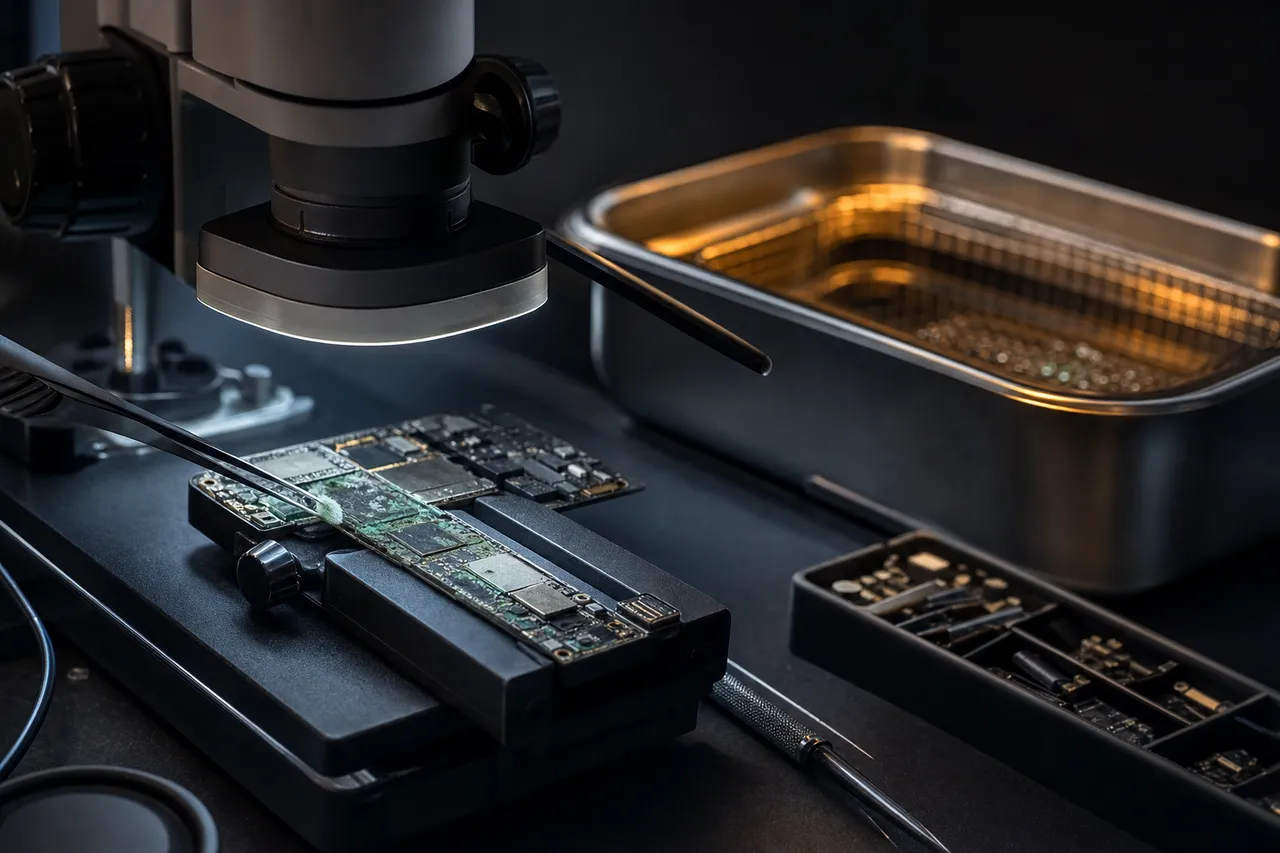
Water and liquid damage data recovery - corroded device board undergoing ultrasonic cleaning to halt corrosion
RAID & NAS

RAID, NAS & Server Data Recovery

RAID arrays and NAS devices aren't immune to data loss - controller failures, multiple simultaneous drive failures, and filesystem corruption can take down even redundant configurations. Our recovery process images each drive independently, then reconstructs the array parameters to virtually reassemble and extract the data. See our guide to recovering data from RAID drives for technical details.

We handle NAS devices from Synology, QNAP, WD My Cloud, Netgear, Drobo, Buffalo, and Asustor, plus Windows Server, Linux, and VMware environments. Server recovery is available with priority scheduling through our partnership program for IT professionals who need production systems restored quickly.

  • RAID 0, 1, 5, 6, 10, and hybrid array recovery
  • NAS device recovery (Synology, QNAP, WD, Netgear, Drobo)
  • Multiple simultaneous drive failure recovery
  • RAID controller failure and metadata corruption
  • Virtual machine and database extraction from RAID volumes
  • Enterprise and server-grade hard drive recovery
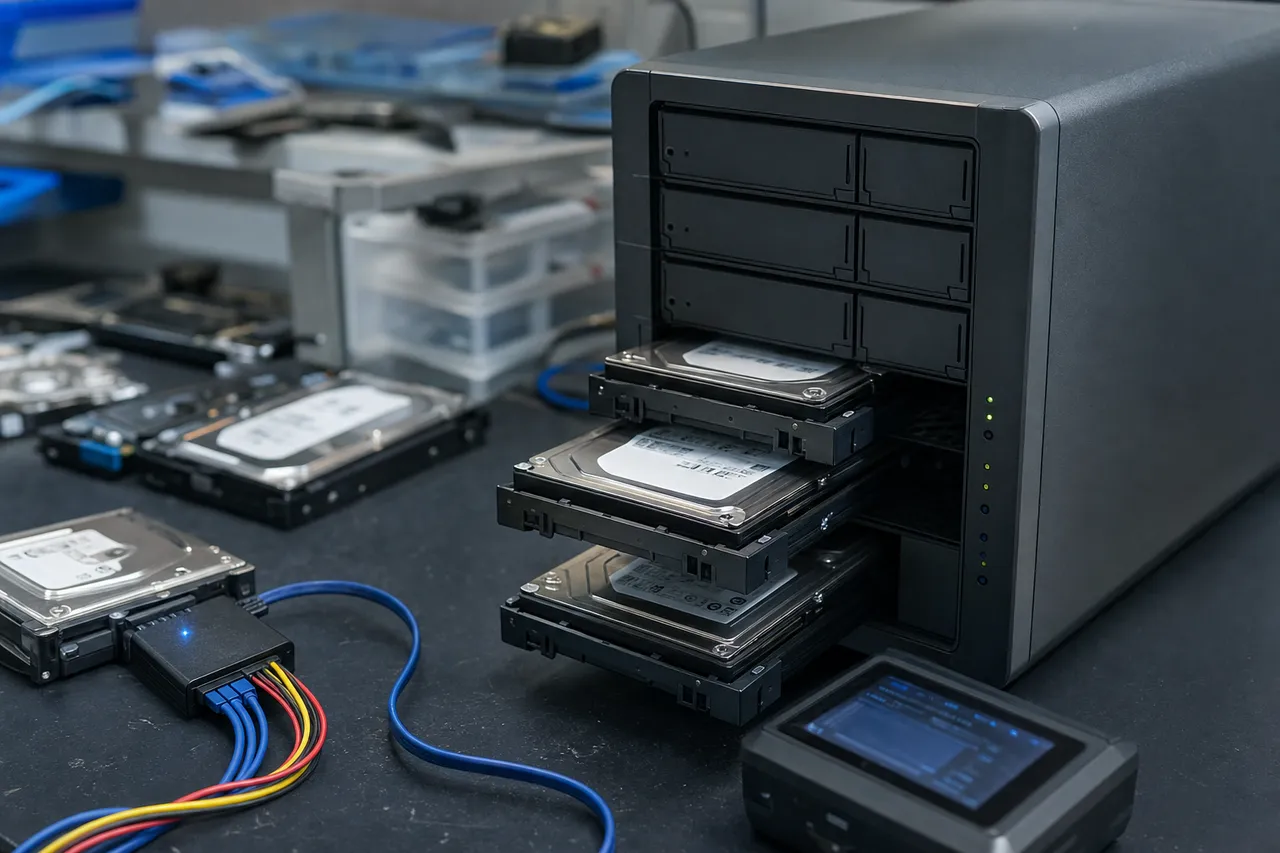
RAID NAS and server data recovery service for multi-drive arrays, Synology, QNAP, and enterprise storage systems
Digital Camera, Drone & Dashcam

Digital Camera, Drone & Dashcam Data Recovery
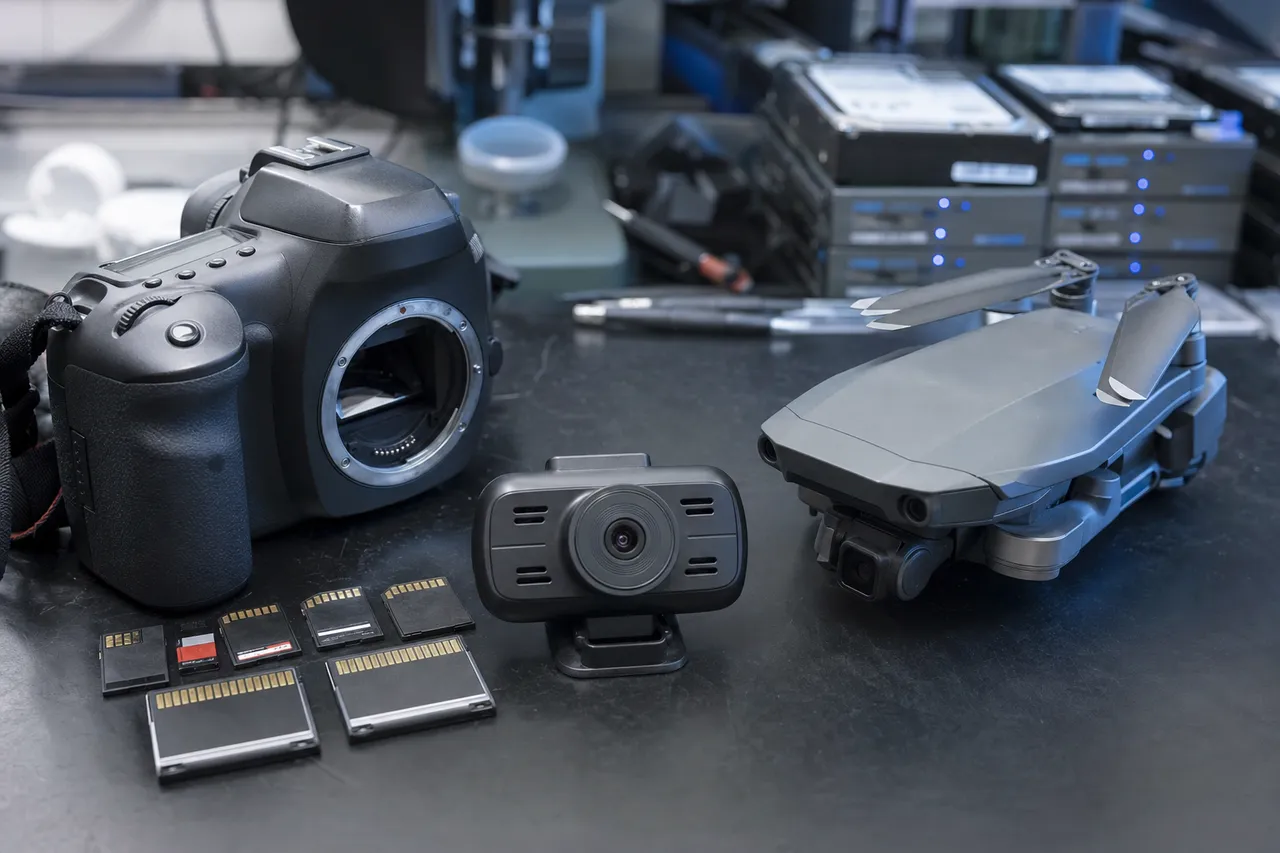
Digital camera drone and dashcam data recovery for SD cards, CompactFlash, and memory card photo video recovery

When an SD card or CompactFlash card fails during a shoot, the data loss can mean losing an entire wedding or production. We recover photos, videos, and RAW files from all card types - SD, microSD, CF, CFexpress, XQD - used in cameras by Canon, Nikon, Sony, Fujifilm, GoPro, DJI drones, and dashcams. See our guide on recovering photos from a corrupted SD card.

For cards with functional controllers, we perform logical recovery. For dead controllers or physical damage, we use chip-off NAND extraction to bypass the failed controller entirely. Dashcam cards are especially failure-prone due to continuous write cycles in hot vehicles - we handle these regularly.

  • Wedding, event, and commercial photography recovery
  • RAW file recovery (CR2, CR3, NEF, ARW, RAF, ORF, RW2)
  • 4K and 8K video recovery from camera and drone footage
  • DJI drone crash SD card and internal storage recovery
  • Dashcam footage recovery from worn or corrupted cards
  • CompactFlash, CFexpress, XQD, and all SD card variants
Gaming Console

Gaming Console Data Recovery

We recover save files, screenshots, video captures, and profile data from PlayStation (PS4, PS5), Xbox (One, Series X/S), and Nintendo Switch consoles with failed or corrupted internal storage.

PS4/PS5 drives can often be imaged directly, while Xbox consoles require specialized tools for proprietary partitioning. Nintendo Switch uses internal eMMC flash plus microSD. For consoles damaged by power surges or liquid spills, we extract data from encrypted storage tied to the original hardware.

  • PlayStation 4 and PS5 hard drive and SSD data recovery
  • Xbox One and Xbox Series X/S internal drive recovery
  • Nintendo Switch internal eMMC and microSD card recovery
  • Game save file, profile, and captured media recovery
  • Power surge and liquid damage console data extraction
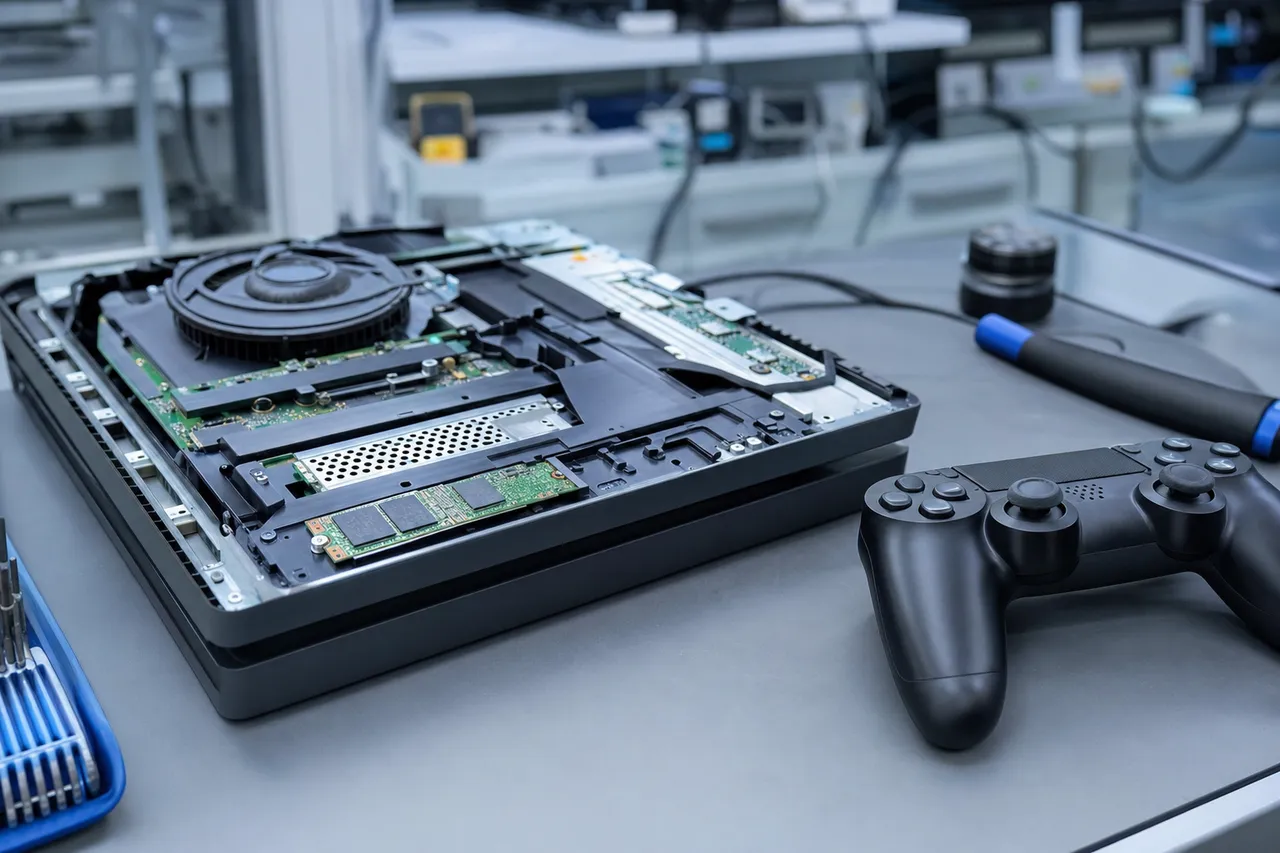
Gaming console data recovery for PlayStation PS5, Xbox Series X, and Nintendo Switch save files and game data
Encrypted Device Recovery

Encrypted Device & Secure Storage Recovery
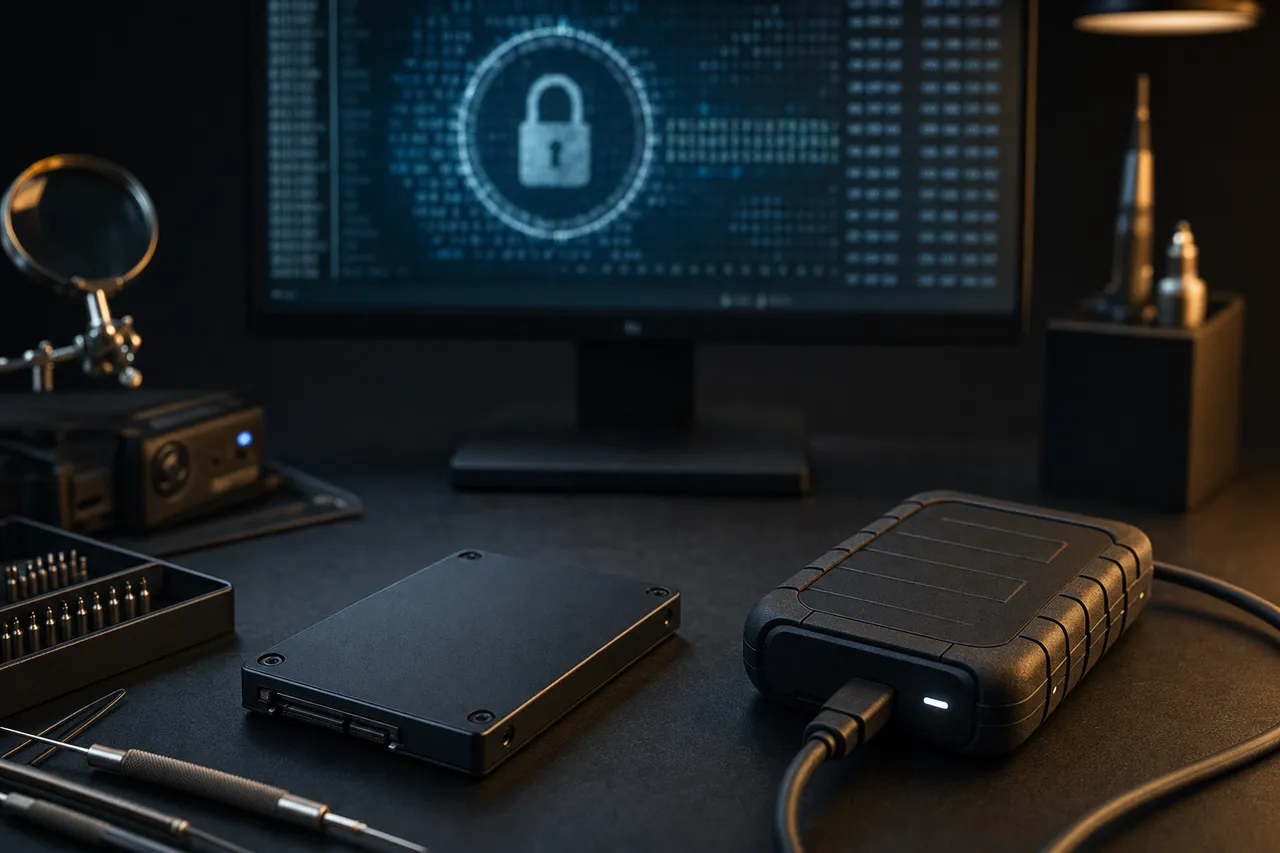
Encrypted device data recovery - secure storage drive being decrypted through its original hardware in the lab

Most modern devices encrypt storage by default - iPhones, Samsung Galaxy (Knox), MacBooks (T2/M-series), and Windows laptops (BitLocker). Recovery must work within these encryption frameworks, which means the original hardware or encryption keys must be involved.

For Apple and Samsung devices, the storage is cryptographically tied to the original CPU - our board-level micro-soldering revives the original board so the secure processor can decrypt the data. For BitLocker, recovery requires the recovery key. We clearly communicate during diagnostics whether decryption is achievable for your specific case. See our guide on encrypted drive recovery for common scenarios.

  • Apple Secure Enclave recovery (iPhone, iPad, MacBook)
  • Samsung Knox encrypted storage recovery
  • BitLocker-encrypted Windows drive recovery
  • FileVault-encrypted Mac drive recovery
  • Android device encryption and FDE/FBE recovery
Data Recovery for Businesses

Data Recovery for Businesses & IT Professionals
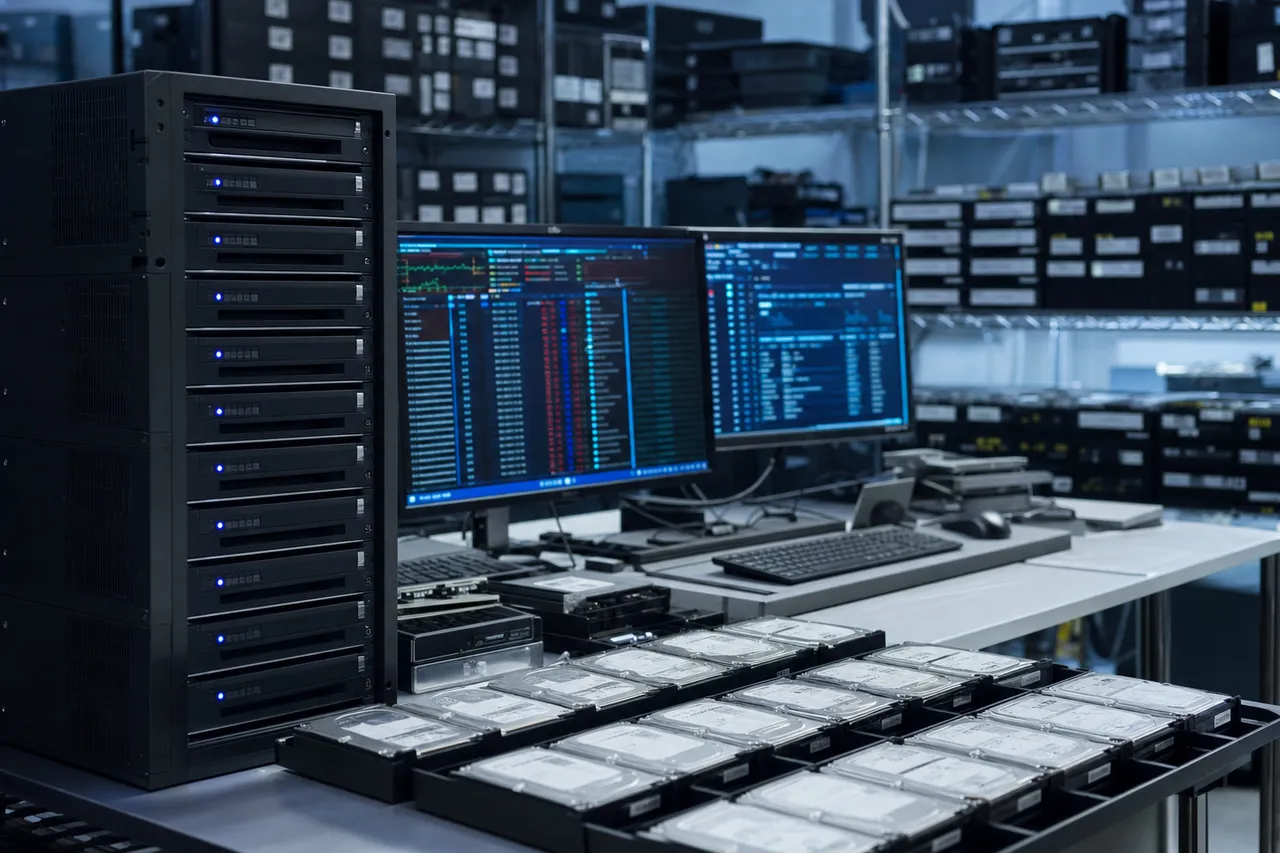
Professional data recovery services for businesses and IT professionals with priority scheduling and enterprise support

We provide business-focused recovery with priority scheduling, direct technician communication, and documentation meeting corporate and regulatory requirements. Our partnership program offers volume pricing, white-label reporting, and dedicated account management for MSPs and IT consultants. See our backup strategy guide to prevent future incidents.

For failed servers, crashed RAID arrays, or corrupted databases, we offer emergency same-day service. We recover from enterprise drives (SAS, SATA), server SSDs, VMware/Hyper-V images, SQL databases, and Exchange mailstores. Recovered data is delivered through our secure portal with full chain-of-custody documentation.

  • Priority scheduling and emergency same-day service
  • White-label recovery reports for MSPs and IT consultants
  • Enterprise drive and RAID array recovery
  • Virtual machine and database recovery (VMware, SQL, Exchange)
  • Chain-of-custody documentation for compliance and legal
  • Volume pricing and dedicated account management
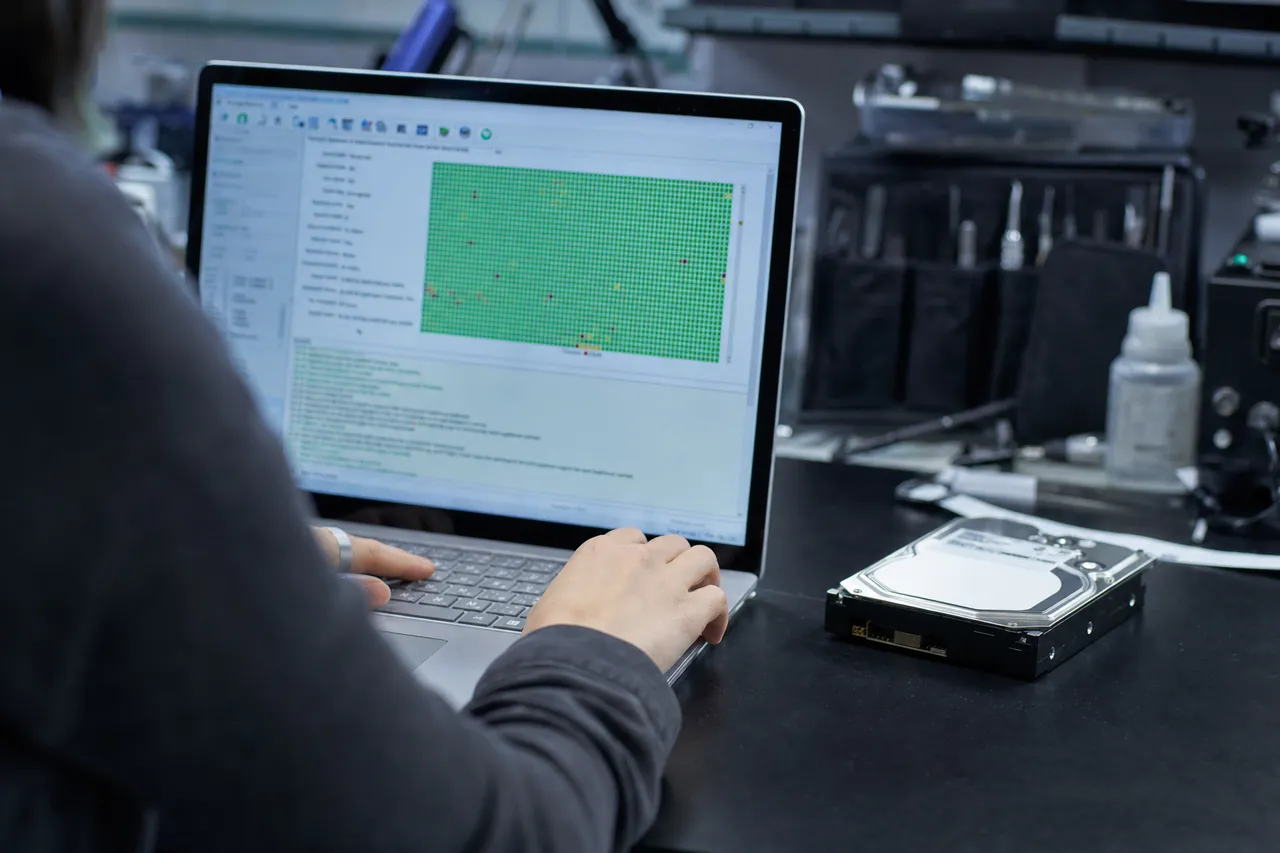
Free Tool

Not Sure If Your Hard Drive Needs Professional Recovery?

Our free HDD Diagnostic Tool guides you through a series of questions about your hard drive's symptoms and provides personalized guidance on whether it's safe to attempt a DIY recovery or if your situation requires professional data recovery services.

The tool covers the most common hard drive failure scenarios: clicking or grinding sounds, drive not detected by BIOS, slow performance and freezing, corrupted or inaccessible files, accidental deletion or formatting, and drives that spin up but don't mount. Each path gives you clear, actionable advice based on what our technicians would recommend.

  • Clicking or grinding sounds
  • Drive not detected by BIOS
  • Slow performance & freezing
  • Corrupted or inaccessible files
  • Accidental deletion or formatting
  • Spins up but doesn't mount

If the tool determines that professional recovery is needed, you can request a quote directly from the results page or call us at 732-933-7717 for immediate assistance.

Try the Free HDD Diagnostic Tool → Takes under a minute · No email required
Free hard drive DIY recovery assessment tool to diagnose if your hard drive needs professional data recovery
Nationwide Service

Mail-In Data Recovery Across All 50 States

MDRepairs serves clients in every state from our lab in Lincroft, New Jersey. Our secure mail-in program includes free 2nd-Day-Air UPS shipping both ways (USA, excluding islands), real-time status updates, and the same board-level expertise as our in-person service. We've recovered data for thousands of customers from coast to coast.

  • Free, prepaid label
  • Fully insured both ways
  • Real-time status updates
Mail-In Your Device
How Mail-In Works
  1. 1

    Request a quote

    Tell us what happened to your device. We respond fast with a clear, upfront estimate - no surprises.

  2. 2

    Print your free label

    Fill out the mail-in form and print a free, prepaid, fully insured 2nd-Day-Air UPS label on the spot. Pack it up and drop it at any UPS location.

  3. 3

    Ship it in

    Your device travels 2nd-Day-Air to our Lincroft, New Jersey lab, insured the whole way for your peace of mind.

  4. 4

    We recover it

    The same board-level cleanroom expertise as our in-person service, with real-time status updates.

  5. 5

    Returned to you

    Your recovered data and device ship back to you - free 2nd-Day-Air UPS, insured, and verified file-by-file.

Buyer's Guide

How to Choose a Data Recovery Service

Not all data recovery companies are created equal. The industry includes world-class labs with genuine engineering capability, honest small shops with limited equipment, and - unfortunately - operations that function primarily as brokers, accepting your device only to ship it elsewhere for the actual work. Here's how to evaluate a provider before trusting them with your irreplaceable data.

  1. Do They Perform Recovery In-House?

    This is the most important question to ask. Many recovery companies are actually middlemen - they collect devices, charge a fee, and ship everything to a larger lab (often one of a handful of national operations). You end up paying a broker markup, dealing with longer turnaround times, and losing direct communication with the technicians doing the work. MDRepairs performs all recovery in-house at our Lincroft, NJ lab. When you call us, you’re speaking with the team that will physically handle your device.

  2. What Equipment Do They Use?

    Professional recovery requires specialized hardware that consumer software cannot replicate. At minimum, a legitimate lab should have firmware-level diagnostic platforms (PC-3000 or equivalent), hardware imaging tools (DeepSpar or similar), a controlled-air environment for internal hard drive work, and precision soldering stations for board-level recovery. If a company can’t describe their equipment or show their lab environment, that’s a warning sign. Our lab equipment is visible on our YouTube channel in every recovery video.

  3. What’s Their Pricing Model?

    Transparent pricing matters. Be cautious of companies that quote extremely low prices upfront then inflate the cost after they have your device, or companies that charge hundreds of dollars in “diagnostic fees” that don’t apply toward recovery. Our model is straightforward: a $100 diagnostic that gets applied to your recovery cost if you proceed, and a no data, no charge policy that means you never pay for an unsuccessful recovery attempt. Final pricing is quoted after diagnostics and before any recovery work begins - you always approve the cost before we start.

  4. Do They Have a “No Data, No Charge” Policy?

    A genuine no data, no charge policy aligns the recovery company’s incentives with yours - they only get paid when they actually recover your data. Companies without this policy may charge you the full price regardless of the outcome, leaving you out hundreds or thousands of dollars with nothing to show for it. Make sure the policy is clearly stated and that you understand what “no data” means in their terms (we define it as no usable files recovered from your device).

  5. Can You Speak With a Technician?

    Access to the technicians doing the actual work is a strong indicator of a quality operation. At MDRepairs, our team - not a call center - handles your inquiries. You can call 732-933-7717 to discuss your situation with someone who understands the technical details of your specific failure mode and can give you a realistic assessment of recovery probability and cost before you ship anything.

  6. Check Reviews and Social Proof

    Look for verified reviews on Google, trust-based platforms, and industry-specific forums. Our 4.6-star rating from hundreds of reviews and our community of over 2 million social media followers who watch real recoveries provide a level of transparency that most recovery companies can’t match. When a company regularly shows their actual work in public, it’s a strong signal that they’re confident in their capabilities.

Fact vs. Fiction

Common Data Recovery Myths - Debunked

Data recovery is surrounded by misinformation. Here are the most common myths we encounter - and the truth behind each one.

  • Myth

    "Put your hard drive in the freezer to fix it"

    Reality

    The freezer trick was unreliable even decades ago, and modern drives are far more sensitive. Condensation from temperature changes can cause immediate corrosion on the platters and heads, turning a potentially recoverable drive into a much harder case. Professional hard drive recovery handles the same failures the freezer supposedly fixes - seized motors and stiction - using proper donor parts and controlled tools.

  • Myth

    "Rice will dry out and fix a wet phone"

    Reality

    Rice does not stop corrosion, does not remove minerals from water, and can introduce starch dust into the device’s internals. When a phone gets wet, the threat is electrochemical corrosion on the logic board - and that corrosion continues whether the exterior feels dry or not. Professional cell phone data recovery involves ultrasonic cleaning, board-level inspection under a microscope, and component-level repair of corroded circuits.

  • Myth

    "Data recovery software can fix any failed drive"

    Reality

    Software tools like Recuva, R-Studio, and DMDE are useful for logical failures on healthy hardware - deleted files, formatted partitions, minor file system corruption. But if your hard drive is clicking, making unusual noises, or not being detected at all, running software recovery attempts can cause further damage. These tools cannot perform head swaps, repair firmware, or read data from damaged NAND chips. Try our free HDD Diagnostic Tool to assess whether your situation requires professional intervention.

  • Myth

    "You need a local service for best results"

    Reality

    The best recovery outcomes come from specialized equipment and experienced technicians - not physical proximity. Most "data recovery" shops in local strip malls don’t have PC-3000 platforms, laminar flow benches, or micro-soldering capabilities. They typically send drives out to larger labs anyway. Our mail-in data recovery program with free insured shipping serves all 50 states, and customers from California to New York regularly choose us over local alternatives.

  • Myth

    "Swapping the circuit board from an identical drive will fix it"

    Reality

    Modern hard drives store unique calibration data (adaptive parameters) in a ROM chip on the PCB. These parameters are specific to the individual drive’s heads and platters - they’re not interchangeable between drives, even drives of the exact same model. Swapping a PCB without transferring the ROM data will at best not work and at worst can cause heads to operate with incorrect parameters, damaging the platters. Professional recovery includes ROM transfer when PCB replacement is necessary.

  • Myth

    "If a drive is clicking, the data is gone"

    Reality

    Clicking indicates that the read/write heads have failed - but the data on the platters is almost always still intact. A clicking drive needs a head swap with matched donor parts, performed under controlled conditions to prevent contamination. Our success rate on clicking drives is high, provided the customer powers off the drive quickly and doesn’t run repeated boot attempts that can escalate the damage to a scratched platter case.

  • Fact

    "The sooner you act, the better the recovery outcome"

    Confirmed

    This one is true. For every type of data loss - physical hard drive failures, water-damaged phones, corrupted SD cards, deleted files on flash drives - acting quickly and correctly improves outcomes. Stop using the device, avoid DIY repair attempts, and contact a professional lab as soon as possible.

  • Fact

    "All data recovery companies are not the same"

    Confirmed

    The gap between a well-equipped lab with experienced technicians and a broker operation that ships your device to someone else is enormous. Equipment matters, experience matters, and in-house capability matters. That’s why we show our actual work, publish our equipment list, and maintain full transparency about our process. You deserve to know exactly who is handling your data and how.

Talk to the engineer who does the work - not a call center.

Prevention

Preventing Future Data Loss

While we're here to recover your data when things go wrong, the best recovery is the one you never need. Here are the strategies we recommend to every client after completing their recovery - the same strategies we use internally to protect our own business data. For a comprehensive overview, read our guide on how to avoid data loss.

Start here

The 3-2-1 Backup Rule

Keep at least three copies of important data, on two different types of media, with one copy stored offsite or in the cloud. For example: your original files on your computer's internal drive, a backup on an external hard drive at home, and a cloud backup through a service like Backblaze, iDrive, Google Drive, or iCloud. If any one copy fails, you have two others. This simple rule prevents the vast majority of permanent data loss situations we see in our lab.

  • Test Your Backups

    A backup that hasn't been tested is a backup you can't trust. Periodically verify that your backup files can actually be opened and read. We've seen cases where customers assumed their data was backed up for years, only to discover during an emergency that the backup drive had silently failed, the cloud sync had stopped working months ago, or the backup software was only capturing a subset of the intended files.

  • Replace Aging Drives

    Hard drives have a practical lifespan of 3-5 years under regular use. After that, failure rates increase significantly. If your hard drive is making new sounds, running slower than usual, or showing SMART warnings, treat those as urgent signals to back up your data immediately and replace the drive. Use our guide on how to check hard drive health to monitor your drive's condition. If you need to swap out a failing drive, our guide on how to safely remove a hard drive from a laptop walks through the process. Don't wait for a catastrophic failure - the cost of a new drive is a fraction of the cost of data recovery.

  • Use Surge Protection

    Power surges are a leading cause of electronic failure in hard drives, SSDs, and NAS devices. A quality surge protector (not just a power strip) provides a baseline of protection, and an uninterruptible power supply (UPS) protects against both surges and outages. For business servers and RAID arrays, a UPS is essentially mandatory - an unexpected power loss during a write operation can corrupt the RAID metadata and cause array-wide data loss.

  • Handle Portable Storage Carefully

    Flash drives and SD cards are physically fragile. Always use "Safely Remove Hardware" before disconnecting USB drives. Don't remove SD cards from cameras while the card activity light is on. Avoid bending flash drives while plugged into laptops, and store memory cards in protective cases rather than loose in bags. These simple habits prevent a significant percentage of the portable storage failures we see. If you've already lost files from a USB drive, our guide on recovering deleted files from USB explains the recovery process.

  • Keep Phones Protected

    Waterproof cases, screen protectors, and quality protective cases prevent the drops and water exposure that lead to the majority of cell phone data recovery cases. Enable automatic cloud backup for photos and contacts, and verify periodically that the backup is current. For iPhones, ensure iCloud backup is enabled and has sufficient storage. For Samsung Galaxy devices, set up Samsung Cloud or Google Photos backup for your irreplaceable memories.

FAQ

Data Recovery Questions & Answers

Common questions about our services, pricing, turnaround, and process.

  • Pricing depends on the device type and severity of damage. Flash drive and SD card recovery starts at $150 for basic logical cases. iPhone recovery ranges from $500 to $1,500 depending on the model, and Samsung Galaxy recovery starts at $800. Hard drives range from $650 to $2,500+ depending on the failure type. SSD recovery starts at $799. MacBook recovery starts at $999. Advanced cases like scratched platter recovery or CPU swaps can reach $2,500 or more. Every case starts with a $100 diagnostic evaluation, which is applied toward your final cost if you choose to proceed. For a full breakdown, read our blog post on how much data recovery costs. Request a free quote for an estimate specific to your situation.
  • That depends on what the data is worth to you, not on the device. A failed drive that held the only copy of family photos, a business's records, or years of creative work is usually worth recovering - those files can't be repurchased at any price. Data you can re-download or reinstall (software, movies, music libraries) usually isn't. We keep the decision low-risk: the $100 diagnostic tells you exactly what's recoverable and what the firm price would be before any work begins, and our no data, no charge policy means you never pay for a recovery that fails. If the quote is more than the data is worth to you, you simply decline - you're only out the diagnostic fee. See our full pricing breakdown to gauge the range for your device first.
  • Standard data recovery takes 5 to 14 business days after we receive your device at our Lincroft, NJ lab. The total time from shipping to data return is typically 7-16 days for standard cases. Rush options are available for time-critical situations: Priority Rush completes in 5-7 days (+$250), Urgent Rush in 1-2 days (+$500), and Emergency Same-Day (+$1,000). We provide real-time status updates throughout the process so you always know exactly where your recovery stands.
  • For basic logical recovery on a functioning drive - deleted files, simple corruption - Geek Squad and similar retail services can sometimes help using consumer software. For anything mechanical or board-level (a clicking hard drive, a dead SSD, a phone that won't power on), they do not perform the recovery in-house: the device is shipped out to a third-party lab and the price is marked up accordingly. You wait longer, pay a middleman, and never speak with the person actually doing the work. Ask any provider two questions: who physically performs the recovery, and where. Shipping directly to a specialized lab like our mail-in program removes the markup and puts you one phone call away from the engineer on your case.
  • Yes, in many cases - deleting a file removes the index entry that points to it, not the data itself. On hard drives, SD cards, and flash drives, the files sit intact until new data overwrites them, so recovery odds are high if you stop using the device immediately. SSDs are the big exception: the TRIM command erases deleted blocks in the background within seconds to minutes, which can make deleted-file recovery impossible even in a lab - our SSD data recovery page explains why. Whatever the device, the rule is the same: stop writing to it (don't install recovery software onto the same drive) and get it evaluated. The $100 diagnostic tells you exactly what's still there.
  • We have a straightforward no data, no charge policy. If we cannot recover your data, you only pay the $100 diagnostic fee. We never charge for an unsuccessful recovery attempt. Before beginning any recovery work, we provide a detailed quote with our honest assessment of recovery likelihood, expected data yield, and timeline. You decide whether to proceed - there's no pressure and no obligation beyond the diagnostic fee.
  • Yes - the majority of our customers use our secure mail-in program. Here's the process: request a free quote or call 732-933-7717, we provide a free prepaid insured shipping label, you ship your device to our lab at 644 Newman Springs Road in Lincroft, NJ, we perform diagnostics and recovery, then ship your recovered data back on a new external drive via insured carrier. We serve clients in all 50 states, from New Jersey to California and everywhere in between.
  • We recover data from virtually every digital storage device: hard drives (all brands including Seagate, Western Digital, Toshiba, Hitachi), SATA SSDs, NVMe drives, iPhones, Samsung Galaxy devices, all other cell phones, iPads, iPods, laptops, MacBooks, flash drives and USB sticks, SD and micro SD cards, digital cameras, RAID arrays, NAS devices, and external drives. If it stores data, we can likely recover it.
  • Success rates vary by device type and damage severity. For logical failures like accidental deletion and formatting, success rates are very high - typically above 90% when the device hasn't been used after the data loss. For mechanical hard drive failures like clicking drives, success rates depend on whether the platter surfaces are intact after the head failure. Scratched platter cases have lower recovery rates because the data in the scratched zones is physically destroyed. We provide honest assessments during diagnostics so you know the expected recovery percentage before committing to the work.
  • You don't need a local data recovery service - and in most cases, mailing your device to a specialized lab produces better results than visiting a general electronics shop nearby. Our blog post on finding data recovery near you explains why specialized labs consistently outperform local shops. MDRepairs serves customers in all 50 states through our secure mail-in program with free prepaid insured shipping. Your device arrives at our lab in 2-3 business days, and we begin diagnostics immediately. The best recovery results come from specialized equipment and experienced technicians - not physical proximity. Customers from New York, California, Texas, and every other state regularly ship devices to our NJ lab.
  • Yes - dead phones are one of our specialties. Our technicians recover data from completely unresponsive devices using board-level micro-soldering, power circuit restoration, and chip-level extraction. This includes phones that won't power on at all, phones stuck in boot loops, and devices with severe liquid damage. We handle all iPhone models, Samsung Galaxy devices, and every other cell phone brand. Even if another shop said your phone is unrecoverable, contact us - our board-level capabilities often succeed where others can't.
  • Yes. Water and liquid damage is one of our most common recovery scenarios - we see it with phones, laptops, hard drives, and tablets every week. We recover data from devices exposed to fresh water, salt water, coffee, soda, and any other liquid. The single most important thing you can do is avoid powering on a wet device. Each power attempt causes short circuits across corroded components, which can permanently destroy data that would otherwise be recoverable. Power off the device immediately, don't put it in rice (this does nothing helpful), and ship it to our lab as quickly as possible.
  • Yes. A clicking sound typically indicates damaged read/write heads or a failed head actuator assembly - a mechanical failure that requires physical intervention. Our technicians perform hard drive data recovery using donor drives and precision tools to replace the damaged heads and access the platters safely. For more on what a clicking hard drive means and what to do, see our detailed blog post. Critical warning: do not power on a clicking hard drive repeatedly. Every power cycle causes the damaged heads to sweep across the platter surface, potentially creating scratched platters that make recovery significantly more difficult and expensive. Power off the drive immediately and contact us.
  • Yes, in most cases. A quick format only erases the file allocation table - the actual data remains on the hard drive platters until it's overwritten by new data. A full format on newer versions of Windows does write zeros to each sector, making recovery significantly harder. The key factor is whether new data has been written to the drive after formatting. Our guide on how to fix a corrupted hard drive covers the common scenarios. If you've formatted a drive by mistake, stop using it immediately and contact us for the best chance at recovery.
  • Yes. SSDs and NVMe drives have no moving parts, so they don't suffer from mechanical failures like clicking or motor seizure. Instead, SSD failures typically involve controller chip death, firmware corruption, power surge damage to the PCB, or NAND flash cell degradation. Recovery involves either firmware repair to restore controller operation, or chip-off extraction where individual NAND chips are desoldered and read directly. SSD recovery can be more complex than HDD recovery because data is spread across multiple chips with internal wear-leveling algorithms that must be reverse-engineered during reconstruction. For pricing details, see our breakdown of SSD data recovery costs.
  • Yes. SD card recovery is one of our most common services, especially for photographers and videographers. Whether the card was corrupted, formatted, water-damaged, or physically cracked, we can usually recover the photos and video files. For cards with functional controllers, we perform logical recovery. For cards with dead controllers or physical damage, we use chip-off NAND extraction. We recover all major image and video formats including JPEG, RAW formats (CR2, CR3, NEF, ARW), MP4, MOV, and AVCHD. Read our detailed guide on photo recovery from SD cards for more on the process.
  • Yes - external hard drives are one of our most common data recovery cases. Whether your external drive stopped being recognized by your computer, is making clicking sounds, was accidentally dropped, or shows a "drive needs to be formatted" error, we can recover the lost data in most cases. If your drive suddenly stopped showing up, our guide on what to do when your external hard drive is not recognized covers the common causes and fixes. External drives from every manufacturer - Seagate, Western Digital, LaCie, Toshiba, Samsung, and others - use the same internal mechanisms as desktop and laptop drives, so our full range of hard drive data recovery techniques applies. This includes head replacements for clicking drives, firmware recovery for undetected drives, and sector-level imaging for drives with bad sectors or corruption.
  • In many cases, yes. The extent of recovery depends on how much heat reached the actual storage components. Hard drive platters are metal and can survive significant heat exposure - the data magnetically encoded on the surface is more resilient than the surrounding electronics. Phone and SSD flash chips can also survive moderate heat. Our technicians assess fire-damaged devices on a case-by-case basis, examining whether the storage media itself sustained direct thermal damage or whether only the surrounding circuitry was affected. Contact us for a quote on fire-damaged devices.
  • If the phone is otherwise functional (powers on, makes sounds, receives calls) but the screen is unresponsive or black, the data is typically accessible by replacing or bypassing the screen. If the screen damage also affected the motherboard (common in severe drops), we perform board-level diagnostics and cell phone data recovery work to access the encrypted storage. For iPhones and Samsung Galaxy devices, the key factor is whether the storage data was backed up - if not, our board-level recovery is the path forward.
  • Yes. MacBook data recovery for models with T2 security chips and Apple Silicon M-series processors requires specialized techniques because the SSD is soldered to the logic board and encrypted through the secure processor. We can't remove and read the storage chip externally - instead, we repair the logic board at the component level to restore the machine to a state where the encrypted storage can be accessed through the original security chain. MDRepairs is one of the few labs that performs this work in-house.
  • We recover all file types: documents (Word, Excel, PDF, text files), photos (JPEG, PNG, RAW formats, HEIC), videos (MP4, MOV, AVI, MKV), audio, email archives (PST, OST, MBOX), databases (SQL, Access), virtual machine images, application data, and any other file that was stored on the device. Our recovery process targets the underlying data on the storage media, so file type doesn't limit what we can retrieve - if the data was on the device and hasn't been overwritten, we can recover it.
  • Absolutely. We maintain strict chain-of-custody protocols for every device that enters our lab. Your data is handled only by our recovery technicians, stored on encrypted systems during the recovery process, and securely wiped from all our systems after you confirm receipt of your recovered files. We never share, browse, or access your personal data beyond what is technically necessary to verify a successful recovery. Our full data handling policies are outlined in our terms and conditions and privacy policy.
  • Recovered data is transferred to a new external drive or flash drive (included in the recovery cost) and shipped via insured carrier with tracking. Your original device is returned along with the recovered data. We also provide access to our secure data delivery portal where you can download your recovered files immediately after the recovery is complete. All data is securely wiped from our systems after you confirm receipt of your files and device.
  • Three easy options: Call us at 732-933-7717 for immediate phone consultation. Submit a free quote request online and we'll respond within hours. Or send us a message with details about your device and situation. We'll evaluate your case, provide a shipping label if needed, and begin diagnostics as soon as your device arrives at our lab. For hard drive issues specifically, try our free HDD Diagnostic Tool to get an initial assessment before reaching out. We also offer a partnership program for IT professionals and technology businesses who need a reliable data recovery partner.
  • Yes. After we recover your phone data and deliver it on external media, you can transfer it to your new phone using standard methods. For a detailed guide on moving your data, check out our how to transfer data to a new phone resource page. For photos and videos, you can simply copy the files from the external drive to your computer and then sync them to your new phone via iTunes, Android File Transfer, or cloud services.
  • Yes. Our partnership program provides IT professionals and businesses with priority scheduling, volume pricing, white-label reporting, and dedicated account management. We handle enterprise hard drive recovery, RAID array reconstruction, server data extraction, and virtual machine recovery. Many managed service providers, IT consultants, and technology companies refer their recovery cases to MDRepairs because we perform the specialized work they can't do in-house.
  • We serve clients in all 50 states through our mail-in data recovery program with free prepaid insured shipping. Our lab is in Lincroft, New Jersey, and we handle devices from customers in New York City, Texas, Florida, California, Pennsylvania, Maryland, Colorado, Massachusetts, Georgia, Ohio, Virginia, Washington, and every other state. View our full service area page for complete coverage details.
Talk To A Specialist

Ready to Recover Your Data?

Contact MDRepairs today for a free consultation. We'll evaluate your situation and provide honest guidance on your recovery options - no obligation.

Address
644 Newman Springs Road, Suite ALincroft, NJ 07738
Phone
732-933-7717
Hours
Mon-Fri 10 AM - 6 PM EST
Service Area
All 50 States
Transparency

Sources & References

The tools, standards, and claims referenced on this page are sourced from publicly available data. We cite our sources so you can verify independently.

  1. ACE Lab PC-3000 Portable III (opens in a new tab) acelab.eu.com

    Industry-standard data recovery hardware and software used by professional labs worldwide including DriveSavers, Ontrack, and Rossmann Repair Group. Referenced for diagnostic tool capabilities described in our recovery process and diagnostics section.

  2. DeepSpar Disk Imager (opens in a new tab) deepspar.com

    Professional sector-level imaging tool with controlled retry and timeout features. Used in conjunction with PC-3000 for forensic-grade imaging of failing hard drives and SSDs.

  3. Backblaze Hard Drive Stats (opens in a new tab) backblaze.com

    Annualized failure rate data from a monitored fleet of 340,000+ drives. Referenced for general device failure trends and the importance of professional diagnostics over visual inspection alone.

  4. Apple - iPhone & iPad Data Protection Overview (opens in a new tab) support.apple.com

    Apple's documentation on Secure Enclave hardware encryption and data protection architecture. Referenced for our explanation of why modern phone and tablet recovery requires board-level repair of the original device.

  5. NIST Special Publication 800-88 Rev. 1 - Guidelines for Media Sanitization (opens in a new tab) csrc.nist.gov

    U.S. National Institute of Standards and Technology guidelines on data sanitization and media handling. Referenced for secure data wiping procedures after recovery completion.

  6. ISO 14644-1:2015 - Classification of Air Cleanliness (opens in a new tab) iso.org

    International standard for classifying air cleanliness in controlled environments. Referenced for our in-house laminar flow bench specifications used during hard drive platter work.

  7. Magnuson-Moss Warranty Act, 15 U.S.C. §§ 2301-2312 (opens in a new tab) law.cornell.edu

    Federal law prohibiting manufacturers from voiding warranties solely because an independent service provider performed repair or data recovery. Relevant to all device types we service.

  8. Samsung - NAND Flash Technology (opens in a new tab) samsung.com

    Samsung's documentation on NAND flash memory architecture including V-NAND and controller technology. Referenced for SSD, phone, and flash drive recovery processes that involve chip-level data extraction.