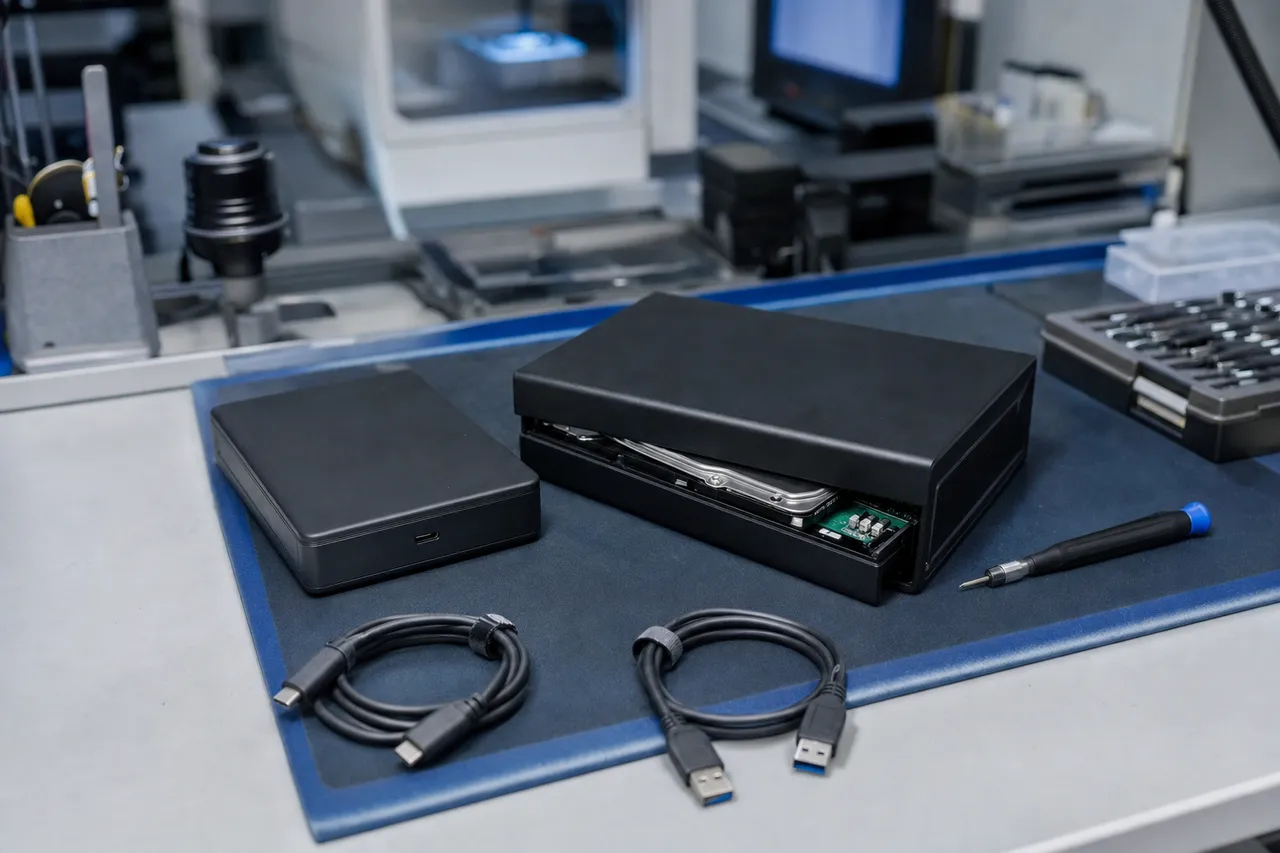
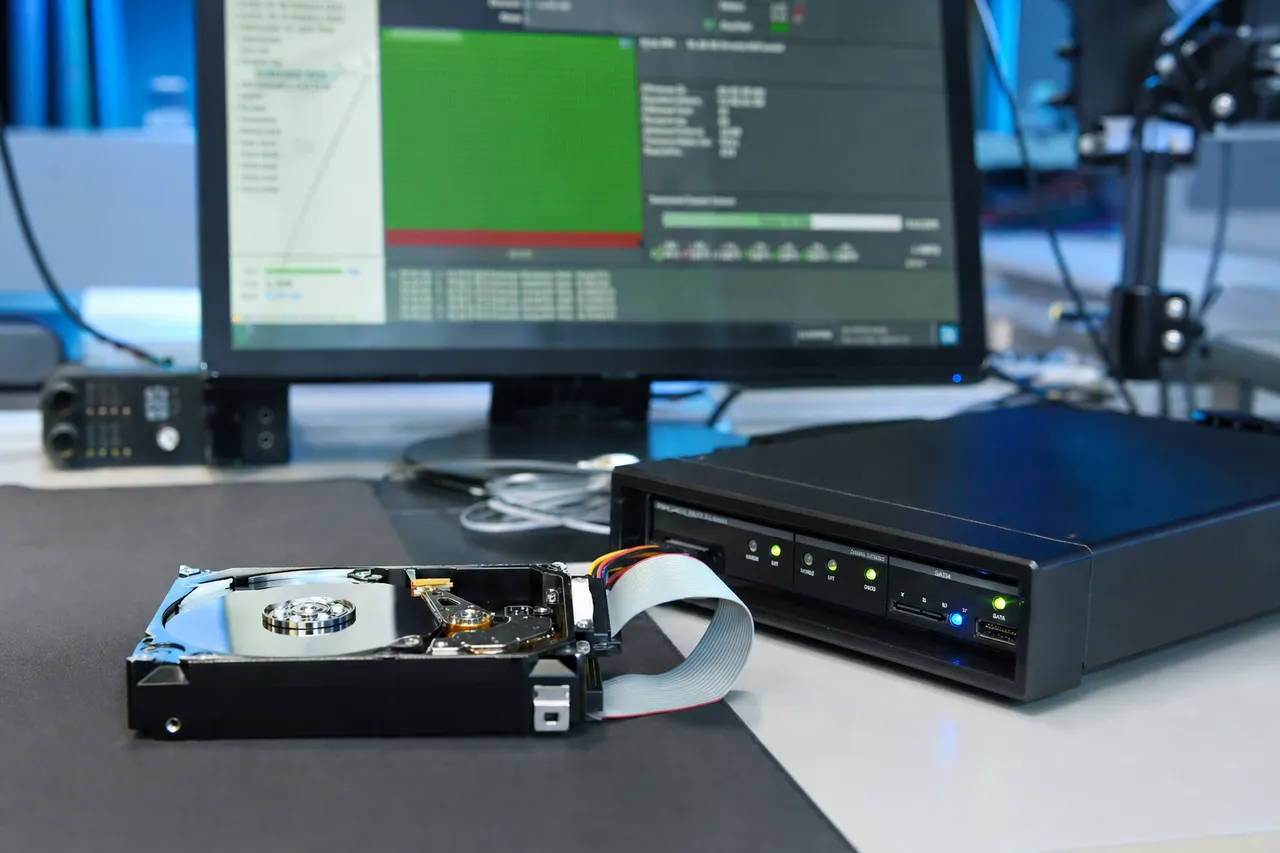
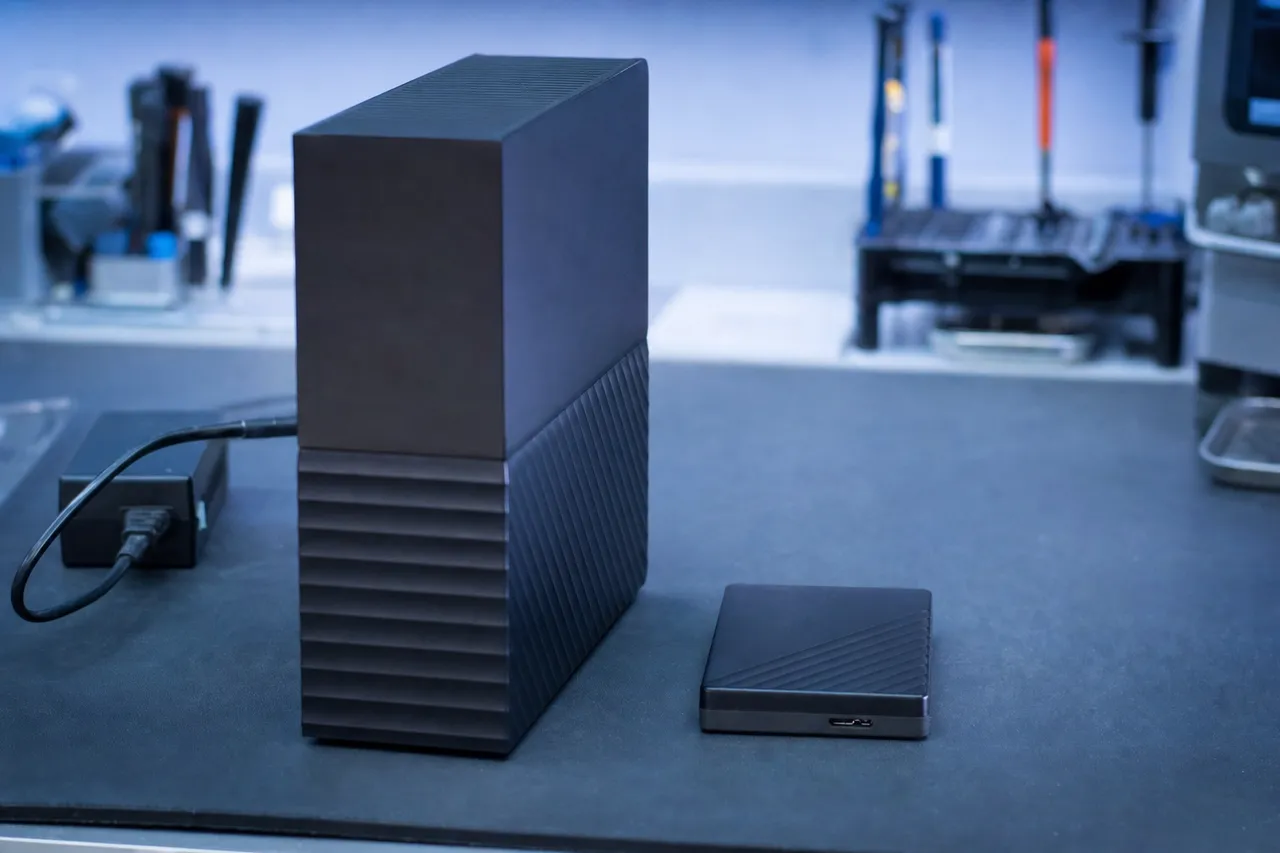
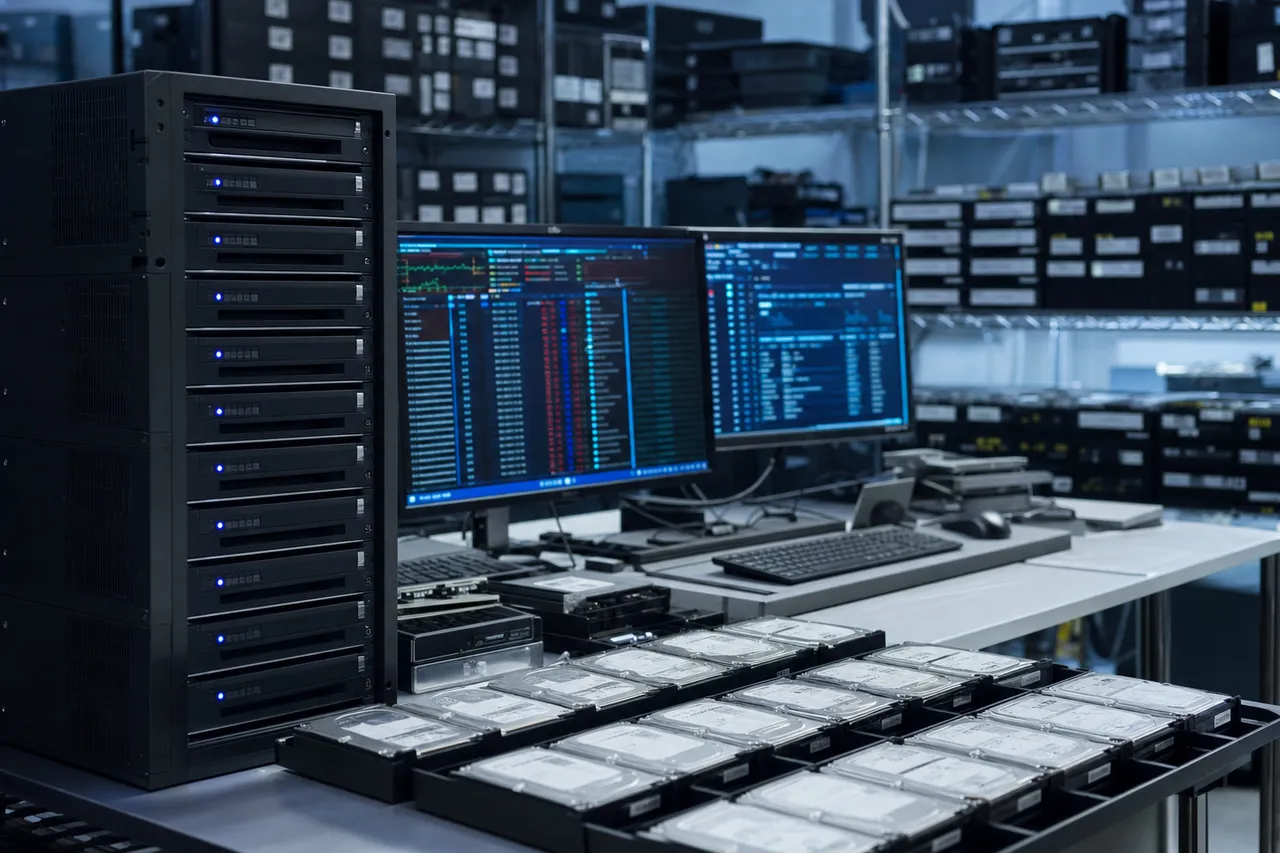
Lost access to your WD My Book external hard drive? MDrepairs is a professional hard drive data recovery lab in Lincroft, NJ specializing in all WD My Book desktop external drives - from single-drive My Book enclosures and My Book Duo RAID systems to legacy My Book Essential, My Book Live NAS, and My Book Studio models.
Whether your My Book is clicking, not powering on, or showing as unrecognized after a power surge, our certified technicians recover data other labs cannot. Every case starts with a $100 professional diagnostic that gives you a detailed report on the issue, recovery likelihood, and exact pricing. We serve customers nationwide through our secure mail-in program with free insured shipping both ways. No data, no charge on the recovery - if we can't recover your files, you only pay the diagnostic fee.
Watch Joseph at MDrepairs walk through the data recovery process in our professional lab. With over 2 million followers across YouTube, TikTok, and Instagram, we've built our reputation on transparency - showing real recoveries from real customer drives.
Our WD My Book recovery videos have helped thousands of people understand exactly what happens when a desktop external drive fails and how our technicians bring data back from drives other labs give up on.
1.1M+YouTube Subscribers
400K+TikTok Followers
290K+Instagram Followers
470K+Facebook Followers
Reviews
What Our Customers Say
★★★★★
My 8TB WD My Book stopped working after a power outage. It would click a few times then shut off. I tried a new power adapter, different cables, everything. MDrepairs diagnosed it as a head crash caused by the power surge. They did a head swap in their cleanroom and recovered all 6TB of family videos and photos spanning 15 years. Joseph was great about keeping me updated through the whole process.
Mark T.Google Review
★★★★★
I had a WD My Book Duo with 16TB in RAID 0 that suddenly showed as uninitialized in Disk Management. Two other shops told me the data was gone because RAID 0 has no redundancy. MDrepairs rebuilt the RAID array at the sector level and recovered every single file. Over 14TB of photography work saved. These guys know what they're doing.
Sandra L.Google Review
★★★★★
Used my WD My Book as my main backup drive for years. One day it just stopped being recognized - no clicking, no sounds at all. Turned out the encryption chip on the PCB failed. MDrepairs transplanted the chip to a new board and got all my data back. I had no idea the encryption was even there. Incredible work.
David R.Google Review
★★★★★
Our small business had a 12TB My Book Desktop with 7 years of QuickBooks files, invoices, and client records. The drive started making a beeping sound one morning. MDrepairs recovered everything in about a week. The turnaround was faster than I expected and the price was fair for the amount of data involved. Highly recommend.
Jennifer W.Google Review
★★★★★
Sent in my WD My Book Essential that my kid knocked off the desk. It was clicking badly and wouldn't mount. MDrepairs did a head swap and recovered 99% of my files - over 2TB of music production projects and sample libraries. The few files that didn't make it were in a bad sector zone right where the impact happened. Still amazing results.
Chris P.Yelp Review
★★★★★
My WD My Book Live NAS became inaccessible over the network. I could see it on the network but couldn't access any files. After a factory reset attempt made things worse, I sent it to MDrepairs. They recovered all my data from the Linux file system. I didn't even know it ran Linux. Thank you Joseph!
Angela M.Google Review
★★★★★
I had a 4TB WD My Book that was my only copy of decades of family photos. It stopped working after a lightning storm and the power adapter got fried. Tried a replacement adapter but the drive still wouldn't spin up. MDrepairs found that the surge damaged the motor controller on the PCB along with the encryption chip. They did a chip transplant and motor repair - got back every photo. Worth every cent.
Robert H.Google Review
★★★★★
WD My Book Studio that I used with my Mac for video editing suddenly stopped showing up in Finder. Disk Utility couldn't see it either. Turns out the USB-to-SATA bridge board failed. MDrepairs bypassed the bridge, dealt with the hardware encryption issue, and recovered all 3TB of my Final Cut Pro projects. Lifesavers.
Lisa K.Yelp Review
★★★★★
Had a WD My Book 6TB that developed bad sectors. Files were corrupting left and right. WD support just offered me a replacement drive under warranty which doesn't help when you need the actual data. MDrepairs imaged around the bad sectors using specialized equipment and recovered 98% of my files including all the critical business documents.
Tom G.Google Review
★★★★★
My WD My Book Duo with two 8TB drives in RAID 1 started showing errors. One drive had completely failed and the mirror was degraded with bad sectors. I didn't want to risk losing everything by trying to rebuild myself. MDrepairs recovered the full dataset from the good mirror drive and patched in data from the failed drive for the sectors the mirror couldn't read. Perfect recovery.
Patricia N.Google Review
Supported Models
WD My Book Models We Recover
We recover data from every WD My Book desktop external hard drive ever manufactured. From the original My Book Essential to the latest My Book with 22TB capacity, our lab maintains donor drives and firmware databases for all My Book product lines. Below is a partial list - if your specific model isn't listed, we still recover it.
WD My Book 3TB (WDBBGB0030HBK)
WD My Book 4TB (WDBBGB0040HBK)
WD My Book 6TB (WDBBGB0060HBK)
WD My Book 8TB (WDBBGB0080HBK)
WD My Book 10TB (WDBBGB0100HBK)
WD My Book 12TB (WDBBGB0120HBK)
WD My Book 14TB (WDBBGB0140HBK)
WD My Book 16TB (WDBBGB0160HBK)
WD My Book 18TB (WDBBGB0180HBK)
WD My Book 22TB (WDBBGB0220HBK)
WD My Book Desktop 1TB (WDBFJK0010HBK)
WD My Book Desktop 2TB (WDBFJK0020HBK)
WD My Book Desktop 3TB (WDBFJK0030HBK)
WD My Book Desktop 4TB (WDBFJK0040HBK)
WD My Book Essential 1TB (WDBACW0010HBK)
WD My Book Essential 2TB (WDBACW0020HBK)
WD My Book Essential 3TB (WDBACW0030HBK)
WD My Book Essential Edition 500GB
WD My Book Essential Edition 1TB
WD My Book Duo 4TB (WDBLWE0040JCH)
WD My Book Duo 6TB (WDBLWE0060JCH)
WD My Book Duo 8TB (WDBLWE0080JCH)
WD My Book Duo 12TB (WDBLWE0120JCH)
WD My Book Duo 16TB (WDBFBE0160JBK)
WD My Book Duo 20TB (WDBFBE0200JBK)
WD My Book Duo 24TB (WDBFBE0240JBK)
WD My Book Duo 28TB (WDBFBE0280JBK)
WD My Book Duo 36TB (WDBFBE0360JBK)
WD My Book Duo 44TB (WDBFBE0440JBK)
WD My Book Live 1TB (WDBACG0010HCH)
WD My Book Live 2TB (WDBACG0020HCH)
WD My Book Live 3TB (WDBACG0030HCH)
WD My Book Live Duo 4TB (WDBVHT0040JCH)
WD My Book Live Duo 6TB (WDBVHT0060JCH)
WD My Book Live Duo 8TB (WDBVHT0080JCH)
WD My Book World Edition 1TB
WD My Book World Edition II 2TB
WD My Book World Edition II 4TB
WD My Book Studio 1TB (WDBC3G0010HAL)
WD My Book Studio 2TB (WDBC3G0020HAL)
WD My Book Studio 3TB
WD My Book Studio LX 2TB
WD My Book Studio Edition II 2TB
WD My Book VelociRaptor Duo 2TB
WD My Book Mirror 4TB (WDBWVZ0040JWT)
WD My Book Mirror 6TB (WDBWVZ0060JWT)
WD My Book Mirror 8TB (WDBWVZ0080JWT)
WD My Book Pro 6TB
WD My Book Pro 8TB
WD My Book Pro 12TB
WD My Book Pro 16TB
WD My Book AV-TV 1TB (WDBGLG0010HBK)
WD My Book AV-TV 2TB (WDBGLG0020HBK)
WD My Book Thunderbolt Duo 4TB
WD My Book Thunderbolt Duo 6TB
WD My Book Thunderbolt Duo 8TB
$100 diagnostic · No data, no charge · Free shipping
Common Failures
Common WD My Book Failure Types
Power Supply Failure
WD My Book drives use an external 12V DC power adapter that is highly susceptible to power surges, lightning strikes, and outlet fluctuations. When the adapter fails or delivers incorrect voltage, it can damage the drive's internal PCB, corrupt the firmware, or cause the motor controller to seize. Replacing the power adapter alone rarely fixes the problem because the surge often damages components on the drive's circuit board as well.
Clicking After Power Surge
A power surge through the My Book's DC input can damage the read/write head pre-amplifier chip, causing the heads to lose their ability to read servo data from the platters. The drive clicks repeatedly as the heads attempt and fail to calibrate. This requires a cleanroom head swap using a compatible donor head stack assembly matched to the specific drive revision and head map.
Hardware Encryption Lockout
All modern WD My Book drives use hardware-level AES-256 encryption implemented on the USB-to-SATA bridge PCB. The encryption key is stored on a chip on this board - if the board fails, the data becomes inaccessible even if the internal hard drive is perfectly healthy. A simple board swap won't work because each board has a unique encryption key. Recovery requires transplanting the encryption chip from the original board to a functioning donor board.
Motor Seizure / Drive Not Spinning
WD My Book drives contain 3.5-inch desktop hard drives that rely on a spindle motor to rotate the platters at 5400 or 7200 RPM. When the motor seizes - often due to prolonged inactivity, bearing wear, or stiction - the drive produces no sound at all when powered on. Recovery involves either freeing the seized motor or transplanting the platter stack to a healthy donor chassis in a cleanroom environment.
Bad Sectors / Slow Response
When a WD My Book becomes extremely slow, freezes during file transfers, or causes the computer to hang, the internal drive likely has developed bad sectors - areas of the platter surface where the magnetic coating has degraded. Reading these sectors causes timeout errors that cascade through the file system. Professional recovery uses specialized imaging tools to extract data while intelligently skipping and retrying damaged areas.
Firmware Corruption
The internal hard drive in a WD My Book contains a firmware zone stored on a reserved area of the platter surface. This firmware controls all drive operations - head positioning, error correction, sector mapping, and read/write processes. When firmware modules become corrupted (often from sudden power loss during writes), the drive may not be detected, spin up and down repeatedly, or report an incorrect capacity. Recovery requires firmware-level tools like the PC-3000 to repair or rebuild the damaged modules.
WD SmartWare Backup Corruption
Many WD My Book users rely on the bundled WD SmartWare software for continuous backup. When the drive experiences a sudden disconnection or power failure during a SmartWare backup cycle, the backup container files and index database can become corrupted. The files physically exist on the drive but the SmartWare software can no longer read them. Recovery involves bypassing the SmartWare container format and extracting the raw files directly from the drive image.
My Book Duo RAID Failure
The WD My Book Duo contains two 3.5-inch hard drives configured in RAID 0 (striped for speed) or RAID 1 (mirrored for redundancy). When one or both drives in a RAID 0 array fail, standard tools cannot read the striped data because blocks alternate between drives. When a RAID 1 mirror degrades, the surviving drive may have its own issues. Recovery requires rebuilding the RAID parameters - stripe size, block order, and parity layout - then imaging both drives and reassembling the virtual volume.
Our Process
How We Recover Your Data
01
Ship or Drop Off
Ship your WD My Book to our lab using our prepaid shipping label or drop it off in person at our Lincroft, NJ location. We perform a comprehensive evaluation to identify the failure type - whether it's a PCB issue, head failure, motor problem, encryption lockout, or firmware corruption - and determine the exact recovery approach for your specific My Book model.
02
$100 Diagnostic
Our technicians open the My Book enclosure, extract the internal 3.5-inch drive, and perform a full hardware diagnostic. For encrypted models, we identify the bridge board type and encryption configuration. You receive a detailed report explaining exactly what failed, the recovery probability, a firm price quote, and the expected timeline. The $100 diagnostic fee is applied toward recovery if you proceed.
03
Professional Recovery
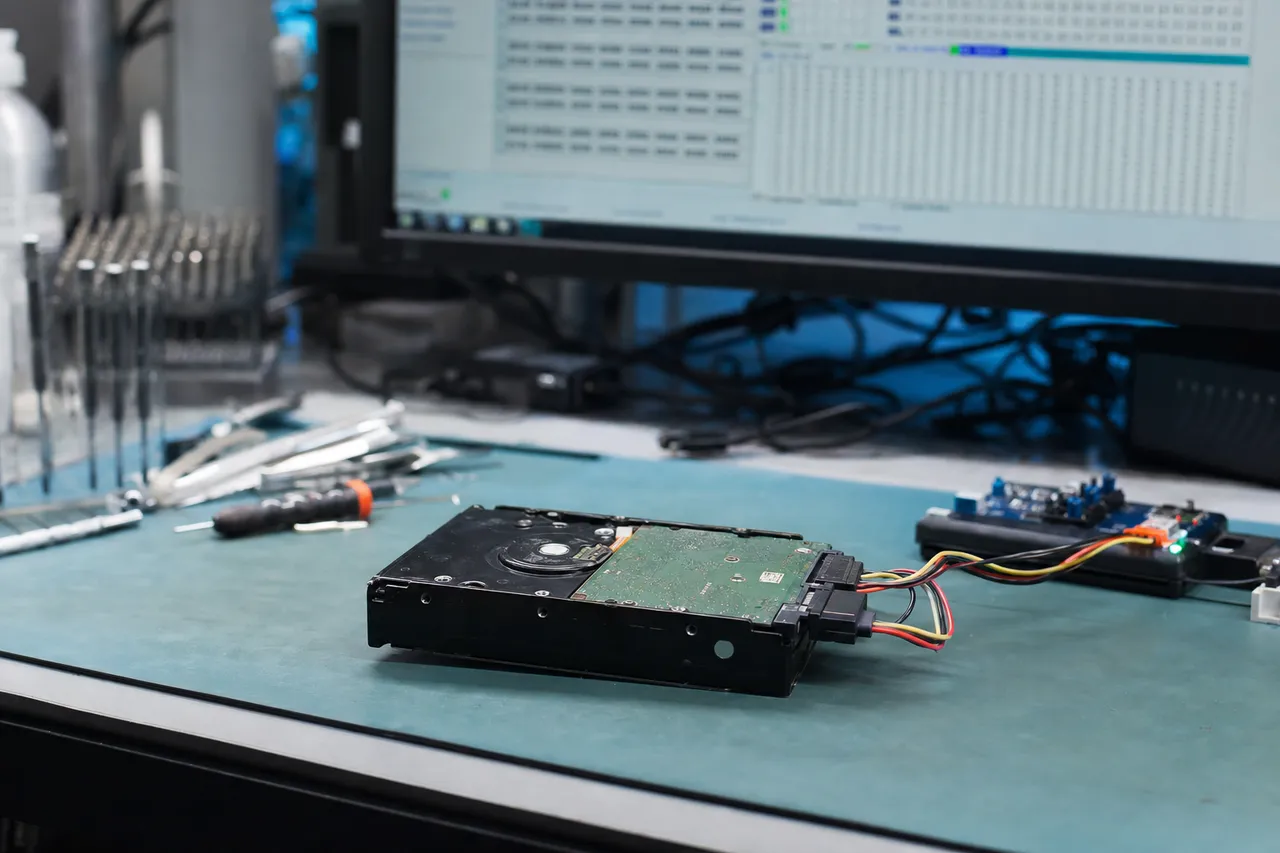
Once approved, we perform the recovery using our ISO-certified cleanroom and professional tools including the PC-3000 by ACE Lab. For head failures, we source matched donor drives and perform a cleanroom head swap. For encryption issues, we transplant the crypto chip to a working board. For RAID configurations in My Book Duo models, we rebuild the array parameters and image both drives. Every byte is extracted and verified.
04
Data Returned
Your recovered data is transferred to a new external drive or uploaded to a secure cloud server for download. We verify the file structure, check critical files, and confirm the recovery with you before shipping. All recovered data is returned via insured shipping at no extra charge. We securely erase your original drive data from our systems after 30 days.
Transparent Pricing
WD My Book Recovery Pricing
Pricing depends on the failure type and complexity. All recoveries start with a $100 diagnostic that is applied toward the recovery cost. No data, no charge - if we can't recover your files, you only pay the diagnostic fee.
Standard Recovery
$300 - $500
Logical failures, file system corruption, accidental formatting or deletion, WD SmartWare backup recovery, and basic firmware repairs. Applies to My Book drives that are physically healthy but logically damaged.
Accidental deletion recovery
File system corruption repair
WD SmartWare container extraction
Partition table reconstruction
Basic firmware module repair
$100 diagnostic applied to cost
Most Common
Priority Recovery
$500 - $800
PCB failures, encryption chip transplants, USB bridge board replacements, bad sector imaging, advanced firmware reconstruction, and single-drive motor issues. The most common tier for WD My Book drives damaged by power surges.
PCB component-level repair
Encryption chip transplant
USB-to-SATA bridge bypass
Bad sector imaging with PC-3000
Advanced firmware reconstruction
$100 diagnostic applied to cost
Emergency Recovery
$800 - $1,500
Cleanroom head swaps, platter transplants, multi-drive RAID rebuilds (My Book Duo), severe platter damage, and cases requiring multiple donor drives. Includes expedited 24-48 hour turnaround when requested.
Cleanroom head stack replacement
Platter transplant to donor chassis
My Book Duo RAID 0/1 rebuild
Multi-donor head attempts
Expedited turnaround available
$100 diagnostic applied to cost
All pricing includes the $100 diagnostic fee. No data, no charge. If we can't recover your target files, you only pay the diagnostic fee.
Standard turnaround: 5-10 business days from diagnostic approval for most WD My Book recoveries including logical failures, firmware repairs, and PCB transplants. Priority turnaround: 3-5 business days for head swaps and encryption chip transplants that require donor drive sourcing. Emergency turnaround: 24-48 hours available for critical business data. Rush fee applies. Contact us at 732-933-7717 to discuss emergency timelines. My Book Duo RAID rebuilds typically add 1-2 business days due to the multi-drive imaging and array reconstruction process. We provide status updates throughout the recovery so you always know where your case stands.
4 - 5weeksStandardNo surchargeFull assessment with recovery options and pricing.
5 - 7daysPriorityRush +$250Jumps to the front of the queue.
1 - 2daysUrgentRush +$500Dedicated technician for time-sensitive cases.
See how our lab handles real data recovery cases - from initial diagnosis through final data delivery.
WD My Book 2TB - Multi-Stage Recovery with Translator Failure
Drive
Western Digital WD My Book (2TB desktop)
Failure
The My Book stopped working after a power outage. The internal USB-only bridge board was damaged by the power surge, requiring conversion to SATA for professional tool access. During recovery, the translator module - the firmware component that maps logical sectors to physical platter locations - also failed.
Recovery
We extracted the ROM, handled the encryption chip transplant, converted the interface to SATA, and began imaging with the PC-3000. When the translator failed mid-image, our pre-recovery service area backups allowed us to rebuild it and continue. All data recovered from this multi-failure My Book case.
WD My Book Desktop 2TB - Two-Pass Head Isolation Recovery
Drive
Western Digital My Book Desktop (2TB, WD20EARS internal)
Failure
One head in the multi-head stack degraded while the others remained functional. The My Book was becoming progressively slower and dropping files. Continued operation on the failing head risked damaging the corresponding platter surface and losing data permanently.
Recovery
We removed the drive from the My Book enclosure, handled the encryption through the original bridge board, then used a two-pass recovery strategy. First pass: disabled the failing head at the firmware level and imaged all data from the healthy heads. Second pass: swapped in a fresh donor head stack and recovered the remaining data from the previously disabled head's surface. Full data recovered across both passes.
WD My Book 8TB - Encryption Chip Transplant After Power Surge
Drive
Western Digital My Book 8TB (WDBBGB0080HBK)
Failure
Lightning strike during a summer storm sent a surge through the power adapter and destroyed the bridge board's voltage regulator, USB controller, and damaged the encryption chip's power input pins. The internal WD80EFAX drive was physically healthy but all data was AES-256 encrypted.
Recovery
We desoldered the Initio encryption IC from the damaged bridge board using our BGA rework station, cleaned and reballed the chip, and transplanted it to a matching donor bridge board. The chip's power input pins required micro-wire repair before the transplant. Once seated on the working board, the encryption key was restored and the full 7.2TB of data decrypted and recovered successfully.
WD My Book Duo 16TB - RAID 0 Rebuild After Head Failure
Drive
Western Digital My Book Duo 16TB (2x 8TB in RAID 0)
Failure
One of the two 8TB drives in the RAID 0 array suffered a head crash, making the entire 16TB array inaccessible. Because RAID 0 stripes data across both drives with no redundancy, the failure of one drive meant every other data block was unreadable.
Recovery
We performed a cleanroom head swap on the failed drive using a matched WD80EFAX donor, then imaged both drives independently through the encryption layer. Using our PC-3000 RAID module, we determined the 64KB stripe size, correct drive order, and data start offset. The virtual RAID 0 volume was reconstructed and all 14.2TB of 4K video footage was recovered intact.
An in-depth look at how WD My Book drives fail and how we recover them - hardware encryption, power surge damage, RAID, head swaps, firmware, and more.
Overview
Complete Guide to WD My Book Data Recovery
The WD My Book is Western Digital's flagship line of desktop external hard drives, designed for users who need large-capacity backup and storage solutions that sit alongside a computer on a desk. Unlike portable drives such as the WD My Passport, the My Book uses full-size 3.5-inch desktop hard drives internally, providing higher capacities - up to 22TB in current models - at a lower cost per gigabyte. This makes the My Book one of the most popular external storage devices for backing up entire computer systems, storing media libraries, and archiving business records.
The data recovery process for WD My Book drives involves unique challenges that set these enclosures apart from other external drives. The most significant is hardware-level encryption. Every WD My Book manufactured since approximately 2011 implements AES-256 encryption at the hardware level through a dedicated chip on the USB-to-SATA bridge board inside the enclosure. This encryption is always active and completely transparent to the user - you don't set a password or configure anything, but every byte written to the internal hard drive is encrypted. The encryption key lives exclusively on the bridge board's crypto IC.
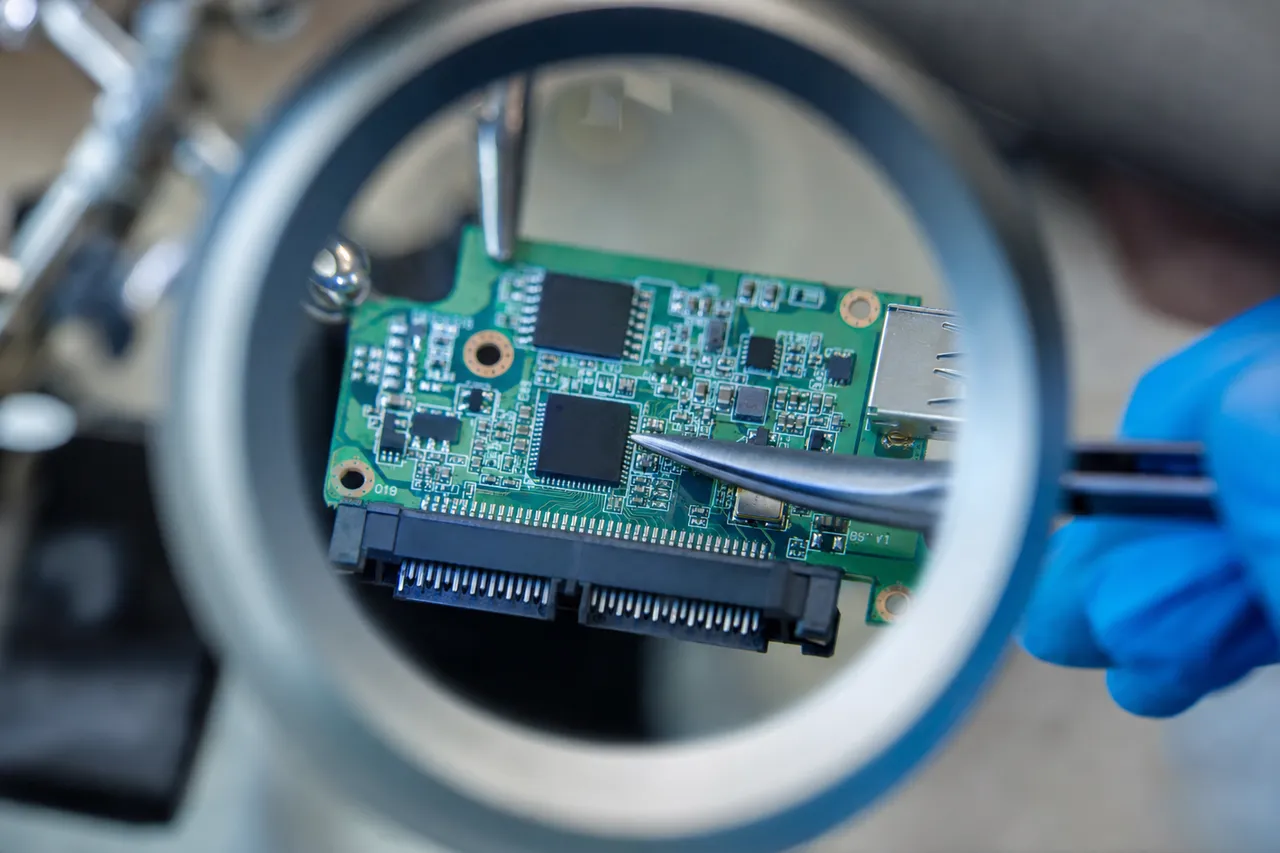
This means you cannot simply remove the internal hard drive from a My Book enclosure, connect it to another computer via a standard SATA cable, and read the data. The data will appear as encrypted gibberish without the original bridge board and its encryption chip. This hardware encryption creates a critical complication for data recovery. If the bridge board fails - which is extremely common after power surges, since the board sits directly in the path of incoming DC power - the encryption key becomes inaccessible. A simple board-for-board swap does not work because each bridge board has a unique encryption key burned into its crypto IC. The only solution is a chip-level transplant: our technicians desolder the encryption IC from the original damaged board and reball/resolder it onto a functioning donor board of the same revision. This requires advanced micro-soldering skills, proper BGA rework equipment, and an inventory of compatible donor boards across all My Book hardware revisions.
Beyond the encryption challenge, WD My Book data recovery follows similar principles to any 3.5-inch hard drive recovery. The internal drives are standard Western Digital desktop drives - typically WD Red, WD Blue, or WD White Label variants depending on the capacity and model year. These drives are subject to the same failure modes as any mechanical hard drive: head crashes, motor failures, firmware corruption, bad sectors, and platter damage. The difference with My Book recoveries is that the encryption layer adds an additional step to every single case, even when the internal drive itself is the component that failed.
At MDrepairs, we maintain a comprehensive inventory of WD My Book bridge boards, donor drives, and encryption ICs spanning every generation of the My Book product line. Our PC-3000 by ACE Lab includes specific WD firmware repair modules that can address the most complex firmware failures found in the internal drives. Whether your My Book failed from a power surge, physical impact, age-related wear, or logical corruption, our lab has the tools and experience to handle it. We've recovered data from thousands of My Book drives over the years, and our 98% success rate reflects our deep expertise with this specific product line.
Hardware Encryption
Is a WD My Book Encrypted Even If You Never Set a Password?
BGA rework - crypto IC transplantkey trapped on damaged boardkey restored on donor board
Hardware encryption is the single most important factor that makes WD My Book data recovery different from recovering any other external hard drive. Understanding how this encryption works - and why it creates such a significant barrier to DIY recovery attempts - is essential for anyone dealing with a failed My Book drive.
Western Digital began implementing hardware encryption in the My Book line around 2011, and by 2013 every My Book model shipped with it enabled by default. The encryption is performed by a dedicated crypto IC - typically made by Initio (later acquired by Sage Microelectronics) or sometimes by JMicron - that sits on the USB-to-SATA bridge PCB inside the My Book enclosure. This bridge board converts the USB interface that connects to your computer into the SATA interface that the internal hard drive uses. The crypto IC sits in the data path between these two interfaces, encrypting everything on the way in and decrypting everything on the way out.
The critical detail is that the AES-256 encryption key is generated once - when the My Book is first used - and stored permanently in the crypto IC's non-volatile memory. This key is never transmitted to the computer, never saved to the hard drive's platters, and cannot be extracted through software. It exists only inside that one specific chip on that one specific board. Western Digital designed this system so that if someone steals the internal hard drive, the data is protected by military-grade encryption. The unintended consequence for data recovery is that when the bridge board fails, the encryption key appears to be lost.
This is why the most common piece of bad advice you'll find online - "just take the drive out of the enclosure and connect it via SATA" - does not work for any WD My Book manufactured in the last 13+ years. The data on the internal hard drive is encrypted. Connecting it directly to a computer produces a drive that appears to have random data, as if it were never formatted. CHKDSK won't fix it, TestDisk won't find partitions, and no file recovery software will find recognizable files. The data is there, but it's encrypted, and without the original crypto IC, it's unreadable.
Our recovery process for encryption-affected My Book drives involves several possible approaches depending on the specific failure. If only the bridge board's power regulation components failed but the crypto IC itself survived, we desolder the crypto IC using our BGA rework station, clean and reball the solder connections, and transplant it to a known-good donor bridge board of the same hardware revision. The donor board must use the same crypto IC model and have the same pinout configuration. Once the chip is seated on the working board, the original encryption key is restored and the data decrypts normally.
In cases where the crypto IC itself was damaged by the failure - this happens in severe electrical surges or when a liquid spill reaches the board - recovery becomes significantly more complex. We may attempt to read the encryption key directly from the damaged chip using specialized chip reading equipment before the transplant. In some hardware revisions, we can work with the drive at the sector level to reconstruct file structures even from encrypted data, though this is case-dependent and not always possible.
The takeaway for WD My Book owners: never discard a failed bridge board. Even if the board is visibly burned, cracked, or damaged, the encryption chip may still contain the key needed to decrypt your data. If your My Book fails, keep the entire unit intact - enclosure, bridge board, and internal drive together - and send it to a professional lab. Attempting DIY repairs or board swaps without understanding the encryption architecture can make recovery harder or impossible.
Power Surge / PCB
WD My Book Power Surge Damage and PCB Recovery
Power surges are the number one cause of WD My Book failures that we see at MDrepairs. Because the My Book is a desktop device that stays plugged into wall power continuously - unlike portable drives that run on bus power from a USB port - it is directly exposed to every voltage fluctuation, spike, and surge that travels through your home or office electrical system. Lightning strikes, power grid switching, brownouts followed by power restoration, and even plugging a high-draw appliance into the same circuit can all send a damaging voltage spike through the My Book's external 12V DC power adapter and into the drive's internal electronics.
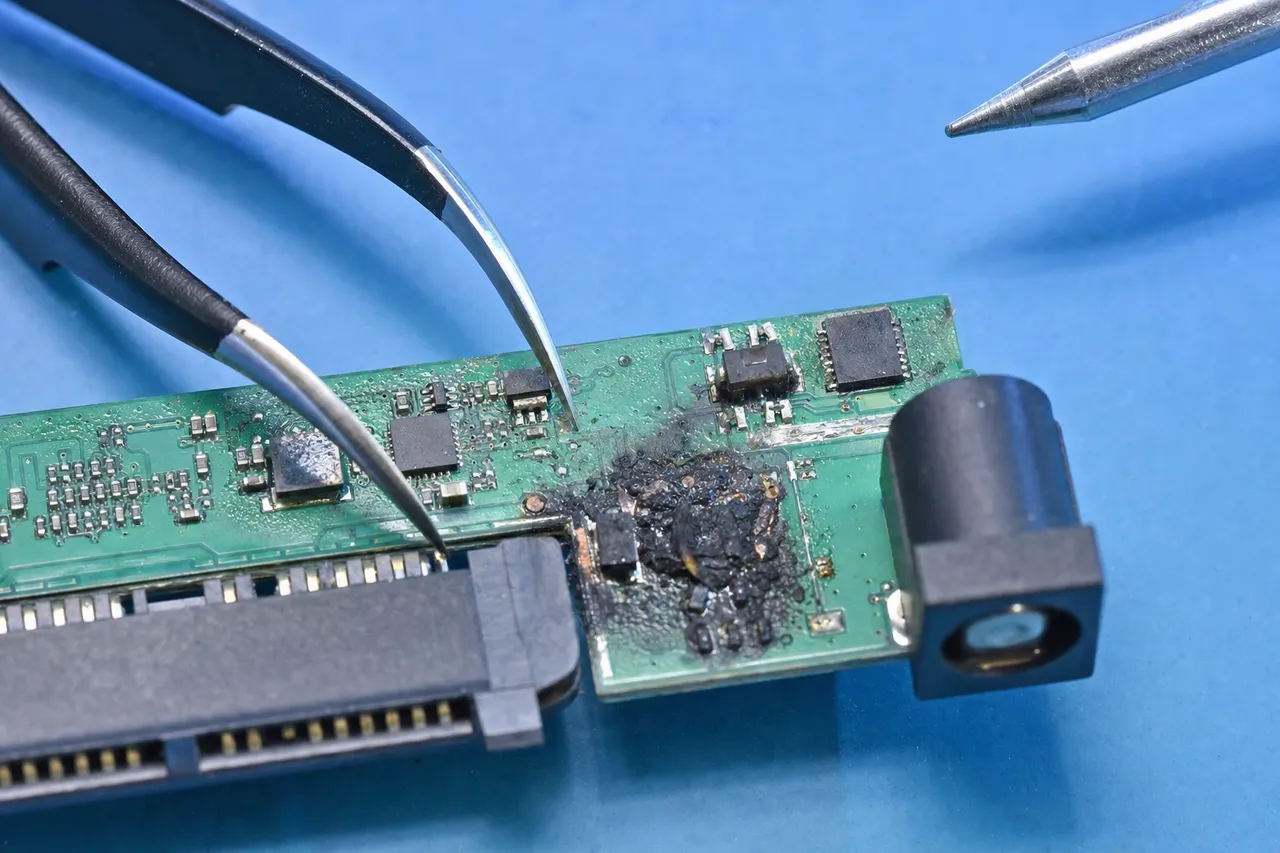
The damage path from a power surge through a WD My Book typically follows a predictable pattern. The surge first enters through the DC barrel jack on the back of the enclosure, hitting the bridge board's voltage regulation circuitry. The TVS (transient voltage suppressor) diode - a component specifically designed to absorb surges - may absorb the spike if it's minor. But in a serious surge event, the TVS diode fails short, which can blow the board's fuse or further damage downstream components. From there, the surge can reach the motor controller IC that controls the internal drive's spindle motor, the pre-amplifier chip that powers the read/write heads, and critically, the encryption crypto IC.
We categorize My Book power surge damage into three severity levels. Level 1 is isolated to the bridge board - the internal hard drive is completely healthy, but the bridge board's power regulation, USB controller, or crypto IC was damaged. These cases have a near 100% recovery rate because the hard drive platters and heads are untouched. We transplant the encryption chip to a new board and image the drive normally. Level 2 involves damage to both the bridge board and the internal drive's PCB. The surge traveled through the bridge board and into the hard drive's own circuit board, damaging the pre-amplifier, motor controller, or ROM chip. These cases require both an encryption chip transplant and a separate PCB repair or ROM transplant on the internal drive - essentially two board-level recoveries in one case. Level 3 is the most severe: the surge energy reached the read/write heads through the pre-amplifier, causing head damage or even platter surface scoring. These cases require a cleanroom head swap in addition to the board-level work.
Prevention is straightforward: use a quality surge protector or UPS (uninterruptible power supply) with your WD My Book. A $30 surge protector can prevent a $500-1500 recovery. We also recommend powering off your My Book when not in use and unplugging it during storms. The My Book's always-on design means it's constantly vulnerable whenever it's plugged in. If your My Book was connected during a power event - a storm, a blown breaker, a power outage followed by restoration - and now doesn't work, do not attempt to power it on repeatedly. Each power-on attempt with a damaged PCB can cause additional damage. Do not open the enclosure and try to connect the internal drive via SATA - the data is encrypted and this accomplishes nothing. Send the complete unit to a professional lab with experience in WD encryption chip transplants.
At MDrepairs, we stock donor bridge boards for every generation of WD My Book, including the original Symwave-based boards, the Initio INIC-3609 boards, the JMicron JMS567/JMS578 boards, and the latest ASMedia ASM1153E boards. We also maintain a library of donor 3.5-inch WD drives for PCB component harvesting and head swaps. Our success rate on My Book power surge cases exceeds 96%, making it one of our highest-success recovery categories.
My Book Duo RAID
WD My Book Duo RAID Data Recovery
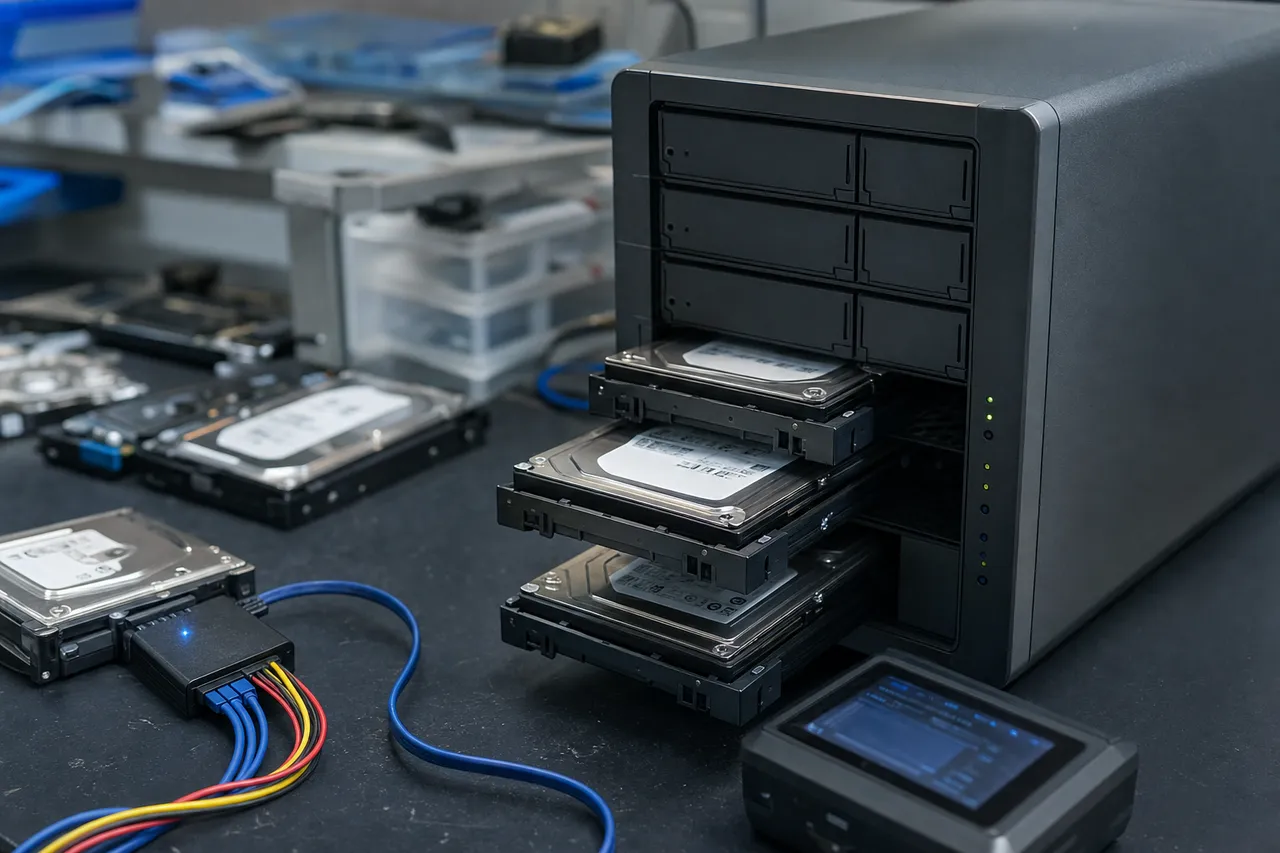
The WD My Book Duo is a dual-bay desktop storage device that houses two 3.5-inch hard drives and supports RAID 0 (striped) and RAID 1 (mirrored) configurations. It was designed for users who need either maximum performance (RAID 0) or maximum redundancy (RAID 1) in a desktop external enclosure. Recovering data from a failed My Book Duo presents unique challenges that go beyond standard single-drive My Book recovery because you're dealing with RAID array parameters, multi-drive failures, and the interaction between the RAID controller and Western Digital's hardware encryption system.
In RAID 0 mode - the factory default configuration for most My Book Duo models - data is split across both drives in alternating blocks (stripes). This means that any single file larger than the stripe size has its data scattered between Drive A and Drive B. If either drive fails, the entire array becomes inaccessible because every other block of data is missing. You cannot read Drive A alone and get coherent files - you'll get fragments with gaps. RAID 0 provides zero redundancy: a single drive failure is a total array failure. We see RAID 0 My Book Duo failures frequently because many users never changed the default configuration and may not even realize they're running RAID 0.
Recovery from a RAID 0 My Book Duo failure requires several steps. First, we assess both drives independently. If only one drive has failed (head crash, motor failure, PCB damage), we repair that drive through the appropriate method - head swap, motor repair, or PCB work - and then image both drives. If both drives have issues, we address each drive's failure separately. Once both drives are successfully imaged, we use our PC-3000 RAID module to reconstruct the array. This involves determining the exact RAID parameters: stripe size (typically 64KB or 128KB in My Book Duo units), drive order (which physical drive is Drive 0 vs Drive 1), start offset (where the data area begins after the RAID metadata), and block sequence pattern.
RAID 1 (mirror) mode provides redundancy - both drives contain identical copies of all data. When working correctly, a RAID 1 My Book Duo can survive a single drive failure because the mirror drive contains a complete copy. However, we still see RAID 1 My Book Duo failures for several reasons. Sometimes both drives develop issues - one drive fails outright and the other has accumulated bad sectors from age. Other times the RAID controller firmware becomes corrupted and both drives are marked as degraded even though the data is intact. In some cases, users attempt to rebuild the array through the My Book Duo's management interface and the rebuild process damages data on the surviving drive.
The encryption layer adds complexity to My Book Duo RAID recovery. The My Book Duo uses the same hardware encryption as single-drive My Book models, but the encryption is applied to each drive independently through the dual-bay bridge board. Both drives must be decrypted through the original bridge board (or a transplanted encryption chip) before the RAID can be reconstructed. Attempting to read the drives directly via SATA - even if you know the RAID parameters - produces encrypted blocks that cannot be assembled into readable data.
My Book Duo pricing at MDrepairs reflects the additional complexity: two drives to diagnose, potentially two separate physical repairs, encryption chip handling, and RAID reconstruction. Despite the complexity, our success rate on My Book Duo cases remains above 95% because the RAID parameters are well-documented for these units and we have extensive experience with WD's RAID implementation. We recommend that My Book Duo users running RAID 0 consider switching to RAID 1 if data protection is more important than raw speed - but regardless of your configuration, we can recover your data if the array fails.
Cleanroom Head Swap
WD My Book Head Swap and Cleanroom Recovery
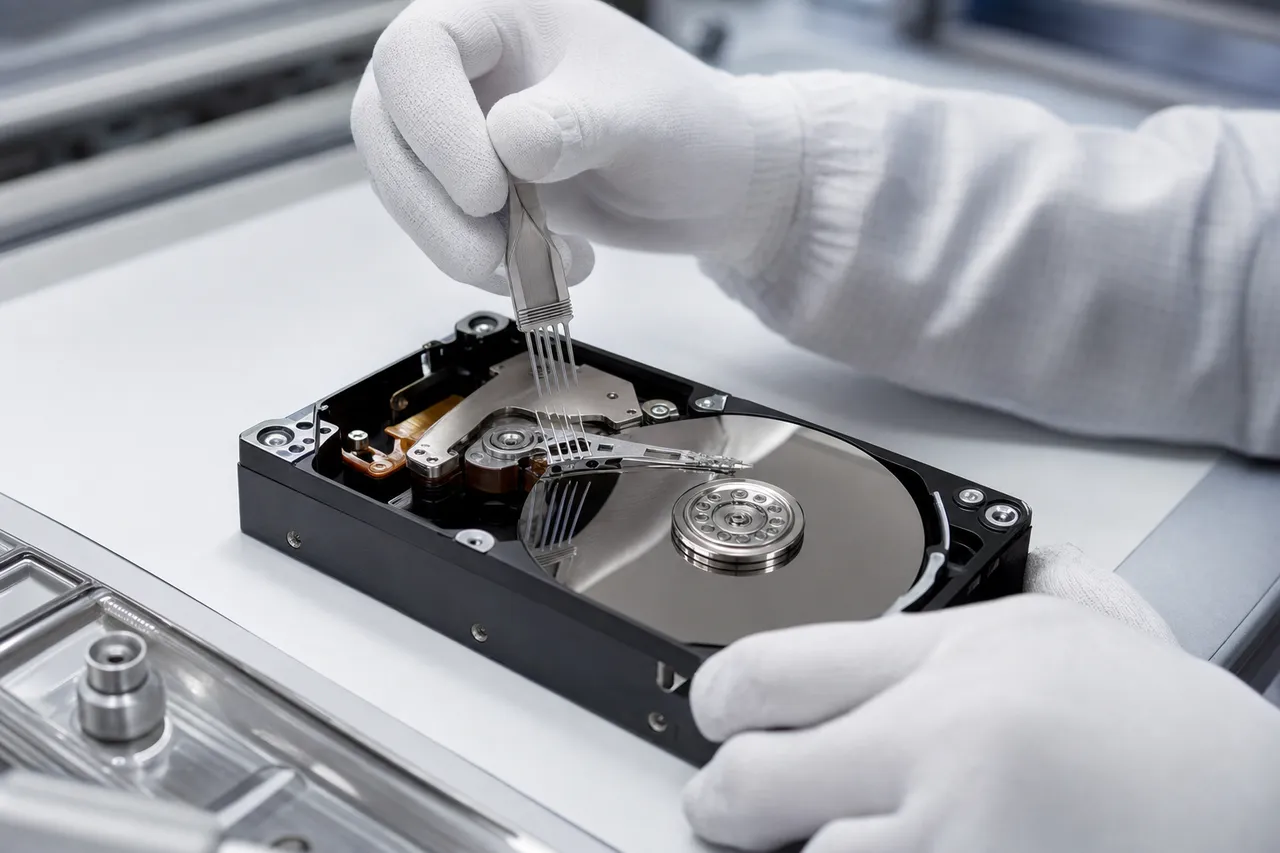
When a WD My Book's internal hard drive suffers a head crash or head stack failure, the only viable recovery method is a cleanroom head swap - a precision procedure where the failed read/write head stack assembly (HSA) is removed and replaced with a compatible donor head stack. This is one of the most technically demanding data recovery procedures, requiring a certified cleanroom environment, specialized tools, and deep knowledge of WD's head compatibility requirements.
The read/write heads in a WD My Book's internal 3.5-inch drive float approximately 3 nanometers above the spinning platter surface - a distance roughly 1/25,000th the width of a human hair. At this microscopic flying height, even a single particle of dust can cause a catastrophic head crash. When a head fails, it can happen in several ways: the head may degrade gradually from wear, causing increasing read errors and bad sectors; the head may fail suddenly from an electrical event like a power surge; or the head may physically contact the platter surface after a physical shock, scraping the magnetic coating and creating debris that further damages both the heads and platters.
The symptoms of a head failure in a WD My Book are distinctive. The most common is a repetitive clicking or ticking sound - this occurs because the surviving heads (in a multi-head stack) are attempting to read the firmware zone on the platter, failing, and retrying in a loop. Some drives produce a beeping sound if all heads have failed and the motor controller detects no head resistance. In other cases, the drive may appear to spin up normally but simply not be detected by the computer because the heads cannot read the drive's identification data.
Head compatibility is critical for WD drives. Unlike some other manufacturers where any same-model donor head set might work, Western Digital drives often require head stacks matched not just by model number but by specific revision, head map, and firmware compatibility. The head map - which defines how many physical heads are installed and which platter surfaces they correspond to - must match exactly. A WD80EFAX with a head map of 1-2-3-4-5-6-7-8 requires a donor with the same eight-head configuration; a donor with a different head map will not calibrate properly even if the model number matches.
Our cleanroom head swap procedure for WD My Book drives follows a strict protocol. We first identify the internal drive's model number, firmware revision, DCM (Drive Configuration Matrix) code, and head map by examining the drive label and ROM data. We then select a compatible donor drive from our inventory - we maintain over 500 WD donor drives specifically for this purpose. The swap itself is performed in our ISO Class 5 cleanroom: we remove the top cover from both drives, extract the donor head stack using a specialized head comb tool that prevents the heads from contacting each other or the platters, and install it into the patient drive. The entire procedure typically takes 30-45 minutes, and the patient drive's platters are never exposed outside the cleanroom environment.
After the head swap, we connect the drive to our PC-3000 and begin the imaging process. We configure the imaging parameters to handle any platter surface damage that may have occurred before or during the head failure - setting appropriate timeout values, retry counts, and head-specific imaging passes. In cases where the original head failure caused platter scoring, we may need to perform multiple head swaps with different donor drives to achieve the best possible image, as platter debris can damage fresh donor heads during imaging. This multi-donor approach increases the recovery cost but can mean the difference between a successful and failed recovery.
The combination of cleanroom head swap and encryption chip handling makes WD My Book head failure cases among the most complex recoveries we perform. The head swap addresses the mechanical failure, but the recovered data still needs to pass through the encryption chip on the bridge board for decryption. If the bridge board was also damaged (common in power surge cases that killed the heads), we're performing two precision procedures: a chip transplant on the bridge board and a head swap on the internal drive. Despite this complexity, our success rate on My Book head swap cases exceeds 92%.
Firmware
WD My Book Firmware Architecture and Recovery
Every hard drive inside a WD My Book contains a complex firmware system that controls all aspects of the drive's operation. This firmware is stored partly on a ROM chip on the drive's PCB and partly in a reserved area on the platter surface called the System Area or Service Area (SA). When firmware becomes corrupted - through sudden power loss, age-related degradation, or manufacturing defects - the drive can exhibit a wide range of symptoms: failure to be detected, incorrect capacity reporting, clicking or buzzing, slow response, or repeated spin-up/spin-down cycles.
Western Digital firmware architecture consists of dozens of individual modules stored in the System Area. Key modules include the drive's configuration data (model number, serial number, capacity), the defect management tables (P-List for factory defects, G-List for grown defects found during use), the translator module (which maps logical block addresses to physical head/cylinder/sector locations), the adaptive parameters (calibration data specific to that individual drive), and the SMART data (health monitoring counters). Each module has redundant copies and integrity checksums, but corruption can still occur when power is interrupted during a write operation to the SA.
Firmware corruption in WD My Book drives commonly manifests in specific ways. A corrupted translator module causes the drive to spin up but report zero capacity or fail to respond to read commands - the drive literally cannot find where data is stored because its address map is damaged. Corrupted adaptive parameters cause the heads to miscalibrate, producing clicking sounds that mimic a head failure but can actually be resolved without physical intervention. Corrupted defect tables can cause the drive to continuously remap sectors in an endless loop, making the drive extremely slow or unresponsive.
Our firmware recovery process uses the PC-3000 by ACE Lab, the industry-standard professional tool for drive-level firmware manipulation. The PC-3000 can access the System Area directly, read individual firmware modules, identify corrupted modules, and repair or replace them. For WD drives, the PC-3000 includes specific utilities for translator rebuilding, defect table repair, SMART reset, and adaptive parameter restoration. We maintain a library of known-good firmware module backups for thousands of WD drive models, which allows us to replace corrupted modules with matching versions.
One important nuance of firmware recovery for WD My Book drives is that the firmware repair must be performed before the encryption layer. The internal drive's firmware controls how data is read from the platters; the bridge board's encryption controls how that data is decrypted. If both the firmware and bridge board have issues (common in power surge cases), we must first repair the firmware to get the drive reading properly, then route the data through the encryption chip for decryption. The order of operations matters - decrypting firmware-damaged output produces garbage, and firmware-repairing encrypted reads also produces garbage.
For WD My Book users, firmware corruption is actually one of the more favorable failure types because it's non-destructive - the data on the platters is untouched; only the control structures are damaged. Our success rate on firmware-only My Book recoveries is over 99%, and these cases typically have the fastest turnaround times because they don't require cleanroom work or physical repairs. If your My Book spins up but isn't detected, shows a wrong capacity, or cycles on and off, there's a strong chance it's a firmware issue that can be resolved without any physical intervention to the drive.
My Book Live / NAS
Recovering Data from WD My Book Live and Network Models
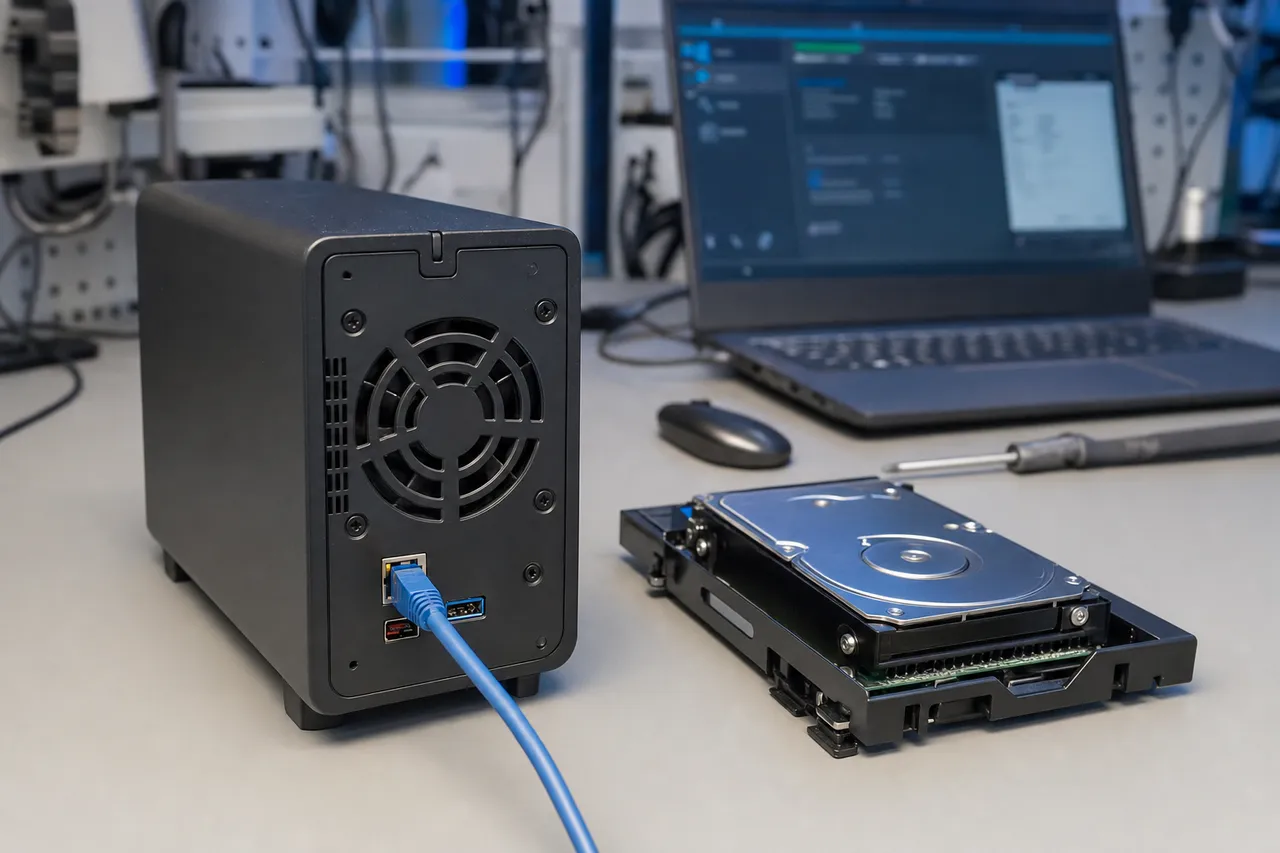
The WD My Book Live and My Book World Edition are network-attached storage (NAS) variants of the My Book product line. Unlike standard My Book models that connect via USB, these devices connect to your home or office network via Ethernet and function as personal cloud storage servers. Recovering data from these network My Book models involves a different set of challenges - primarily related to their Linux-based operating system, network security vulnerabilities, and unique file system configuration.
The WD My Book Live runs a customized Debian Linux distribution on an embedded ARM processor. It formats the internal hard drive with the EXT4 file system - the standard Linux file system - rather than the NTFS or HFS+ formats used by Windows and Mac My Book models. When you connect the My Book Live's internal drive to a Windows computer, it won't show any accessible partitions because Windows cannot natively read EXT4. This leads many people to incorrectly conclude the drive is damaged when in fact the file system is simply incompatible with their operating system. Our recovery process includes full EXT4 support and we can extract all files with their original directory structure, permissions, and timestamps.
The My Book Live gained particular notoriety in June 2021 when a widespread attack exploited two critical vulnerabilities: CVE-2018-18472 (a remote code execution vulnerability in the device's web interface) and an additional zero-day vulnerability that allowed attackers to execute a factory reset command without authentication. Thousands of My Book Live users woke up to find their devices had been wiped clean. Western Digital acknowledged the vulnerabilities but since the My Book Live had been discontinued years earlier, no firmware patch was ever released. The company's only recommendation was to disconnect the device from the internet.
We have recovered data from dozens of My Book Live devices affected by this mass attack. The factory reset command executed by the attackers deleted the partition table and created a new empty file system, but it did not perform a secure wipe of the underlying data blocks. This means the actual file data remains on the platter surface even after the reset - only the metadata (directory entries, file names, folder structure) was overwritten. Using our imaging and file carving tools, we can scan the raw drive image for recognizable file signatures and reconstruct files based on their content rather than their directory entries. Recovery rates vary depending on how much the new empty file system overwrote, but we typically recover 85-97% of files from these attack-wiped devices.
The My Book World Edition is an older network model that predates the My Book Live. These units used a different internal architecture and in some models employed a hardware RAID configuration with two drives. Recovery from World Edition models follows similar principles - Linux file system extraction, EXT3/EXT4 support, and in dual-drive models, RAID parameter reconstruction. These older units are becoming increasingly rare, but we still maintain the knowledge and tools to recover from them.
For any network-attached My Book model, we strongly recommend disconnecting the device from your network at the first sign of trouble. If the device is still connected and experiencing issues, other devices on your network could be contributing to the problem - especially if the issue is related to the security vulnerabilities mentioned above. Remove the Ethernet cable, leave the device powered off, and contact a professional lab. Do not attempt to access the web interface or run any built-in diagnostic tools, as these operations write to the internal drive and can overwrite recoverable data.
Motor / Stiction
WD My Book Motor Seizure and Stiction Recovery
Motor seizure and stiction are mechanical failures specific to 3.5-inch desktop hard drives like those found inside WD My Book enclosures. These failures occur when the spindle motor - which spins the platters at thousands of RPM - becomes physically unable to rotate. The result is a completely silent drive: when you power on the My Book, you hear nothing at all. No clicking, no spinning, no beeping - just silence. This absence of any sound is actually diagnostic: it tells us the motor cannot turn, which points to a specific set of causes and recovery approaches.
Stiction (static friction) is the most common cause of motor seizure in My Book drives that have been stored for extended periods. When a hard drive is powered off, the read/write heads park on a designated landing zone or ramp at the edge of the platters. In some drive models and under certain conditions - particularly high humidity, temperature fluctuations, or very long storage periods - the heads can stick to the platter surface due to molecular adhesion forces. When the motor tries to spin up, it can't overcome the friction between the stuck heads and the platter, so it stalls. The motor controller chip detects the stall (via back-EMF monitoring) and shuts down to prevent damage.
True bearing failure is less common but more severe. The spindle motor uses fluid dynamic bearings (FDB) that rely on a thin film of oil to provide near-frictionless rotation. Over many years of continuous operation - and WD My Book drives are often left running 24/7 - this bearing oil can leak, evaporate, or break down chemically. Once the bearing surfaces make metal-to-metal contact, friction increases dramatically and the motor can seize completely. In these cases, the motor bearings are physically damaged and cannot be simply freed.
Our recovery approach depends on the root cause. For stiction cases, we open the drive in our cleanroom and carefully free the stuck heads from the platter surface using specialized tools. The heads are then repositioned onto their parking ramp, and the drive is reassembled. If the heads were not damaged by the stiction event - which is the case in the majority of stiction recoveries - the drive will spin up normally and can be imaged immediately. If the stiction damaged the heads or left marks on the platter surface, we proceed with a head swap and carefully image around any damaged zones.
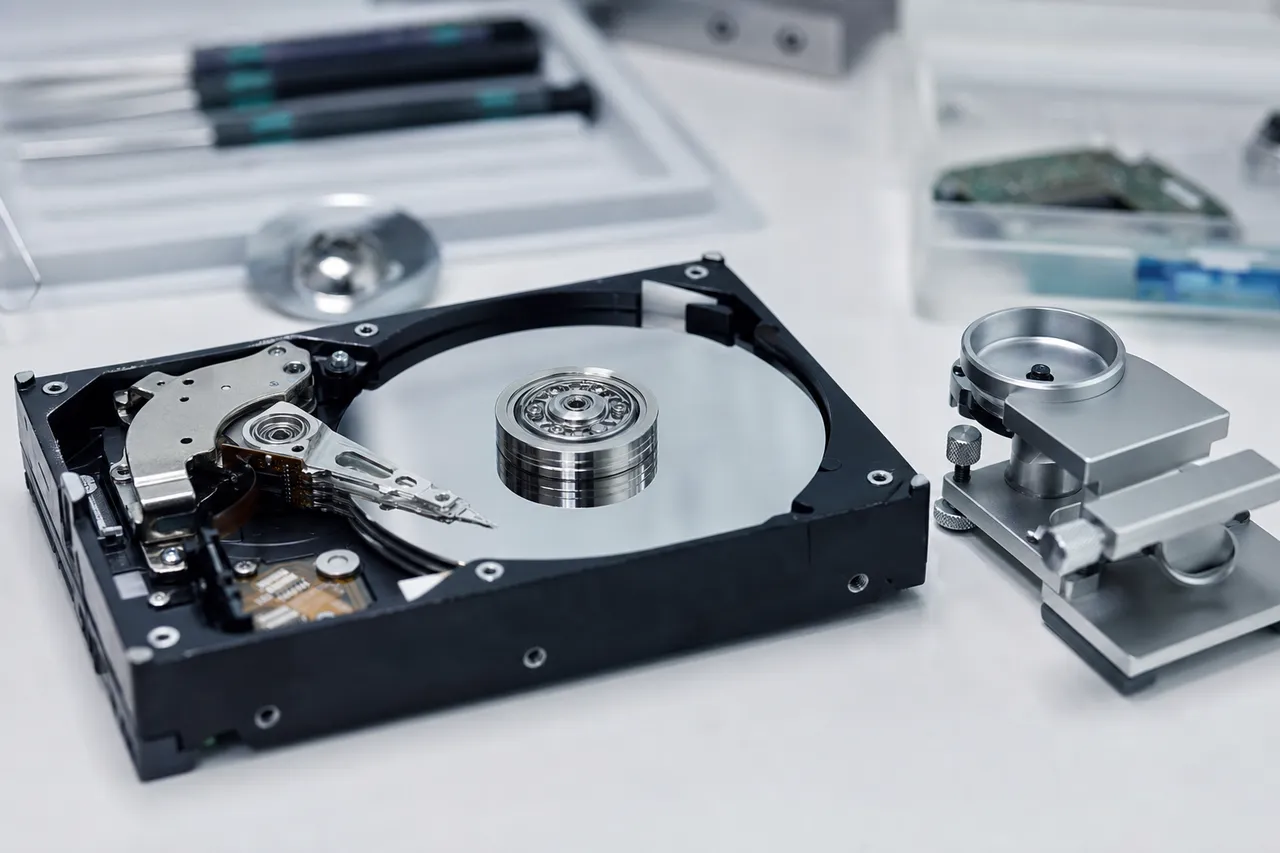
For bearing failure cases, freeing the motor is not an option because the bearings are physically damaged. Instead, we perform a platter transplant: the platter stack is carefully removed from the patient drive's chassis and installed into a donor drive chassis with a healthy motor assembly. This is one of the most delicate procedures in data recovery because the platters must be kept in their exact relative alignment - any rotational shift between platters in a multi-platter stack will misalign the data tracks and make the data unreadable. We use specialized platter clamp tools and alignment fixtures to ensure perfect platter registration during the transplant.
WD My Book drives are particularly susceptible to stiction because many users purchase them as backup devices and then store them without use for months or years between backups. We recommend powering on any stored My Book at least once every 3-6 months and allowing it to run for 15-30 minutes. This exercise cycles the motor bearings, redistributes the lubricant, and prevents the heads from settling onto the platter surface. If you have a My Book that's been in storage for over a year and doesn't spin up when you reconnect it, bring it to a professional lab rather than repeatedly trying to power it on - each failed spin-up attempt can cause the motor controller to deliver increasingly aggressive current pulses that can damage the motor windings.
Logical Recovery
Logical Data Recovery from WD My Book Drives
Not every WD My Book failure involves physical hardware damage. A significant percentage of the My Book recovery cases we handle at MDrepairs are logical failures - situations where the internal hard drive is physically healthy and functioning normally, but the data is inaccessible due to file system corruption, accidental deletion, formatting, or software-level errors. These logical cases often have the highest recovery rates and fastest turnaround times because they don't require cleanroom work or physical repairs.
File system corruption is the most common logical failure in WD My Book drives. The My Book typically formats its internal drive with NTFS (for Windows) or HFS+/APFS (for Mac). These file systems maintain complex metadata structures - the Master File Table (MFT) in NTFS, the Catalog B-tree in HFS+ - that serve as an index of every file on the drive. When these metadata structures become corrupted, the drive may show as RAW (unformatted), display as having zero used space, or show files with garbled names and incorrect sizes. The actual file data is usually completely intact on the platters; only the index that points to those files is damaged.
Common causes of file system corruption in My Book drives include: unsafe ejection (unplugging the USB cable while the drive is actively writing), sudden power loss (pulling the power adapter or experiencing a power outage during writes), reaching the drive's capacity limit while writing large files, and software conflicts between WD SmartWare and the operating system's own disk management tools. We see an alarming number of corruption cases caused by Windows Update processes that restart the computer while the My Book is actively writing a SmartWare backup.
Accidental formatting is another common logical failure. A user may accidentally quick-format the My Book to the wrong file system, initialize it through Disk Management when prompted, or reformat it during a computer setup process without realizing which drive they're formatting. A quick format only overwrites the file system's metadata structures - it does not erase the actual data. Our recovery tools can scan the raw drive image for file signatures and reconstruct the original file structure even after a quick format. Full formats (which write zeros to every sector) are less common and more damaging, but even these can sometimes yield partial recovery if the format was interrupted before completion.
WD SmartWare backup corruption deserves special attention because it's unique to WD drives. SmartWare creates a backup archive in a proprietary container format - files are stored in a SmartWare-specific directory structure with altered file names and metadata. When SmartWare's backup database becomes corrupted (again, usually from an interruption during backup), the software can no longer read its own backup files. The user sees the SmartWare backup as failed or empty, even though the files physically exist on the drive. Our recovery process extracts the raw files from the SmartWare container structure, bypassing the corrupted database entirely and delivering the original files with their actual names and folder structure restored.
For logical recoveries from encrypted My Book drives, the encryption layer adds a step but does not reduce the recovery probability. We first ensure the bridge board and encryption chip are functioning - if the drive appears in your computer and was previously working normally, the encryption is fine. We then image the drive through the bridge board (to decrypt the data) and perform our logical recovery on the decrypted image. If the bridge board has also failed, we must first address the encryption issue before performing the logical recovery - the data must be decrypted before file system analysis can be effective. Our pricing for logical My Book recoveries starts at $300 and rarely exceeds $500, making these cases the most affordable recovery tier. If your My Book is spinning normally, not making unusual sounds, but showing file system errors, the RAW status, or missing files, there's an excellent chance your data can be recovered quickly and affordably through logical recovery techniques.
My Book vs Passport
WD My Book vs. My Passport: Key Differences for Data Recovery
Customers frequently ask about the differences between WD My Book and WD My Passport data recovery. While both are Western Digital external hard drives, they differ in fundamental ways that affect failure modes, recovery procedures, and pricing. Understanding these differences helps set realistic expectations for recovery timelines and costs.
The most obvious difference is the internal drive size. The My Book uses a full-size 3.5-inch desktop hard drive, while the My Passport uses a compact 2.5-inch portable drive. This size difference has cascading effects on recovery. 3.5-inch drives have higher capacities (up to 22TB vs 6TB for 2.5-inch), more platters (up to 10 vs typically 2-3), and more complex head stacks. Head swaps on 3.5-inch drives are generally more challenging due to the larger head stack assemblies and tighter tolerances in high-capacity models. However, 3.5-inch drives also tend to be more robust against physical shock because they're designed to sit stationary on a desk rather than be carried around in a bag.
The power architecture differs significantly. My Book drives require external 12V DC power through a dedicated adapter, making them vulnerable to power surges, adapter failures, and electrical events that My Passport drives are immune to (since they draw power from the USB port). Power-related failures account for roughly 35% of all My Book recovery cases we handle, compared to less than 5% for My Passport cases. On the flip side, My Passport drives are far more susceptible to physical impact damage because they travel with the user - drops, bumps, and being knocked off surfaces cause the majority of My Passport failures.
Both product lines use hardware encryption, but the implementation details differ. My Book drives use a standalone crypto IC on the USB-to-SATA bridge board. My Passport drives implemented encryption differently across generations - some use a crypto IC on the bridge board (similar to My Book), while newer models embed the encryption functionality into a combined USB-to-SATA/crypto controller IC. The My Passport's integrated approach can make encryption chip transplants more challenging because you can't separate the USB controller from the crypto function - the entire IC must be transplanted, and it handles more functions with more connection points.
The internal drive firmware also differs. My Book drives typically contain WD Red, Blue, or White Label desktop drives with desktop-optimized firmware. My Passport drives contain WD-specific 2.5-inch drives (often with model numbers starting with WD-BX or WD-SN) with portable-optimized firmware that includes features like free-fall detection and aggressive head parking for power savings. The firmware recovery process uses different PC-3000 modules and utilities depending on the drive family.
From a pricing perspective, My Book recoveries tend to cost slightly more than equivalent My Passport recoveries due to the larger drive size, higher complexity of 3.5-inch head swaps, and the additional encryption chip transplant work that power surge cases require. However, the cost-per-terabyte recovered is often lower for My Book drives since they hold more data. A $1,000 recovery of a 12TB My Book works out to about $83 per terabyte, while the same recovery cost on a 2TB My Passport is $500 per terabyte.
Regardless of whether you have a My Book or My Passport, the recovery process at MDrepairs follows the same professional methodology: free initial evaluation, $100 diagnostic with a detailed report and firm quote, no data no charge policy, and free return shipping. If you're unsure which WD product you have, just describe the physical device to us - desk-sized with a power cable means My Book; palm-sized and bus-powered means My Passport - and we'll guide you through the process.
Prevention
Preventing Data Loss on WD My Book Drives
While MDrepairs recovers data from failed WD My Book drives every day, prevention is always better than recovery. The most effective data protection strategy is redundancy: ensuring your important files exist in at least two separate locations so that a single device failure doesn't result in total data loss. Here are specific, actionable recommendations for WD My Book owners based on the failure patterns we see most frequently in our lab.
Use a quality surge protector or UPS. Since power surges are the number one cause of My Book failures, protecting the power input is the single most impactful thing you can do. A basic surge protector provides some defense against minor spikes, but a UPS (uninterruptible power supply) with AVR (automatic voltage regulation) offers complete protection - it cleans incoming power, absorbs surges, and provides battery backup so the drive can be properly shut down during outages. Look for a UPS rated at least 350VA for a single My Book. Budget: $50-80 for a quality UPS that will protect a $200+ drive containing irreplaceable data.
Enable WD SmartWare's continuous backup - but don't rely on it alone. SmartWare provides real-time backup of selected file categories from your computer to the My Book, which protects against accidental deletion and computer failure. However, SmartWare backs up to the same My Book drive you're protecting - so if the My Book itself fails, your backup is gone. The true value of SmartWare is as a convenience layer; your actual disaster recovery plan should include a second backup destination such as a cloud service (Backblaze, iDrive, Google Drive) or a second external drive kept in a different location.
Always eject the My Book properly before disconnecting. The USB-connected My Book uses write caching - data is held in a temporary buffer before being committed to the platters. Unplugging the USB cable or pulling the power adapter while data is in the write cache causes file system corruption. On Windows, click the "Safely Remove Hardware" icon in the system tray. On Mac, drag the drive icon to the Trash (eject) or right-click and select Eject. Wait for the confirmation before disconnecting anything. If your My Book has an LED indicator, wait for it to stop flashing (indicating no active writes) before ejecting.
Power off the My Book when not in use. Unlike the My Book Live NAS which needs to stay powered for network access, a standard USB My Book only needs power when you're actively accessing it. Running a desktop hard drive 24/7 accelerates bearing wear, increases exposure to power events, and generates heat that degrades the drive's internal components over time. Western Digital rates most My Book internal drives for limited duty cycles - they're not enterprise drives designed for continuous operation. Power the drive off using its rear switch (if equipped) or disconnect the power adapter when you're finished with your backup or file access session.
Monitor the drive's SMART data. SMART (Self-Monitoring, Analysis, and Reporting Technology) is built into every hard drive and tracks health indicators like reallocated sector count, pending sectors, read error rates, and power-on hours. Free tools like CrystalDiskInfo (Windows) or DriveDx (Mac) can read SMART data from your My Book and alert you when indicators start trending toward failure. The key warning signs are: Reallocated Sector Count above zero (the drive is finding and working around bad spots), Current Pending Sector Count above zero (the drive has found suspect areas but hasn't resolved them), and UltraDMA CRC Error Count increasing (communication errors between the drive and your computer). Any of these indicators suggest the drive should be replaced proactively - copy your data to a new drive before the old one fails completely.
Replace the My Book every 3-5 years. Hard drives are mechanical devices with moving parts that wear out. Western Digital's warranty period on most My Book models is 2-3 years, which reflects their expected useful lifespan. Drives don't necessarily fail at year 3, but failure probability increases significantly after 4-5 years of regular use and even sooner under heavy or continuous use. Proactively migrating to a new drive every 3-5 years - while keeping the old drive as a secondary archive - dramatically reduces your risk of catastrophic data loss.
Follow the 3-2-1 backup rule. Keep 3 copies of important data, on 2 different media types, with 1 copy stored off-site. For a WD My Book user, this might look like: original files on your computer (copy 1), My Book backup (copy 2, different device), and cloud backup (copy 3, off-site). This strategy ensures that no single event - a power surge, theft, fire, flood, or hardware failure - can destroy all copies of your data.
Why MDrepairs
Why Choose MDrepairs for WD My Book Data Recovery
MDrepairs has recovered data from thousands of WD My Book external hard drives across every model, capacity, and failure type. Our lab in Lincroft, NJ is purpose-built for data recovery with an ISO Class 5 cleanroom, PC-3000 professional diagnostic platform by ACE Lab, advanced BGA rework stations for encryption chip transplants, and an extensive inventory of WD donor drives and bridge boards. Here's what specifically makes us the right choice for your My Book recovery.
We specialize in WD encryption chip transplants. The hardware encryption in WD My Book drives is the single biggest reason recoveries fail at other labs. Many data recovery shops - even legitimate ones - lack the micro-soldering equipment and technique to safely desolder a BGA encryption IC from a damaged board and transplant it to a donor. This is a skill that requires specialized training, proper equipment (hot air rework station with precision nozzles, BGA reballing fixtures, flux and solder paste for the specific IC package), and experience handling these specific chips across all WD board revisions. We perform encryption chip transplants routinely and have a success rate exceeding 97% on these procedures.
Our PC-3000 expertise covers all WD firmware families. The internal drives in WD My Book enclosures span multiple WD product families - Caviar, Red, Blue, White Label - each with different firmware architectures and recovery procedures. Our technicians are certified on the PC-3000 platform and regularly attend advanced training to stay current with WD's evolving firmware. We maintain firmware module libraries for thousands of WD models, enabling us to repair corrupted firmware without needing physical access to a matching drive's service area.
We maintain the largest WD donor inventory in the tri-state area. Head swaps and platter transplants require donor drives that match the patient drive's model number, revision, head map, and firmware compatibility. We stock over 500 WD 3.5-inch drives specifically for this purpose, covering models from the early Caviar Green era through the latest WD Red Plus and WD White Label drives found in current My Book enclosures. For bridge board donors, we maintain inventory of every major My Book bridge board revision including Initio, JMicron, ASMedia, and Symwave-based boards with matching crypto ICs. Having donors in stock means we don't have to source them for each case, which saves days or weeks of turnaround time.
Transparency through social media. With over 2 million followers across YouTube, TikTok, and Instagram, we've built our entire reputation on showing real data recovery work. Our videos demonstrate actual cleanroom procedures, board-level repairs, and diagnostic processes - the same work we'll perform on your drive. This level of transparency is extremely rare in the data recovery industry, where most labs operate behind closed doors. When you send your My Book to MDrepairs, you know exactly what kind of lab and technicians are handling your drive because you've seen our work firsthand.
No data, no charge policy. If we cannot recover your data, you pay only the $100 diagnostic fee - never the full recovery price. This policy aligns our incentives with yours: we only get paid when you get your data back. We don't pad our success rate by excluding difficult cases or charging for unsuccessful recoveries. When we quote you a recovery price, it's a firm maximum - the final cost can only go down, never up, from the quoted amount.
Nationwide service with free shipping. While we're based in New Jersey, we serve WD My Book recovery customers across all 50 states through our secure mail-in program. We provide a prepaid, insured FedEx shipping label for sending your drive to us, and we ship the recovered data back on a new external drive via insured FedEx at no additional charge. The entire process - from requesting a shipping label to receiving your recovered data - can be completed without ever leaving your home or office. Local customers in the Monmouth County, NJ area can also drop off and pick up drives in person at our Lincroft lab.
Fair and transparent pricing. Our My Book recovery pricing starts at $300 for logical cases and ranges up to $1,500 for the most complex multi-component recoveries. We never charge more than the quoted price, we don't have hidden fees, and the $100 diagnostic is always applied toward the recovery cost. We provide a detailed written breakdown of the diagnostic findings and recovery plan before you commit to any charges. Many of our customers have told us our prices are significantly lower than quotes they received from larger national chains - while our success rates are comparable or higher because of our WD specialization.
Security Protocol
Data Privacy & Chain of Custody
Your data is handled under strict chain-of-custody procedures from intake to secure destruction.
1
Intake Logging
Every drive is photographed and logged with a unique case number, serial, model, and condition on arrival.
2
Restricted Access
Only your assigned technician handles your drive. No shared workstations, no exceptions.
3
No Browsing Data
We never open or view your files. Integrity is verified through checksums and file structure only.
4
Secure Delivery
Data is transferred to a new drive and shipped back to you. All copies are purged after confirmation.
5
Drive Return
Your new drive is returned with your recovered data.
After Recovery
What You Receive After Recovery
Your Recovered Data
Your files are delivered on a new external hard drive shipped directly to you, or we send you a password-protected download link for secure retrieval. We include a file listing so you can verify everything before we purge our copies.
Your Original Drive
After recovery is complete, you choose what happens to your original drive - we can return it to you, hold it for a specified period, or securely destroy it. All copies of your data on our systems are purged after you confirm receipt.
Ongoing Support
Need help accessing your recovered files, transferring data to a new device, or setting up backups to prevent future data loss? Our team is available after delivery to help you get back on track.
Talk to the engineer working on your My Book - not a call center.
Straight answers on WD My Book recovery - encryption, power surges, My Book Duo RAID, cost, and turnaround.
Why can't I just take the hard drive out of my My Book and connect it via SATA?
All modern WD My Book drives (manufactured since approximately 2011) use hardware-level AES-256 encryption. The encryption key is stored on a chip on the bridge board inside the My Book enclosure - not on the hard drive itself. If you remove the drive and connect it via SATA, the data appears as encrypted gibberish. You need the original bridge board's encryption chip to decrypt the data.
What is WD My Book hardware encryption?
WD My Book drives use AES-256 hardware encryption that is always active, even if you never set a password. A crypto chip on the USB-to-SATA bridge board encrypts every byte written to the drive and decrypts it when read back. The encryption key is unique to each bridge board and stored only on that specific chip. This is why a failed bridge board makes data inaccessible and why recovery requires transplanting the encryption chip to a working board.
My WD My Book stopped working after a power surge. Is my data gone?
Almost certainly not. Power surges typically damage the My Book's bridge board and potentially the internal drive's PCB, but the data on the platters is usually unaffected. We perform encryption chip transplants and PCB repairs to restore access. Our success rate on power surge My Book cases exceeds 96%. Do not attempt to power the drive on repeatedly after a surge - each attempt can cause additional damage.
Can you recover data from a WD My Book that won't power on?
Yes. A My Book that won't power on typically has a failed power adapter, damaged PCB, or seized spindle motor. We diagnose the specific component that failed, repair or replace it, and recover the data. Power adapter failures alone are the simplest fix; PCB or motor issues require more involved work. Even if the drive is completely unresponsive, data on the platters is almost always intact.
How much does WD My Book data recovery cost?
WD My Book recovery at MDrepairs ranges from $300-$500 for logical/firmware issues, $500-$800 for PCB repairs and encryption chip transplants, and $800-$1,500 for cleanroom head swaps, platter transplants, and RAID rebuilds. All recoveries start with a $100 diagnostic that is applied toward the recovery cost. No data, no charge - if we can't recover your files, you only pay the $100 diagnostic fee.
My WD My Book is clicking. What should I do?
Stop using the drive immediately. Clicking indicates a failed read/write head stack - the heads are trying to read the firmware zone and failing repeatedly. Continued operation risks the failed heads contacting the platter surface and causing irreversible damage. Power off the My Book, disconnect it, and contact a professional data recovery lab. Do not run any software recovery tools on a clicking drive.
How long does WD My Book data recovery take?
Standard turnaround is 5-10 business days for logical, firmware, and PCB repair cases. Head swaps and encryption chip transplants typically take 3-5 business days. Emergency 24-48 hour turnaround is available for critical data. My Book Duo RAID cases may add 1-2 additional days for multi-drive imaging and array reconstruction. We provide regular status updates throughout the process.
Can I replace the WD My Book power adapter to fix it?
You can try a replacement 12V DC adapter with the correct barrel connector size and amperage rating. If the original adapter simply died from age, a replacement may restore power. However, if the drive stopped working due to a power surge, the surge likely damaged internal components beyond the adapter - the bridge board PCB, encryption chip, or even the internal drive's electronics. A new adapter won't fix those components and may cause further damage if the internal circuitry has shorts.
My WD My Book is beeping. What does that mean?
A beeping sound from a My Book typically indicates that the internal 3.5-inch drive's spindle motor is unable to spin up. This can be caused by a seized motor, stiction (heads stuck to platter surface), or a failed motor controller IC on the PCB. The beeping occurs because the motor controller attempts to spin the motor, detects a stall, and retries - each retry attempt produces a beep. Power off the drive and seek professional recovery.
My WD My Book shows as RAW in Windows. Can you fix it?
Yes. A My Book showing as RAW means the file system's metadata (MFT for NTFS, catalog for HFS+) has become corrupted, but the actual file data is almost always intact on the platters. This is a logical failure with a very high recovery rate. Do not format the drive when Windows prompts you to - formatting overwrites the file system structures and can make recovery more difficult. Send the drive to us and we'll recover your files from the raw image.
Can you recover data from a WD My Book Duo?
Yes. We recover data from My Book Duo drives in both RAID 0 (striped) and RAID 1 (mirrored) configurations. For RAID 0 failures, we image both drives and reconstruct the striped array using our PC-3000 RAID module. For RAID 1 failures, we typically recover from the healthier mirror drive and supplement with data from the degraded drive as needed. We handle the hardware encryption layer on both drives as part of the process.
What happens if you can't recover my WD My Book data?
If we cannot recover your data, you only pay the $100 diagnostic fee. We never charge the full recovery price for an unsuccessful case. Our no data, no charge policy means you won't pay hundreds or thousands of dollars for a failed attempt. We'll provide a detailed explanation of why recovery wasn't possible and return your drive via insured shipping at no charge.
What is a WD My Book?
The WD My Book is Western Digital's line of desktop external hard drives. Unlike the portable My Passport, the My Book uses a full-size 3.5-inch internal hard drive, requires an external power adapter, and is designed to sit on a desk as a backup or storage hub. Current models range from 3TB to 22TB. The My Book line also includes the My Book Duo (dual-drive RAID), My Book Live (NAS), and legacy models like the My Book Essential and My Book Studio.
Can you recover data from a WD My Book Live that was wiped?
Yes. The WD My Book Live NAS devices affected by the 2021 remote wipe attack (CVE-2018-18472) typically had their partition tables deleted and file systems reformatted, but the actual data blocks were not overwritten. We recover 85-97% of files from these wiped devices by scanning the raw drive image for file signatures and reconstructing files from the underlying data blocks.
What WD My Book models do you recover data from?
We recover from all WD My Book models ever manufactured: My Book (current generation), My Book Desktop, My Book Essential, My Book Essential Edition, My Book Duo, My Book Live, My Book Live Duo, My Book World Edition, My Book Studio, My Book Studio LX, My Book Studio Edition II, My Book VelociRaptor Duo, My Book Mirror, My Book Pro, My Book AV-TV, and My Book Thunderbolt Duo. Capacities from 500GB to 22TB.
Is WD My Book data recovery covered under warranty?
No. Western Digital's warranty covers hardware replacement only - they will send you a new or refurbished empty drive. WD's warranty explicitly does not cover data recovery, and sending a drive to WD for warranty replacement means your data is gone. If your data matters more than getting a replacement drive, contact a data recovery lab first. You can still pursue the warranty replacement after your data has been recovered.
Can you recover data from a physically damaged WD My Book?
Yes, in most cases. If the My Book enclosure was dropped, knocked over, or physically damaged, the internal hard drive may have suffered a head crash or platter damage. We perform cleanroom head swaps to replace damaged heads and can image drives with platter damage by working around damaged zones. Recovery success depends on the extent of platter surface damage - minor damage typically allows 95%+ recovery, while severe scoring or deep scratches may affect the files stored in those specific areas.
Do you offer free shipping for WD My Book recovery?
Yes. We provide a prepaid, insured FedEx shipping label for sending your WD My Book to our lab. Return shipping of your recovered data on a new external drive is also free and insured. We serve customers in all 50 states through our mail-in program. Local customers in the Monmouth County, NJ area can drop off and pick up in person at our Lincroft lab.
Can you recover WD SmartWare backup files from a My Book?
Yes. WD SmartWare stores backup files in a proprietary container format with its own directory structure and database. When SmartWare's database becomes corrupted, the software can't read its own backups even though the files physically exist on the drive. We extract the raw files from the SmartWare container structure, bypassing the corrupted database, and deliver the original files with their actual names and folder structure restored.
Is my data private during WD My Book recovery?
Absolutely. All data handled in our lab is treated as strictly confidential. We do not view, share, or access customer files beyond what is necessary to verify recovery success. Our technicians are bound by confidentiality agreements. After your recovered data is returned and confirmed, we securely erase all copies from our systems within 30 days. We can also sign a custom NDA if required for business or legal data.
Can you recover data from a WD My Book that was dropped?
Yes. Although desktop My Book drives are less commonly dropped than portable drives, it does happen - especially when cables are tripped over or the drive is knocked off a shelf. Drops typically cause head crashes in the internal 3.5-inch drive. We perform cleanroom head swaps using matched donor drives and image around any platter damage caused by the impact. Recovery success depends on the severity of the impact and whether the drive was powered on at the time of the drop.
What's the difference between WD My Book and My Book Duo?
The standard My Book contains a single 3.5-inch hard drive (3TB-22TB). The My Book Duo contains two 3.5-inch hard drives that can be configured as RAID 0 (striped - combines both drives for maximum capacity and speed) or RAID 1 (mirrored - each drive contains a complete copy for redundancy). The My Book Duo also uses hardware encryption. Recovery from Duo models involves handling two drives plus RAID array reconstruction, which makes it more complex and typically costs more than single-drive recovery.
Can you recover specific file types from a WD My Book?
Yes. We recover all file types including documents (Word, Excel, PDF), photos (JPEG, RAW, TIFF, PNG), videos (MP4, MOV, AVI, ProRes), databases (SQL, Access, QuickBooks), music (MP3, WAV, FLAC), and application-specific files (Lightroom catalogs, Final Cut Pro libraries, AutoCAD drawings). Our recovery preserves the original file names, folder structure, and file metadata whenever possible. If the directory structure is damaged, we can identify files by their content signatures during file carving.
Should I run data recovery software on my WD My Book?
It depends on the symptom. If the drive is making clicking, beeping, or grinding sounds, do NOT run any software - these are signs of physical damage and software will make it worse. If the drive sounds normal but shows file system errors, software recovery may work for simple cases like accidental deletion. However, if the My Book has encryption and the bridge board has issues, no software can help because the data is encrypted. When in doubt, a $100 professional diagnostic is the safest path - it tells you exactly what's wrong before any recovery attempt.
How do I ship my WD My Book for data recovery?
Contact us at 732-933-7717 or through our website to request a free prepaid FedEx shipping label. Pack your WD My Book in its original box if available, or wrap it in bubble wrap and place it in a sturdy box with padding on all sides. Include the power adapter and USB cable if you have them. Ship the entire My Book unit - do not remove the internal hard drive from the enclosure, as we need the original bridge board for the encryption chip. We'll confirm receipt and begin the diagnostic within 24 hours of arrival.